

BTTR is independent. We may earn a commission if you buy through our links.
Why trust us? | How we test
The very first media briefing I attended, back in 2004 when I started as a staff writer at T3 magazine, was the launch of a Philips Ambilight TV. I remember it well because I had almost no idea about what was being discussed.
Since then, I've reviewed dozens of TVs for brands like Finder, Gizmodo and Cnet, and since I launched BTTR.reviews I've tested six different models.
That's a pretty small sample of the sheer range of TVs on the market today, but it's still enough for me to have a favourite.
It may not be the best TV in Australia from a technical standpoint, but out of the six models I've tested in the past three years, it's a clear standout.
If it's not your cup of tea (and that's okay!), I've also included some other thoughts and recommendations based on my hands-on experience below.
My favourite TV right now:
LG OLED evo G5
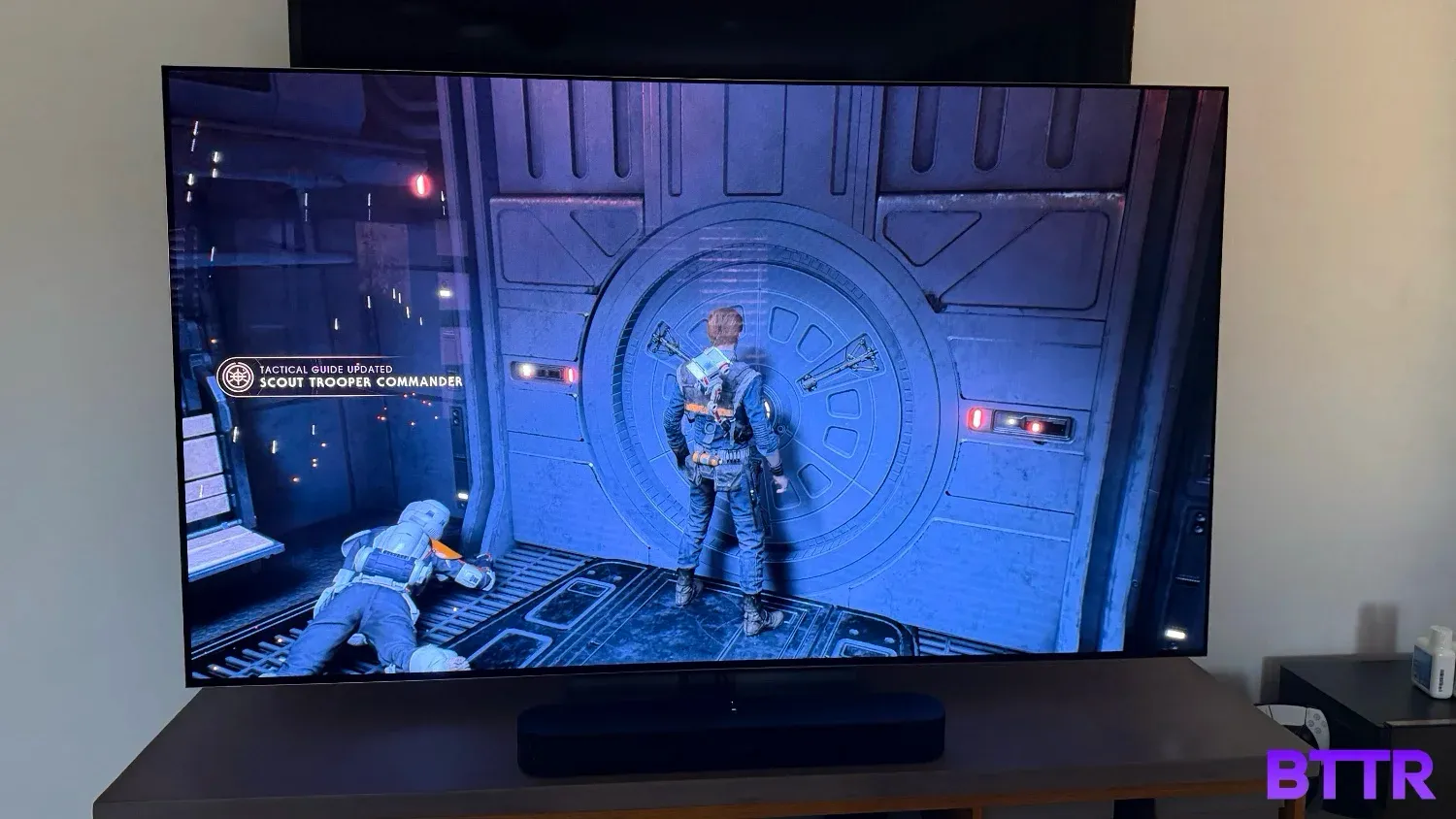
The biggest TV I've ever owned is my current 65-inch Sony model. It does a pretty good job, even though it's over 10 years old now.
But sticking the 77-inch G5 OLED evo panel from LG in front of my TV for a month was a stark indication of just how far TV technology has progressed in the past decade.
LG's latest flagship panel continues to deliver the exceptional black levels you expect from the technology, but has had its internals reworked to overcome OLED's innate issue with brightness. Seriously, sometimes I found the G5 too bright.
Images really look exceptional. I watched Volume 1 of Season 5 of Stranger Things on this TV during my review period, and I can tell you, having just watched Volume 2 on my Sony TV, the LG did a sensational job.
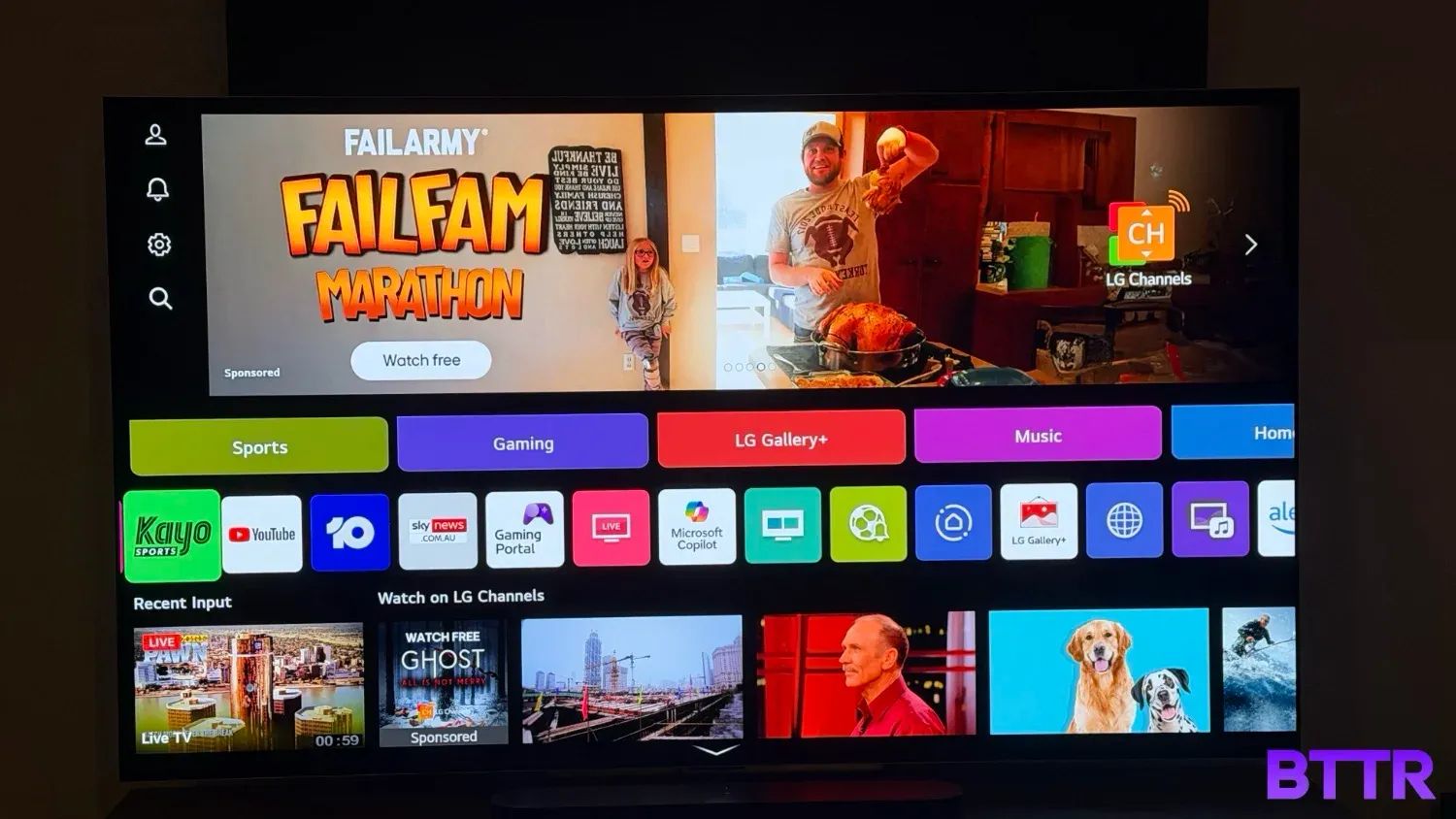
My biggest issue with the TV is the operating system. LG has decided to stuff ads into webOS, which is horrible. While you can turn them off, half the screen is still dedicated to that ad slot, which seems like a waste of good real estate. Fortunately, you can just use a device like an Apple TV to work around it.
The G5 OLED evo is not exactly a cheap TV, particularly as the screen sizes get bigger. But they do look fantastic. If you can afford it, you won't be disappointed.
 Nick Broughall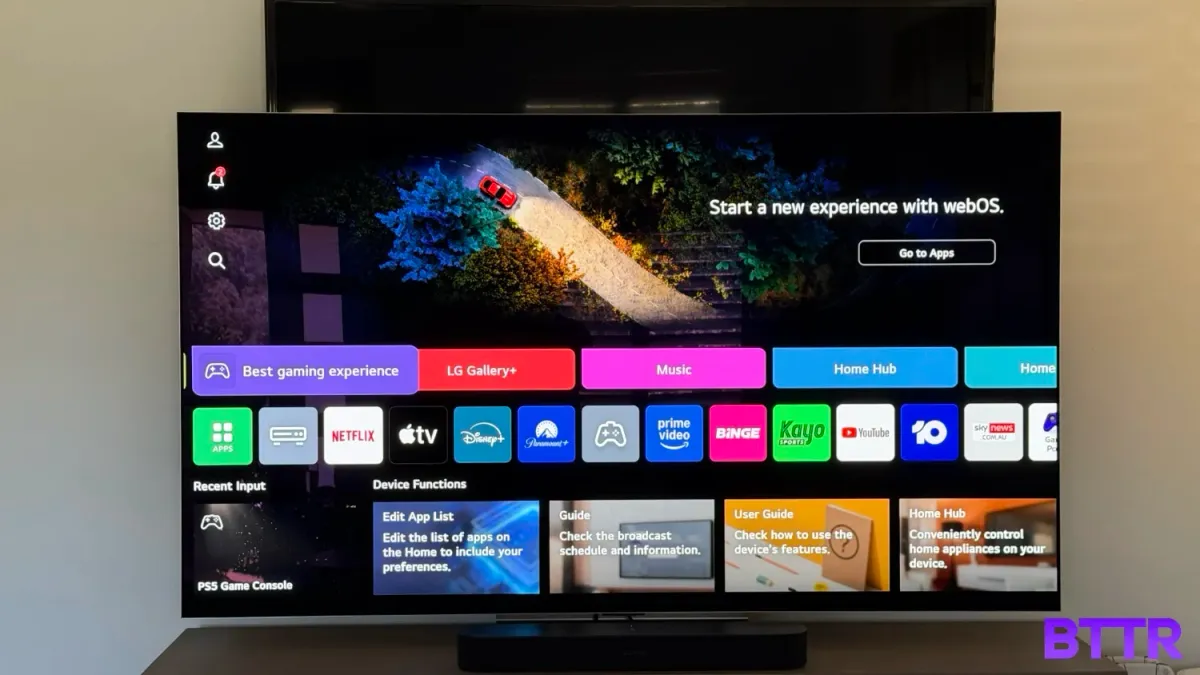
Other models you could consider:
Great for bright rooms: Samsung S95F OLED TV
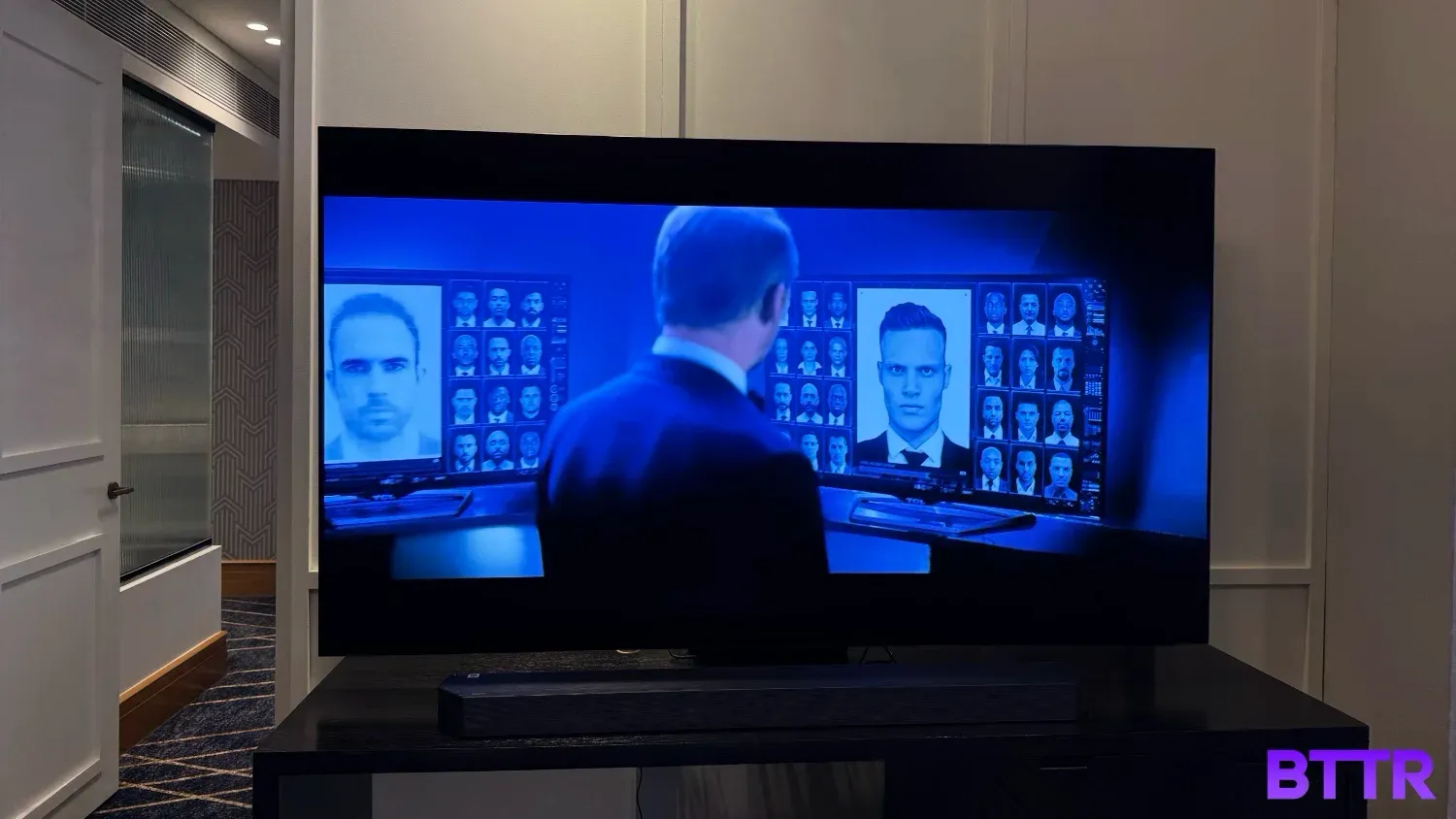
Let me be honest – I only got to sit down with the S95F for about four hours during my hands on review window earlier this year.
That's not enough time to deliver a definitive verdict on the television's merits or flaws.
But it is enough time to get an idea of what the TV can do. And in the time I tested it, the S95F did a great job.
It's biggest call to fame is the anti-reflective coating. While most OLEDs really struggle to be bright enough in brightly lit rooms, the S95F's coating removes the glare you typically find in living rooms around Australia. And it does so without sacrificing brightness or colour reproduction.
The TV itself is a stunning slab of glass, with Samsung's One Connect box operating as a separate control for all your ports and connections. The 83-inch TV is just 12.6mm thick, which is thinner than my finger.
It also means that the internal speakers are pretty rubbish. As with any flat panel TV, I heartily recommend you buy a soundbar. But they'll get you by in a pinch.
Samsung has been at the forefront of sticking "AI" into every product it releases for a few years now, but I didn't actually hate the AI in this TV. You can set customised preferences for AI upscaling, and it will adjust the picture accordingly. It worked quite well, though low quality source material still struggles.
Samsung is pretty new to the OLED game, but it feels like the brand took a big step forward this year with the S95F. It's expensive, but it's a great option for brightly lit rooms.
 Nick Broughall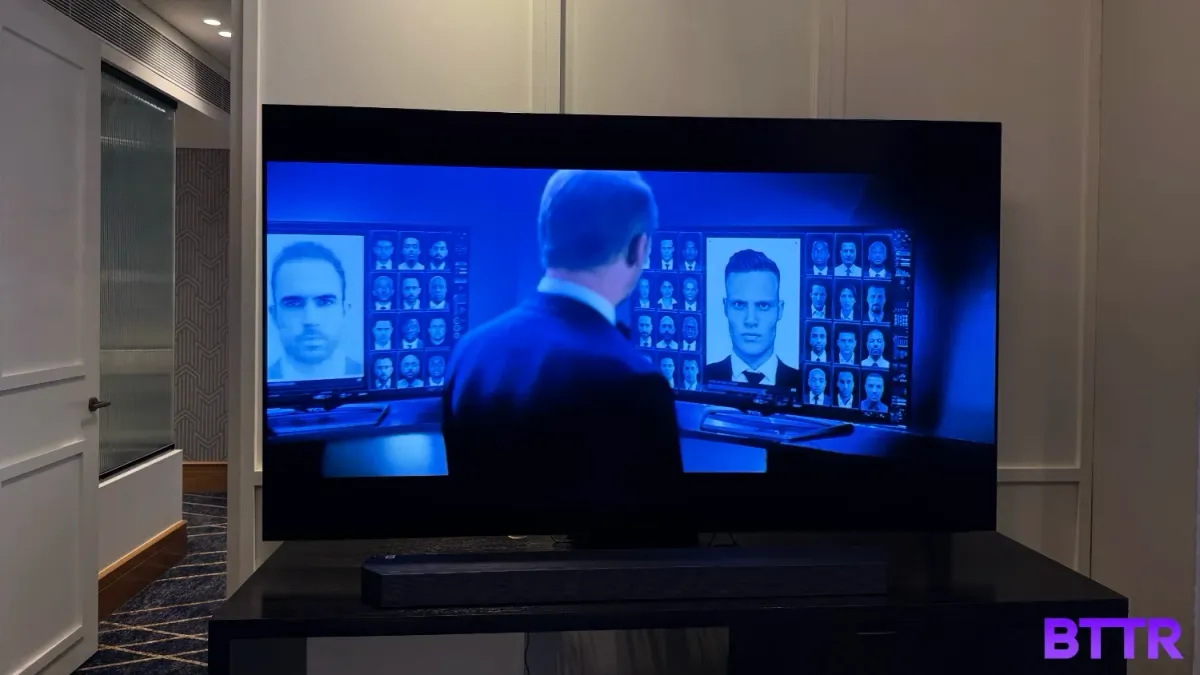
Impressive and affordable: Hisense U6QAU Pro
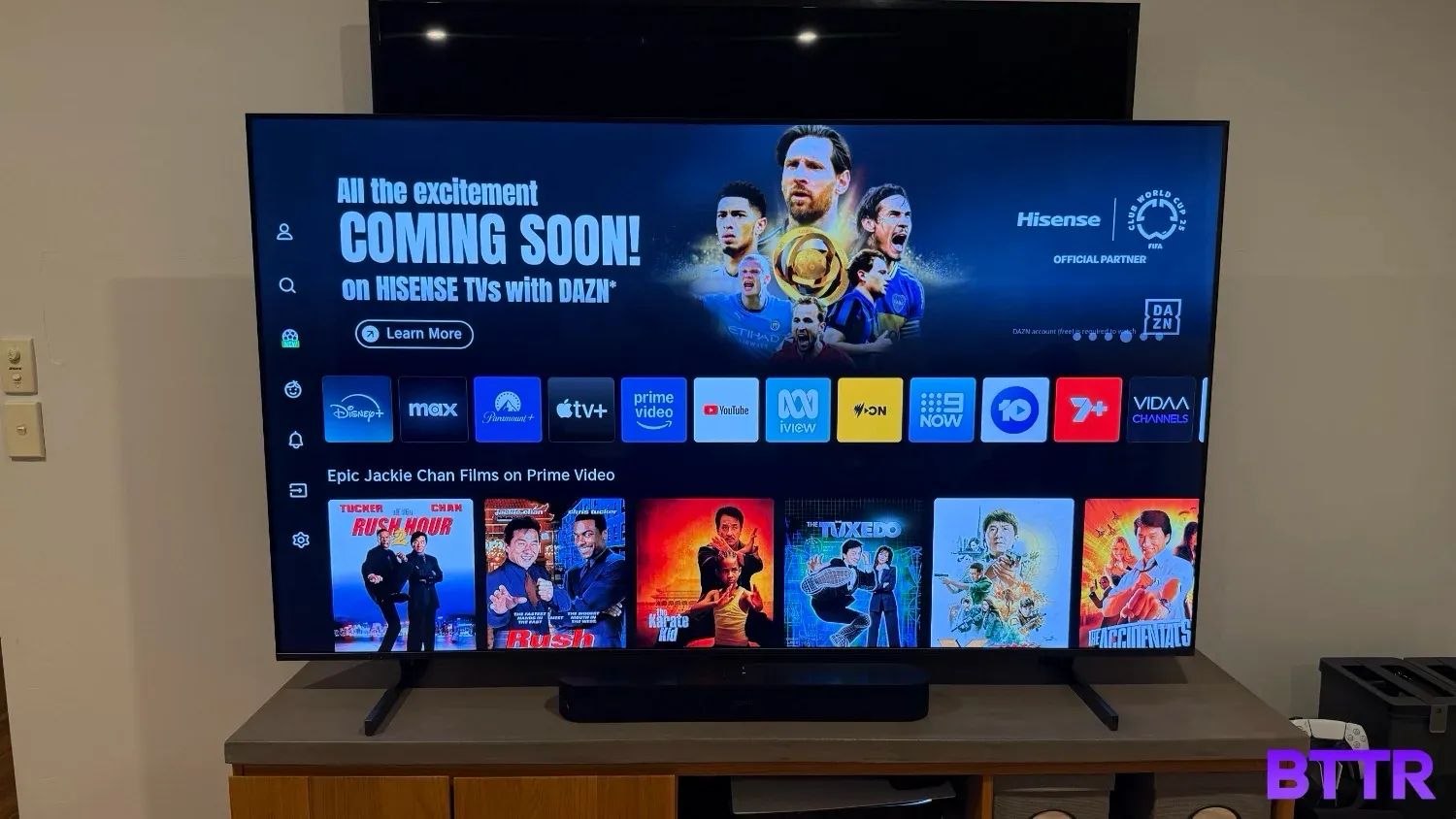
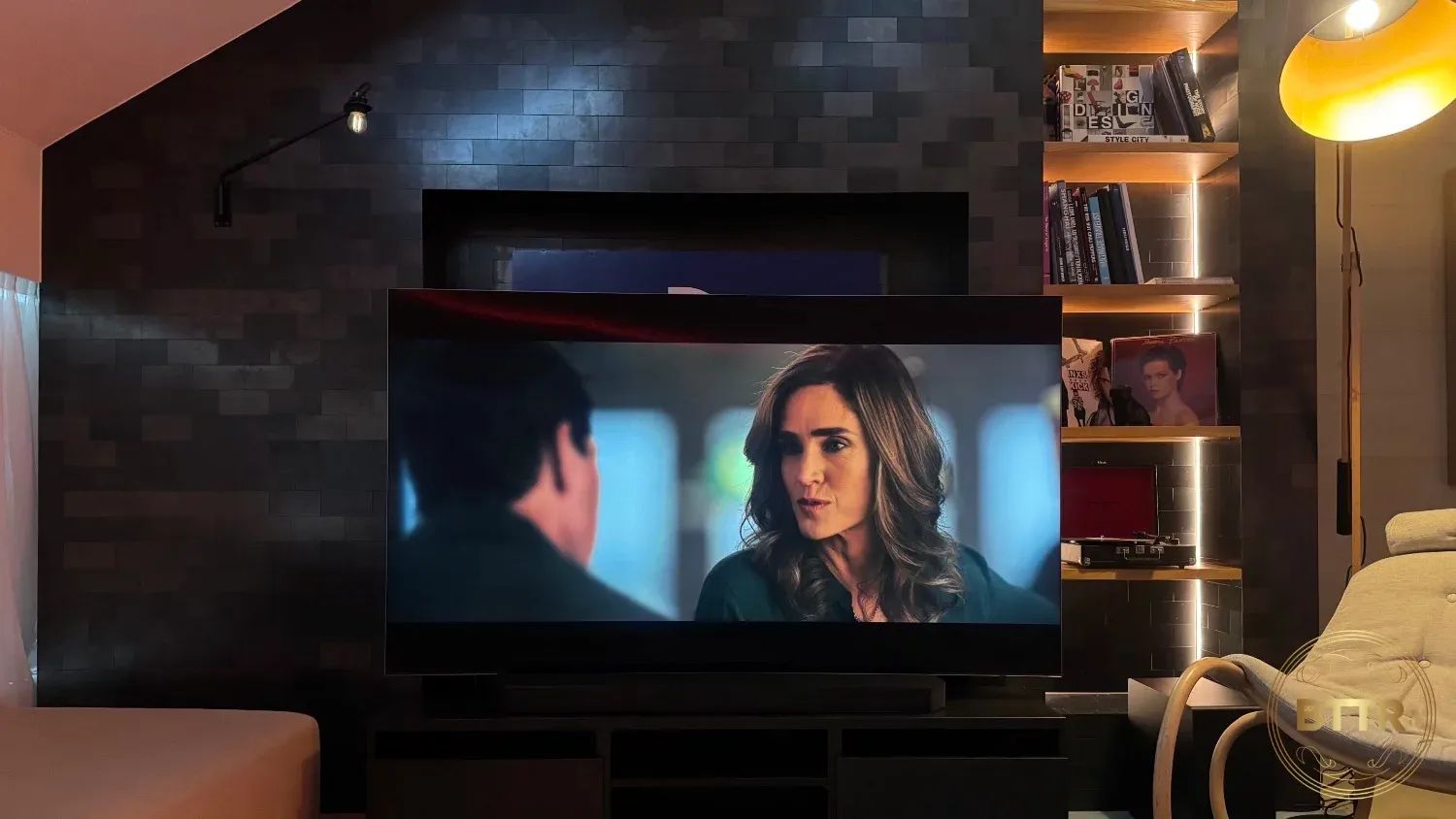
I was blown away by the quality of this Hisense 4K TV. You can see in the picture above that I tested it at home, installed in front of my Sony panel from over 10 years ago.
That Sony was one of the first 4K screens in Australia, and it's served me well. But it struggles when compared to this budget model from Hisense.
With a 100-inch model that costs the same as the 65-inch Samsung S95F OLED, the Hisense U6QAU uses mini LED backlighting to help deliver 900 nits of peak brightness.
You get a 144 Hz native refresh rate, support for Dolby Vision and HDR 10+, and quantum dot technology, which lets it display over 1 billion different colours.
Only two out the four HDMI ports support HDMI 2.1, which isn't ideal for gamers, and the speakers are disappointing.
But if you need a new TV on a budget, this is definitely worth considering. Especially given the range of sizes means you can get more bang for your buck, literally.
 Nick Broughall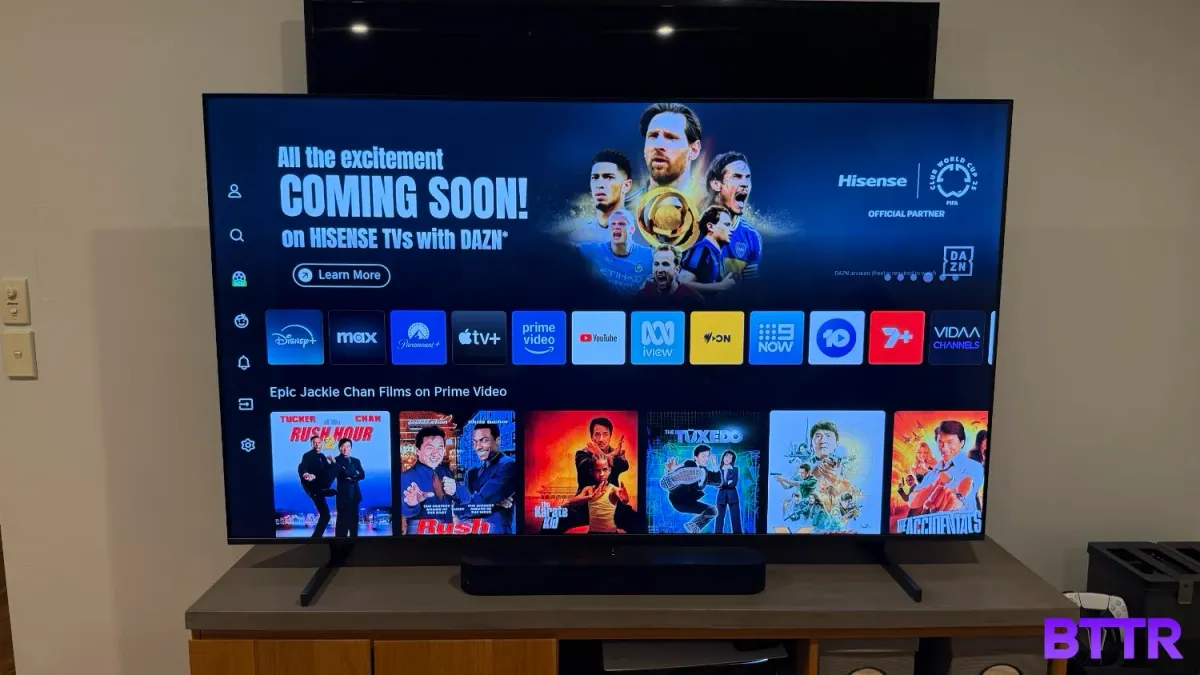
8K overkill: Samsung QN900D Neo QLED 8K
Look, I have no doubt that this year's version of Samsung's 8K Neo QLED TV is going to be better than the 2024 version. That's typically what happens with technology.
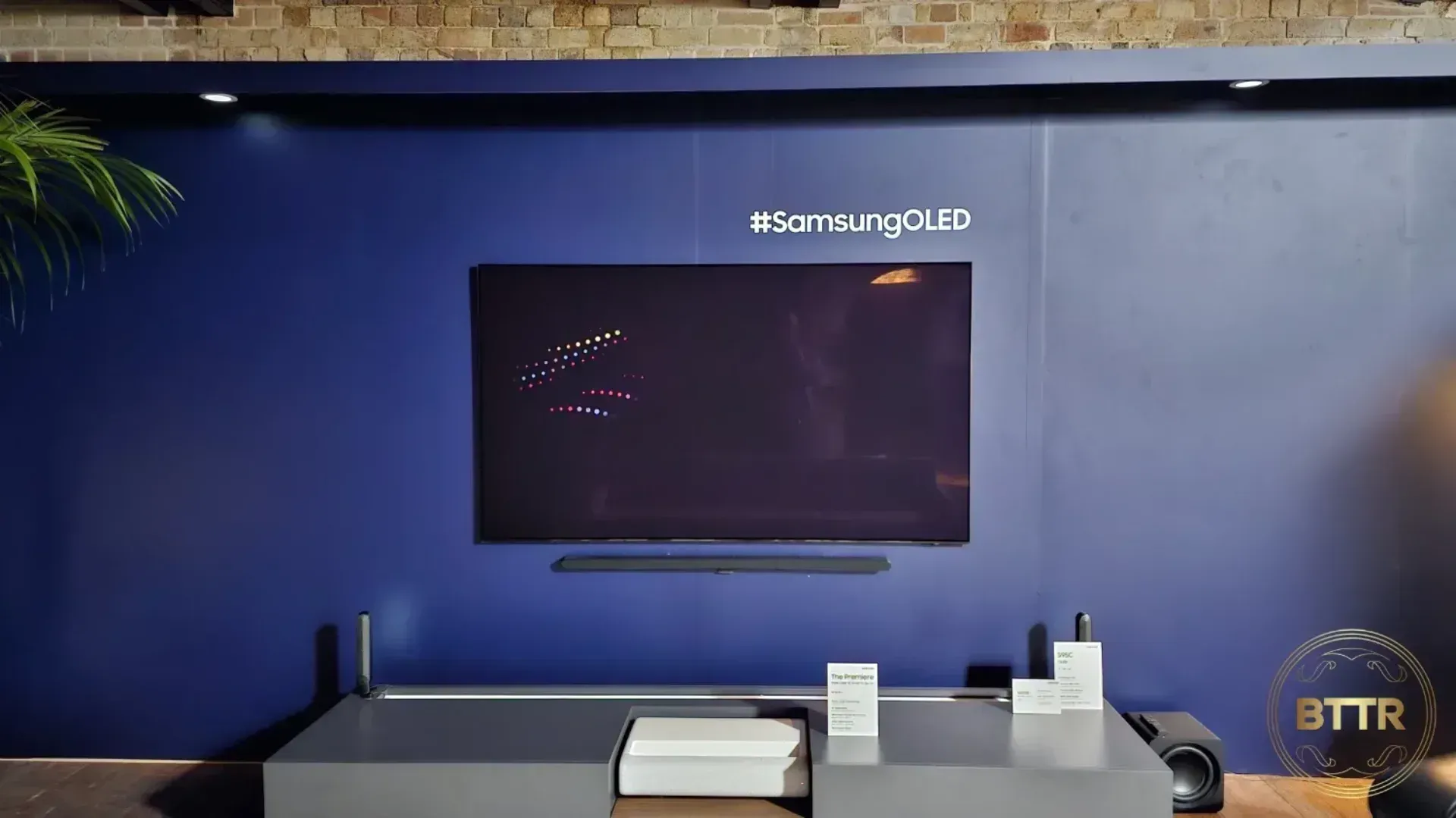
But I haven't tested this year's version. I did get about 5 hours hands on time with the 2024 model, and it was spectacular.
There's practically no bezel at all with this TV. It's shockingly thin, and Samsung's UI works really well to help you navigate to the content you want to watch.
There's still not really any 8K content to be found to truly take advantage of the QN900D's resolution, but Samsung managed to solve that particular conundrum by using AI upscaling.
It mostly works – so long as the source material is still reasonably high quality.
The truth is that Samsung's 8K TVs are probably overkill for you. They are definitely overkill for me.
But they are also exceptional. They look fantastic, and deliver incredible picture quality. If you want a premium TV experience, pick up one of these (or its successor).
 Nick Broughall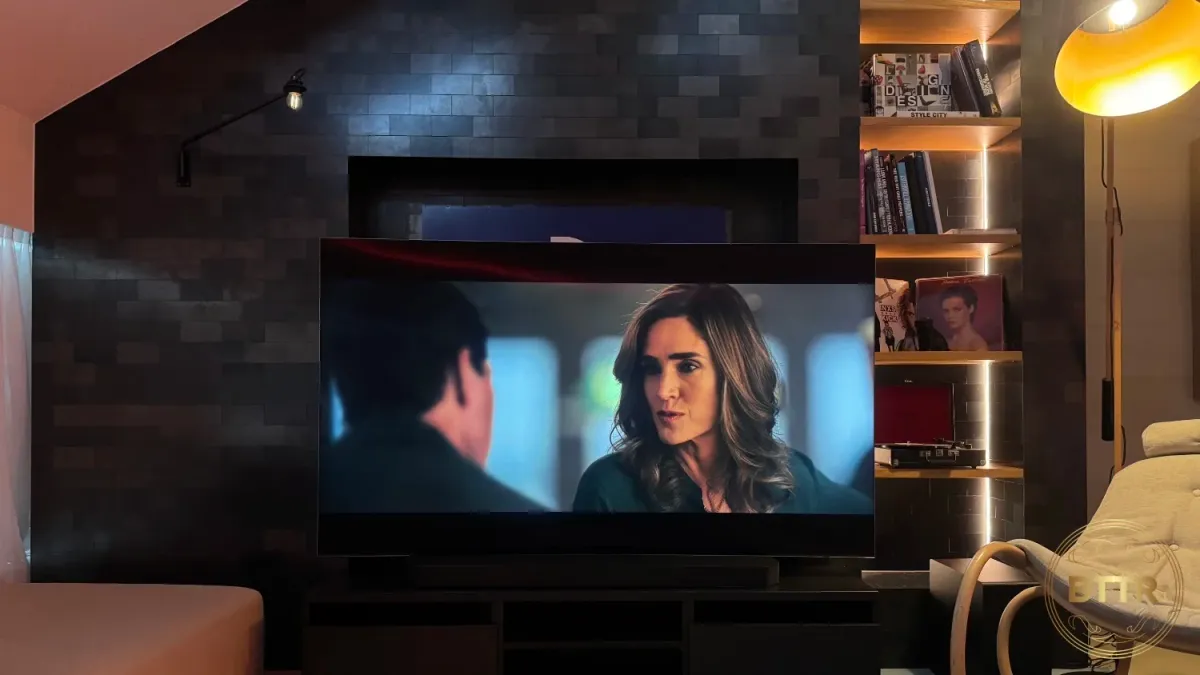
How we chose the best TVs in Australia
I've reviewed probably somewhere around two dozen TVs in my career, and seven since I started BTTR. In that time I learned that review sites - including this one - are subjective by nature. Everybody has a different opinion of what is best.
So for this guide, I’ve recommended my top TV choices only from the models I have tested.
That's a limited pool! But it means it's an accurate reflection of my expertise. As I review more TVs, I'll keep this guide updated.
TVs I've reviewed at BTTR for this guide
What to look for when choosing the best TVs in Australia
TVs have become remarkably affordable. The days of only having a single TV in the home are gone for many families.
Whether you are looking to replace your main TV or simply grab another display for the bedroom or rumpus room, the things you need to consider when buying a TV are the same.
To help, these are the most important things to consider when buying a new TV.
Screen size
There’s undeniably a trend in TVs to think bigger is better. With prices dropping for bigger screens, it makes sense that many people would just opt for the biggest screen they can afford.
Like mobile phones, screen sizes are measured on the diagonal in inches. So a 65-inch TV measures 65 inches from the top left corner to the bottom right corner.
When deciding on which screen size to buy, it’s actually better to think about the room you will be placing the television in to decide what size to buy.
More specifically, how far away will you be sitting from the TV? The guidance is that you should sit about 1.2x the size of the TV.
So for a 65-inch TV, you’ll want to be sitting 78-inches from the TV, which is about two metres away.
There’s obviously some wriggle room with this. You’re not going to destroy your purchase by buying a TV bigger than recommended by the distance.
Also – and this is important – measure the space for your TV. You want to make sure the physical dimensions of the TV will fit your entertainment unit or wall.
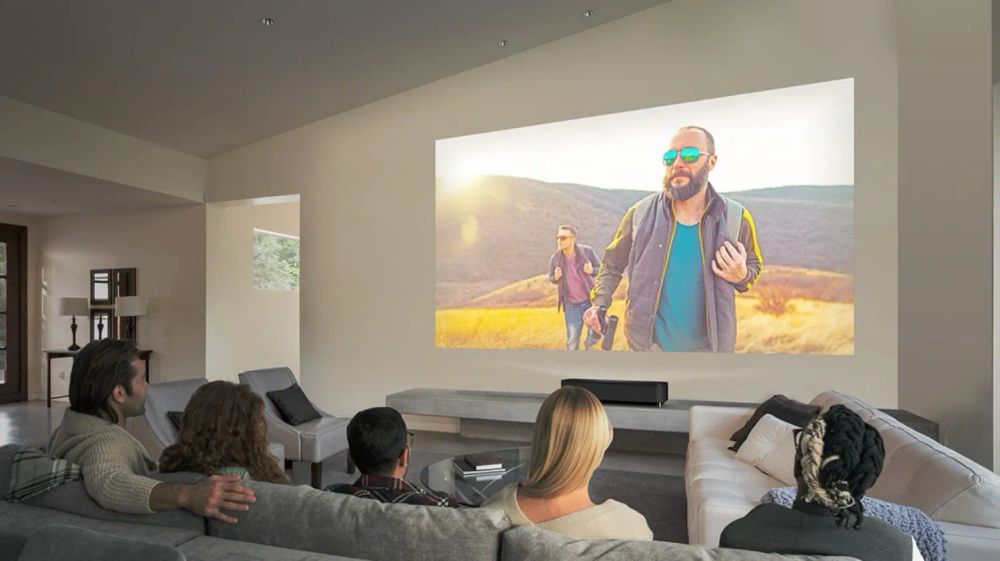
If you want to go bigger still, consider upgrading to one of the best projectors.
| Viewing distance | TV size |
|---|---|
| 1.7 metres | 55-inch |
| 2 metres | 65-inch |
| 2.3 metres | 75-inch |
| 2.6 metres | 85-inch |
Resolution
Resolution is used to describe the number of pixels in the TV. More pixels means a more detailed picture. It is measured by the number of pixels horizontally by the number of vertical pixels.
In Australia, you pretty much have four options here. There are always exceptions, but these are the main choices:
- HD (1280 x 720)
- Full HD (1920 x 1080)
- 4K (3840 x 2160)
- 8K (7680 x 4320)
In almost every situation, you should look at buying a 4K TV.
8K TVs are expensive and have little content available to watch natively at that resolution.
Full HD models cannot take advantage of the detail 4K content provides.
Therefore, with 4K TVs being relatively affordable, it is best to focus on these models.
High Dynamic Range
High Dynamic Range, or HDR, describes the ability of a television to display a wider range of colours more brightly and with greater contrast.
You can also find HDR modes in the camera apps of your mobile phones. Here, the camera will combine multiple photos to capture both brighter and darker scenes in the photo.
HDR is only applicable to 4K and 8K sets, and there are a number of different standards that describe HDR functionality.
HDR10, HDR10+ and Dolby Vision are all HDR standards you can find on TVs now, so look for support of those standards in the specs.
The catch is that the content you are watching also needs to support HDR. Netflix and Disney+ both support Dolby Vision.
Display technology
TV manufacturers like to try and stand out by giving their TV technology fancy new names.
When shopping, you’ll see terms like LCD, LED, OLED, QLED, Micro-LED, Mini-LED. In reality, there are only two real technologies to decide between: OLED and LCD. All the other terms are variations of LCD technology, largely referring to the backlight or the colour filter.
LCDs (including LED, QLED, Micro-LED and Mini-LED), require a backlight shining through a colour filter to produce colours.
LCD stands for “Liquid Crystal Display”, and the backlight shines through these crystals (and other layers) to produce the picture you see on your TV.
OLED stands for Organic Light-Emitting Diode, and OLED differs from LCD technology by having pixels that can create their own light, negating the need for a backlight.
Each technology has its own pros and cons. OLEDs are typically thinner and offer better blacks (because each pixel switches off entirely), but can suffer from burn in, and typically aren’t as bright as an LCD TV.
LCDs, meanwhile, have developed significantly, and can create amazing colour and are typically brighter, without any fear of burn in.
Connectivity
You are going to want a TV with enough HDMI ports for all your devices.
Many of the best TVs in Australia offer 4 HDMI ports, for example. But that only allows you to connect three game consoles and a soundbar.
This could mean streaming devices like a Chromecast or Blu-ray player will be left stranded.
You’ll also want to know your TV supports technologies like HDMI-ARC. This allows you to pass audio from the TV back to a soundbar or audio receiver.
Also look for HDMI 2.1, the most recent HDMI standard, which supports things like Variable Refresh Rate. This is great for gamers playing on the PS5 or Xbox Series X, as it allows the TV to display your game at the same refresh rate the console is producing.
Aside from HDMI, also look for optical audio out if you have a full home theatre setup. A LAN port for a wired Internet connection will offer more stable streaming.
USB ports can also let you connect a hard drive with video files, or perhaps turns the TV into a personal video recorder for free-to-air TV.
Audio
Look, no matter what the manufacturer says, you should probably consider getting a soundbar or surround system to play back the sound from your TV.
Because TVs have been getting thinner and thinner, that leaves less space for speakers in the TV.
Manufacturers have done a good job developing solutions to this problem. But the reality is that a good soundbar will create much better sound.
Smart TV functions
It’s actually hard to find a TV without Smart TV functions these days.
It’s worth considering the user interface. You certainly want to make sure you’re happy navigating through the menus to find your favourite shows and streaming platforms.
Check your TV supports the streaming platforms you like as well. That way you can use the TV to watch everything you want to.
Price
A new TV is an investment, but there are plenty of bargains to be had if you shop around.
TVs regularly go on sale, so never pay full price for a new TV. Even if it means waiting for a little bit longer to buy the model of your choice, the savings can be significant, with offers regularly topping over $1,000 off the RRP.
BTTR relies on support from readers like you to keep going. If you'd like to support our work, consider a one-time donation. Every little bit helps us to cover costs and stay independent. 100% of donations go directly to authors. Thanks for your support!