
BTTR is independent. We may earn a commission if you buy through our links. Why trust us?
There is no shortage of options when it comes to buying a laptop.
But if you want to pick up a portable computer primarily for gaming, you need to think about some additional requirements.
For a start, operating system isn't really a concern - you are always going to want to buy a laptop running Windows for gaming purposes.
Beyond that, things can start to get a little technical. To help, we have tried to break down some of the things you need to consider below.
And if you need to accessorise your new gaming PC, take a look at the best gaming headsets, best gaming keyboards and the best gaming mice.
These are the best gaming laptops in Australia right now:
Asus ROG Zephyrus G14
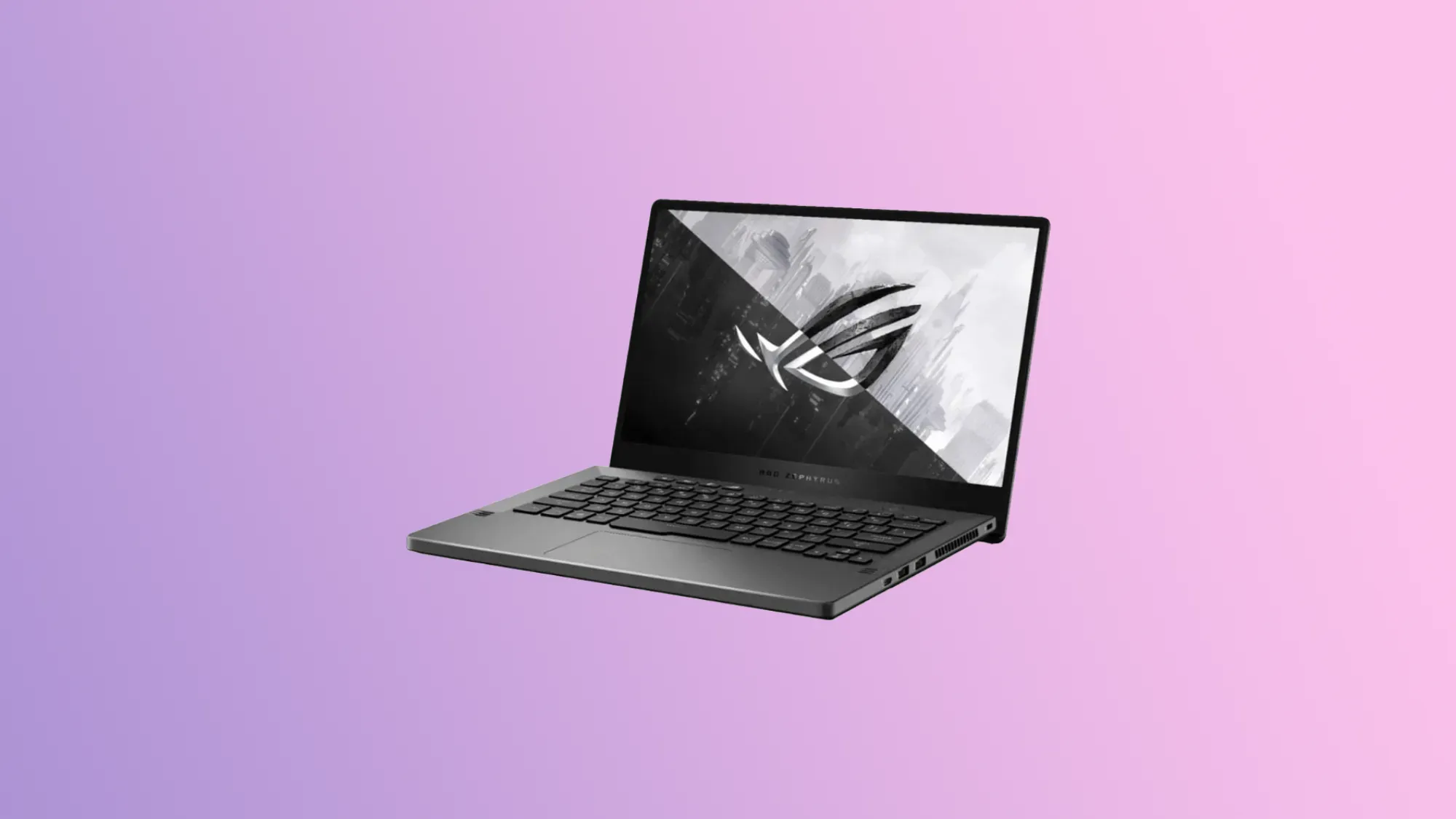
This 14-inch gaming laptop from Asus is designed to deliver solid performance at a reasonable price.
Powered by either an AMD Ryzen 7 or Ryzen 9 processor, and with a choice between RTX and GTX GeForce graphics cards, the Zephyrus G14 is lower specced than the two Razer gaming laptops in this list.
But it's still a solid performer, recommended by seven of the ten sites we used for this guide.
Lenovo Legion Pro 7i
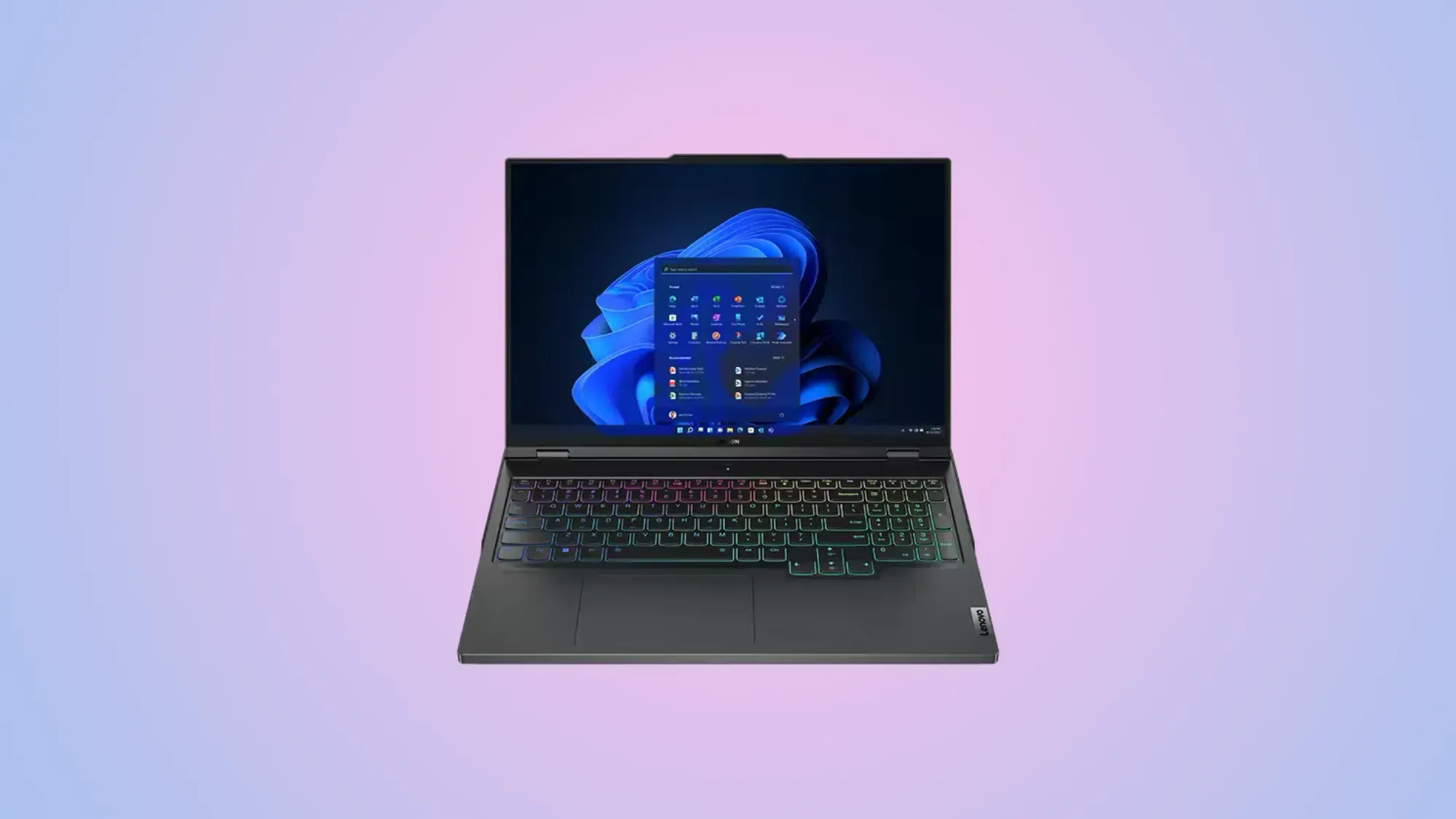
With a stunning 240Hz display and a comfortable keyboard the Lenovo Legion Pro 7i is a gamers dream.
The laptop itself doesn't scream that it's for gamers, with a subtle RGB option for every key, and a stylish black design.
There are plenty of ports and a Full HD webcam, but the fans tend to get a little noisy and battery life is a little underwhelming.
Lenovo Legion 5i Pro Gen 7
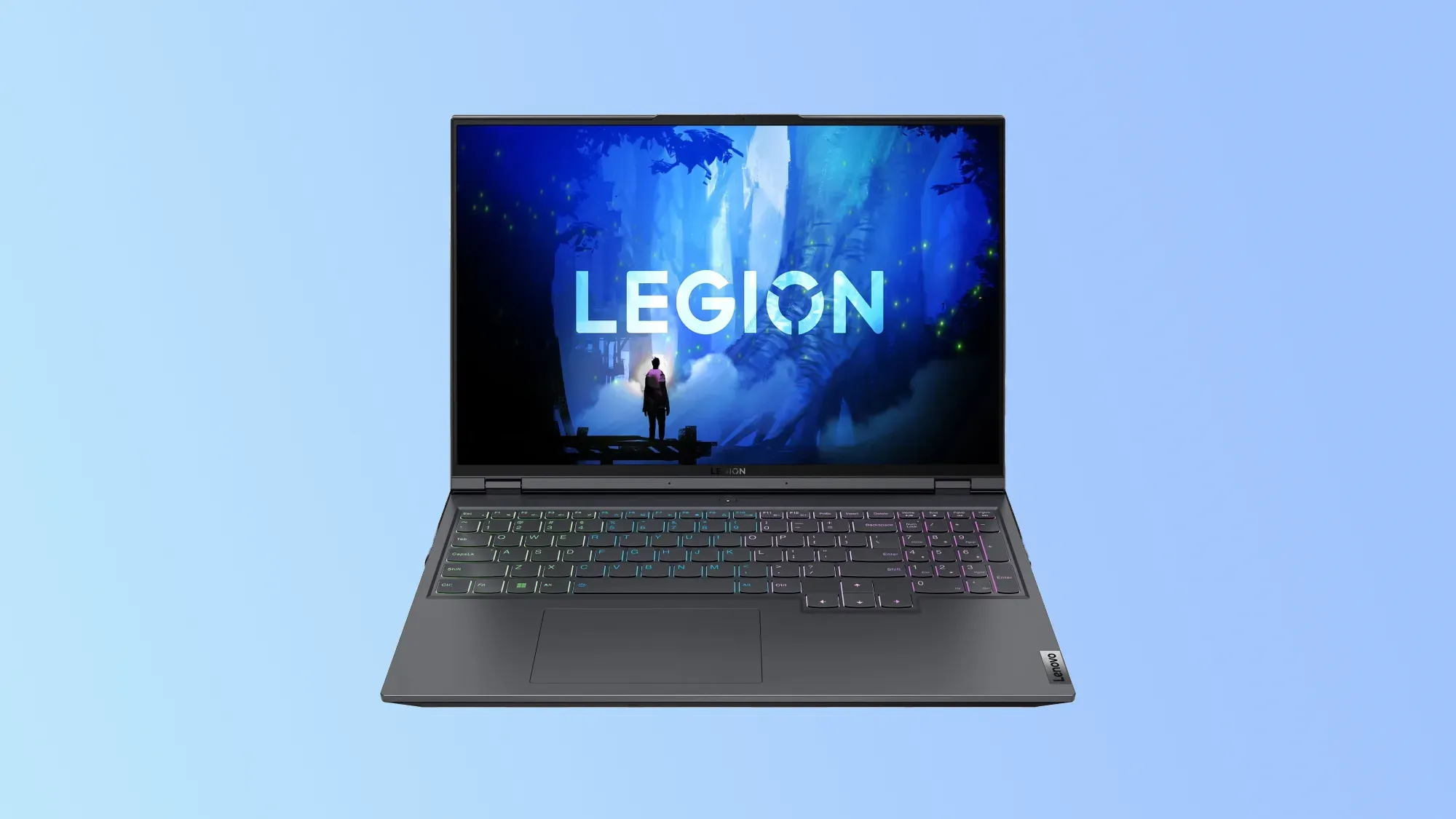
Boasting a 16-inch IPS panel with a 16:10 aspect ratio, the Lenovo Legion 5i Pro Gen 7 is a powerful option for gamers balancing performance with budget.
2560 x 1600 pixel resolution and a 165Hz refresh rate, plus NVIDIA G-Sync support, make this a gorgeous machine to look at while playing the latest games.
Powered by the 12th-gen Intel Core i7 processor, with a choice between an RTX 3060 and an RTX 3070 Ti GPU, you can be certain of the best performance.
Asus ROG Strix Scar 18
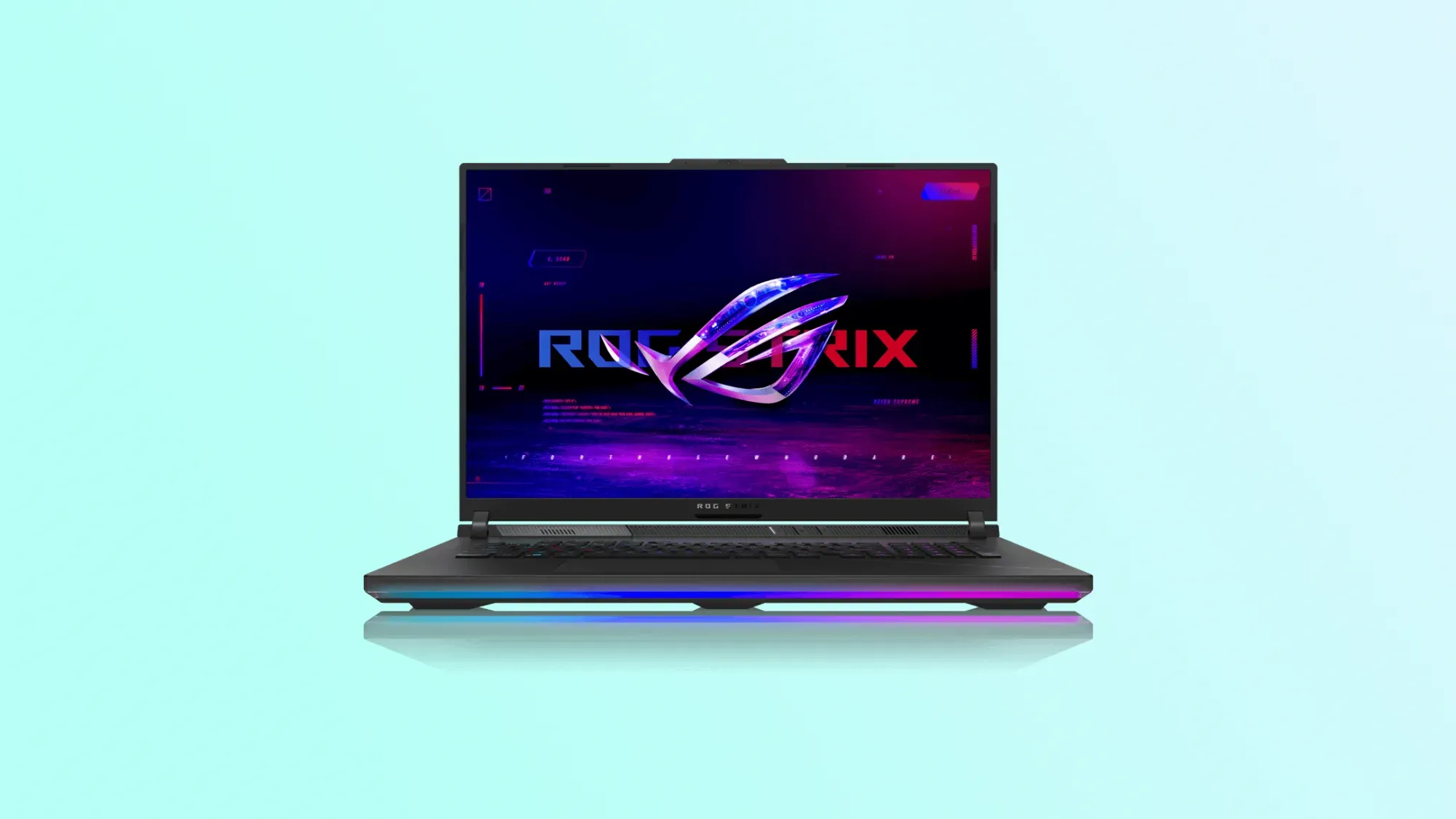
This beast of a gaming laptop is for gamers who refuse to sacrifice performance.
With an 18-inch QHD display at a 16:10 aspect ratio and with 240Hz/3ms refresh rate, the Strix Scar 18 supports Nvidia G-Sync, plus Dolby Vision and Atmos.
You can power it with a 13th-gen Core i9 processor and up to an RTX 4090 GPU, if you can afford it.
This is a no-compromise machine with a no-compromise price tag, but for the passionate gamer, it could be worth it.
Alienware m18
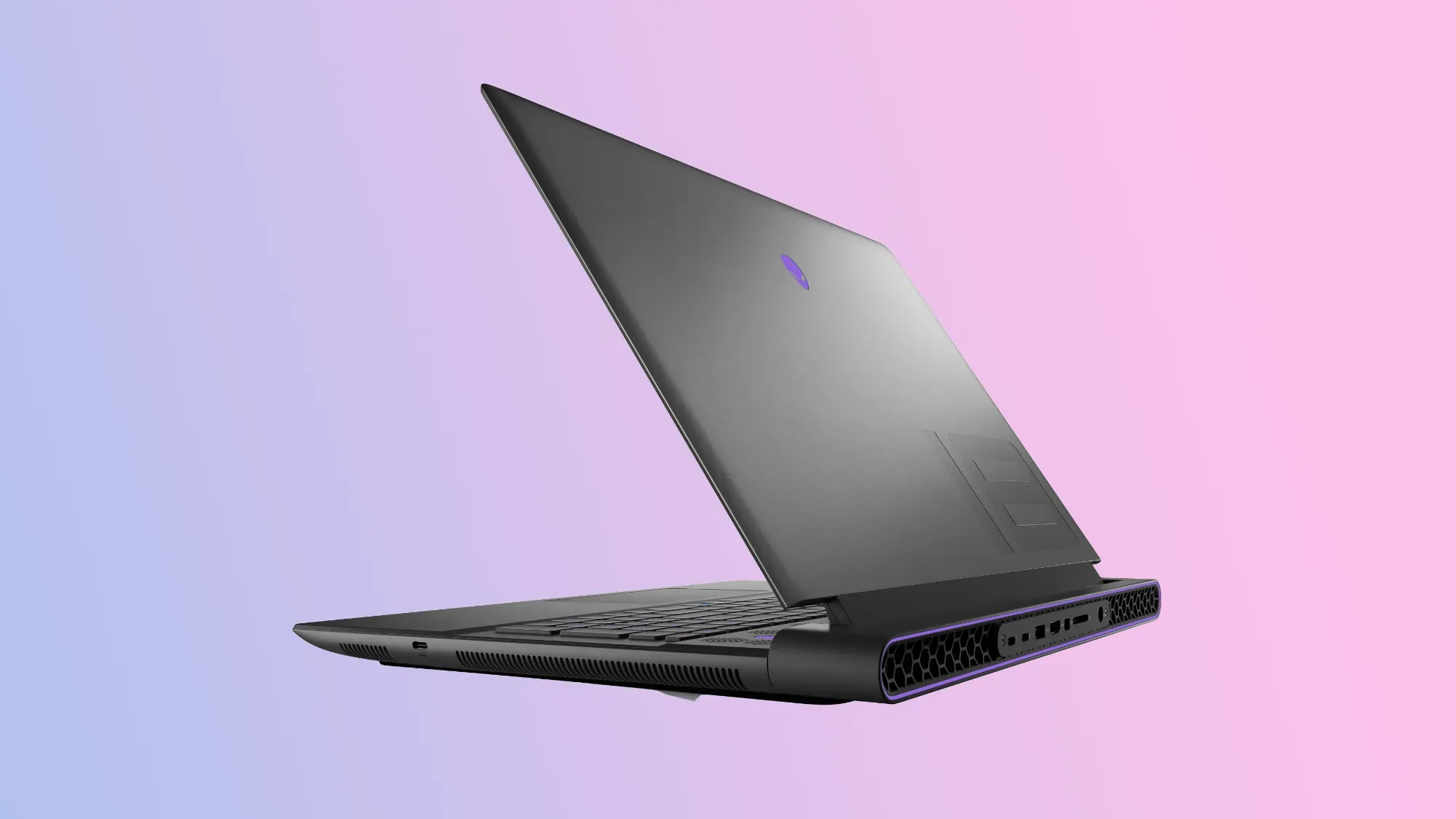
Dell's gaming arm, Alienware, is renowned for making large, powerful and stylish gaming laptops, and the m18 is one of the best models on offer.
With customisable lighting, it's designed to feel like your laptop from the moment you open its gorgeous metal lid.
The display is stunning running at 1600p and 165Hz, but you can configure it to run at 1080p and 480Hz.
Performance is blisteringly fast. which is exactly what you want from a gaming laptop, though battery life suffers as a result.
Razer Blade 14
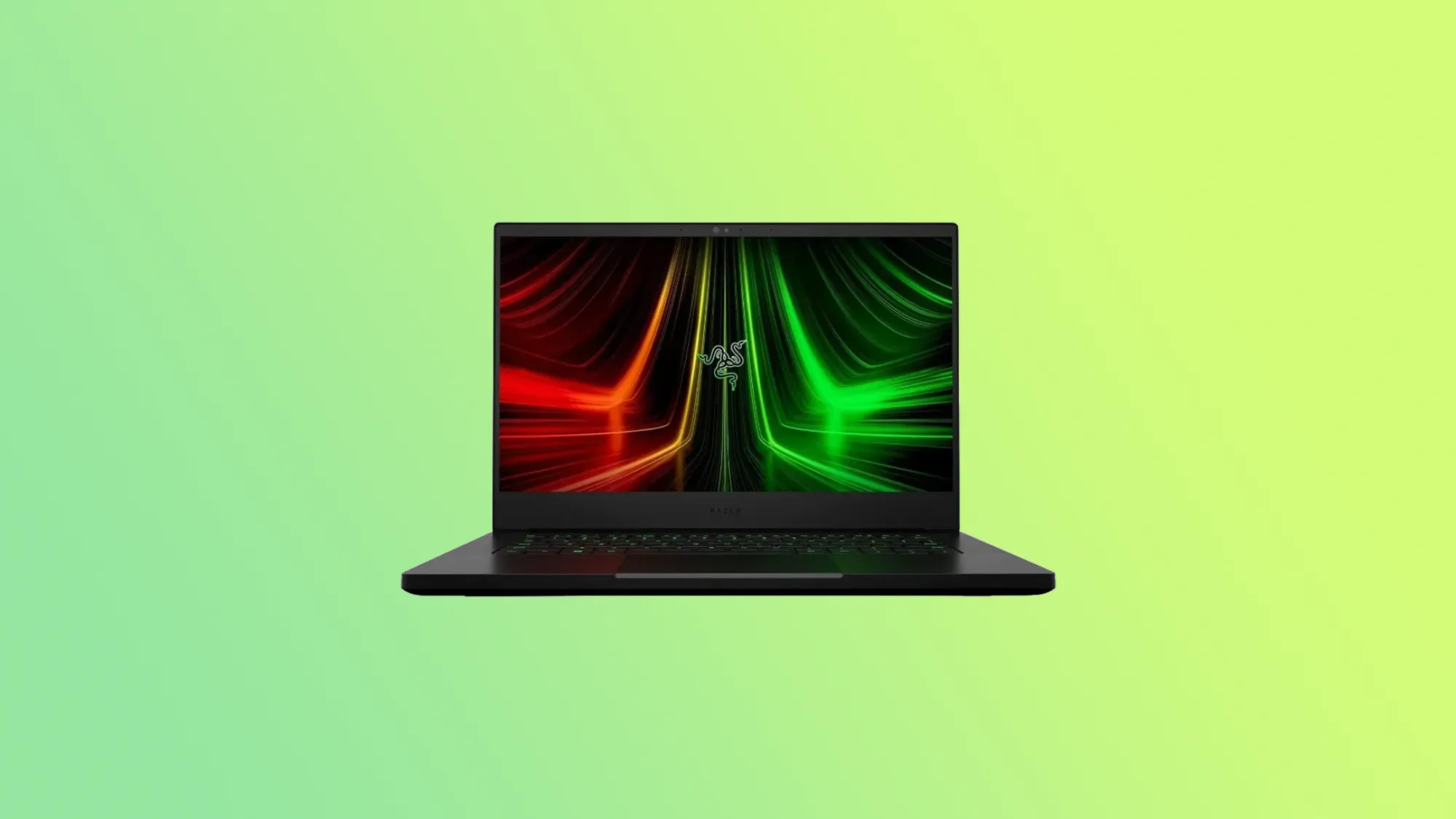
Recommended by four out of the 10 sites we used to determine this list, the Razer Blade 14 is one of the best gaming laptops in Australia right now.
Thin and lightweight, the Razer Blade 14 comes in a number of permutations, all powered by the AMD Ryzen 9 processor, and with a choice of Nvidia GeForce RTX graphics cards.
16GB RAM come standard, as does a 1TB SSD. Two 14-inch displays are on offer - a 1080p model at 144Hz or a 165Hz QHD variant.
This beast may be the smallest of the Razer Blade family, but it does come at a large price.
Razer Blade 15
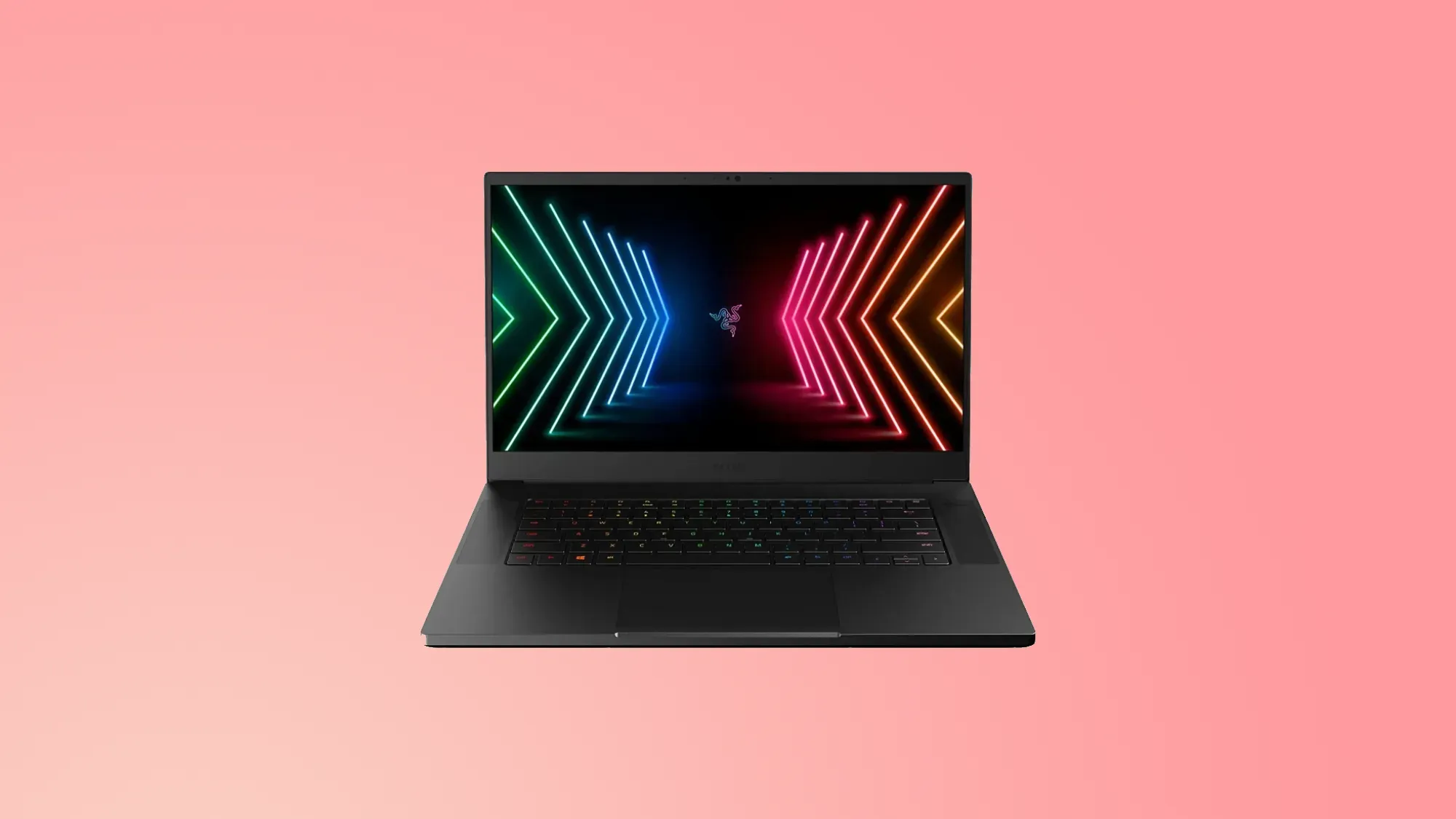
The Razer Blade 15 is the middle of the pack for Razer's gaming laptop lineup.
Built around the 15-inch screen, which comes in either Full HD or QHD variants, the laptop is designed to deliver a solid gaming experience.
Powered by an Intel Core i7 or i9 processor, you can have the choice of GeForcer RTX graphics cards as well.
Again, Razer's quality build and reputation mean this is a premium machine for premium gamers, so the price may not suit everyone.
Alienware x14
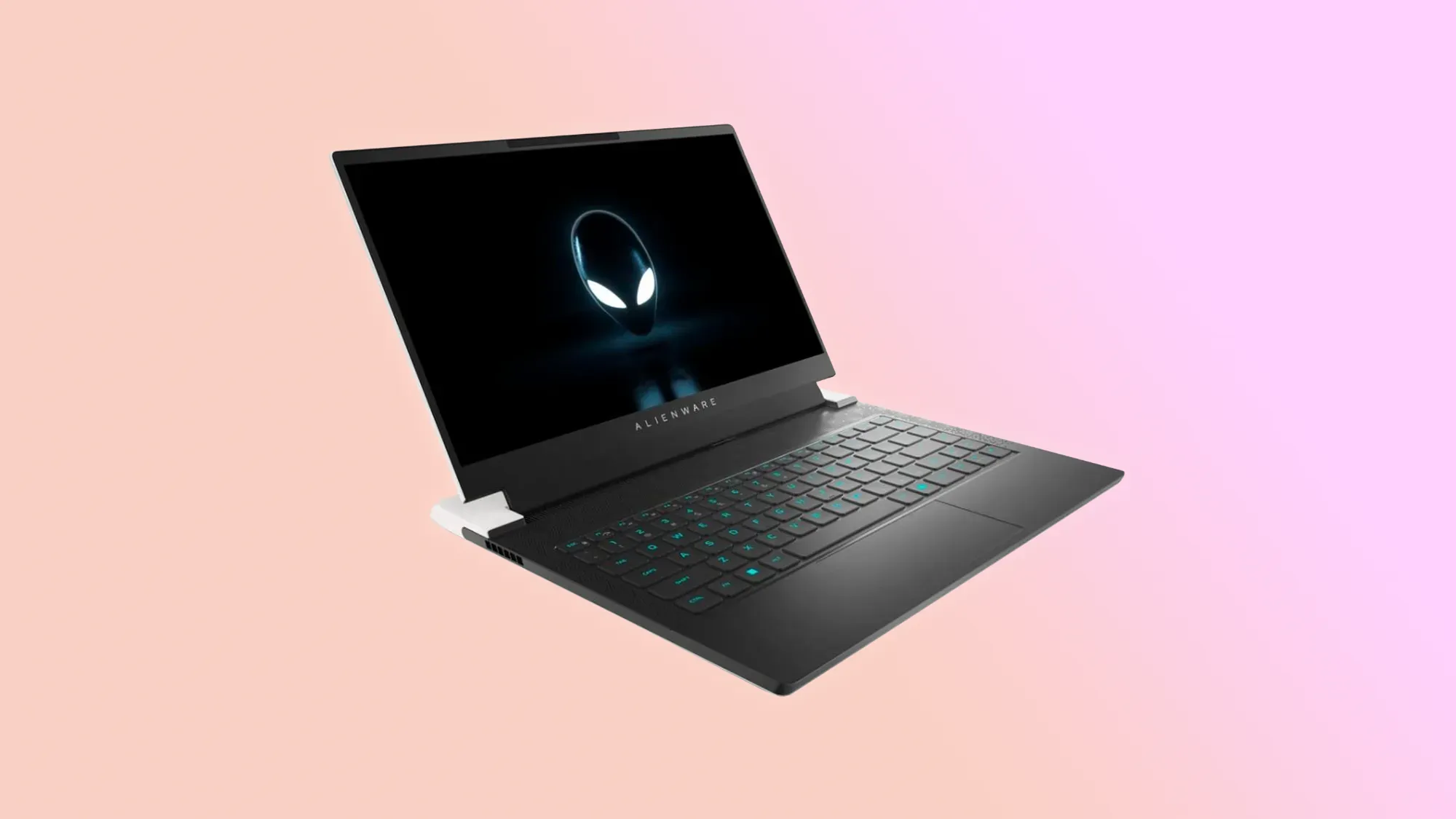
As perfect for work or study as it is for gaming, the Alienware x14 offers dedicated USB-C charging ports, so you can plug in wherever you are using a USB-C power source.
Alienware's Cryo-tech cooling technology helps keep performance humming without dialling up the temperature.
Supporting up to 12th-gen Intel Core processors, plus up to RTX 3060 GPUs, the Alienware x14 looks and sounds fantastic, with Dolby Vision and Atmos support and an iconic design.
Asus ROG Strix Scar 17 (2023)
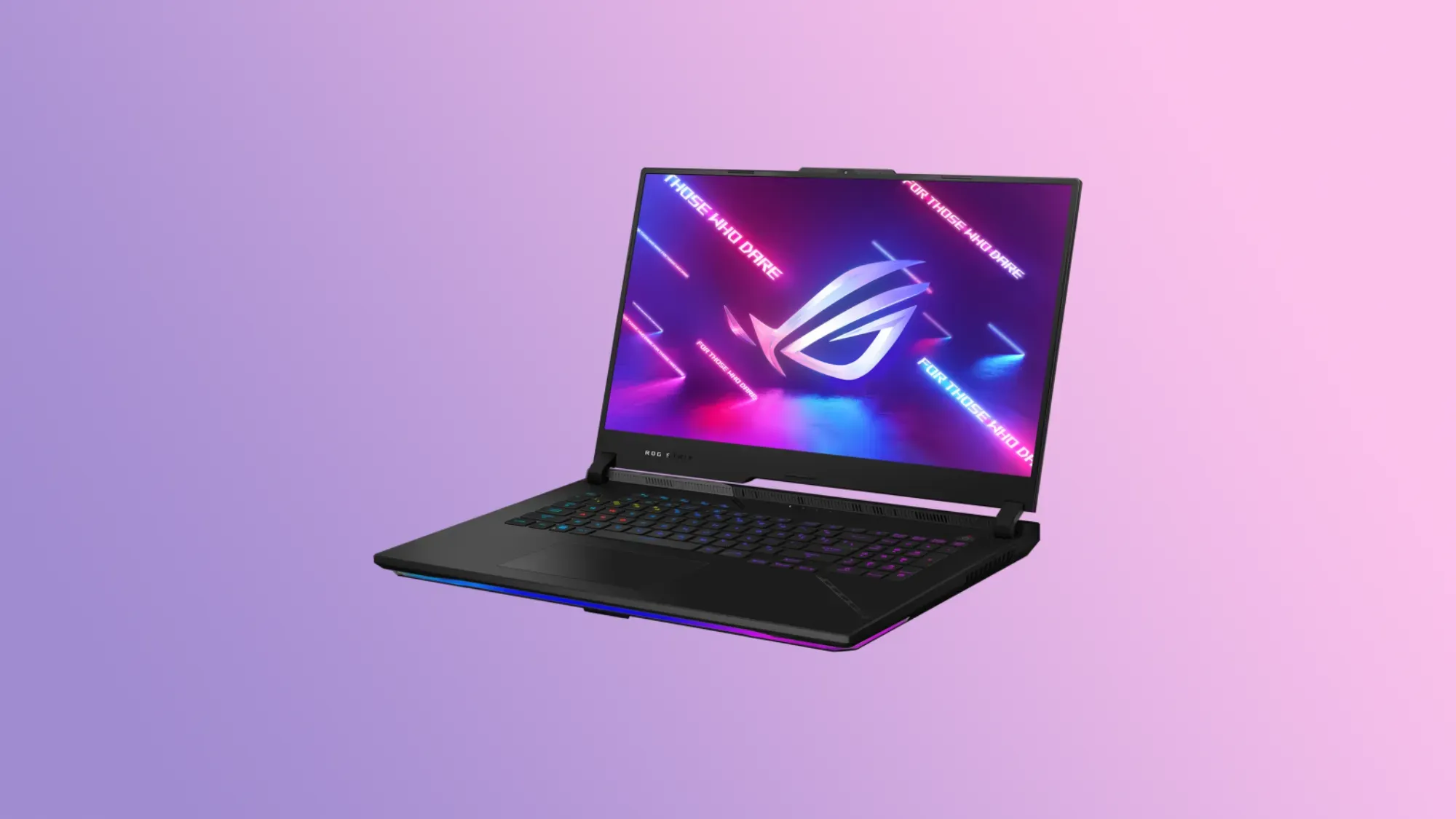
The ROG Strix Scar is not a cheap gaming laptop, but you do get impressive performance for your money.
It comes packed with top of the line hardware, a nice looking 240Hz 17-inch screen and a whole bunch of ports.
The webcam is only 720p, and there aren't any biometrics on board. But the audio quality is top notch, and when you combine it with the screen and the grunt inside, this has everything you need for a gaming machine.
How we chose the best gaming laptops
Review sites - including this one - are subjective by nature. Everybody has a different opinion of what is best.
So to try and counter the fact that every best guide on the internet has a different opinion of what is best, we approached our list by combining the results of some of the top sites recommending gaming laptops on the market today.
To determine this list, we followed the same journey most consumers would follow: we went to Google.
We searched for "Best gaming laptop" and identified 10 of the top results. It's important to note that Google results can change often. We listed out all of the gaming laptops listed on each site, tidying up any slight differences in spelling for consistency.
For gaming laptops this is quite challenging, as different sites may have tested different configurations. When in doubt, we combined products with the same name.
We calculated the frequency in which each product was mentioned across those 10 guides. The more frequently a product is mentioned, the more agreement there is between experts reviewing these products that it is, indeed one of the best products available.
We set a minimum of three mentions across all 10 guides to be eligible for inclusion here.
Before we created this page we took some time to remove products that are either unavailable, or difficult to find in Australia.
We also leveraged our own experience with products to ensure that we wouldn't be recommending any product that doesn't deliver.
Best gaming laptop buying guide: What to look for when choosing your next gaming machine
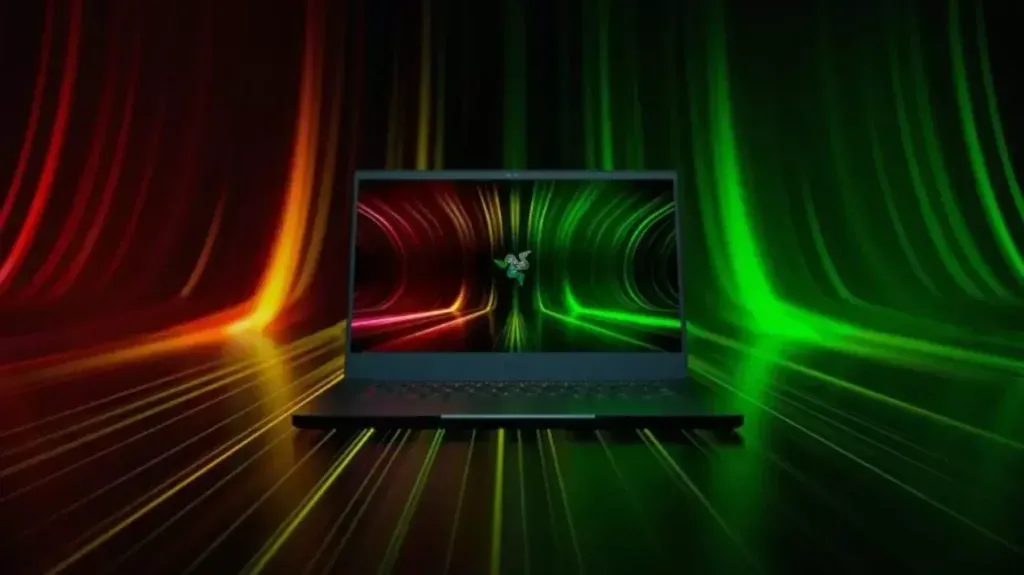
Depending on the types of games you want to play and the way you want to play them, the products above may not be right for you.
However, the things to consider when buying the best gaming laptops is always the same, so make sure you keep these in mind.
Choose the right GPU
No matter what type of game you most enjoy playing, the reality is that the GPU does a lot of the grunt work in a gaming laptop.
It makes sense then that choosing the right GPU is the most important decision.
Deciding the right GPU is worth a dedicated guide on its own. So for now just understand that you will be choosing between an AMD or NVIDIA GPU for your gaming laptop.
Of those two brands, NVIDIA is probably more common, and has a range of products from entry level to top of the line, each with a price to match.
If you're after generally good performance and value, look for the Nvidia GeForce RTX 3060 or the AMD RX 6700M.
Also know that if you're planning on doing anything super intensive, like VR, you'll want as good a graphics card as you can afford.
CPU is still important
While the GPU does the heavy lifting for gaming, CPUs are still important. Intel chips are the norm here, and you'll want a Core i5 or Core i7 to keep things moving smoothly.
You'll also want to buy the most recent generation of chipset - currently that's the 12th generation. It may cost a little more up front, but CPUs can't be upgraded so you're going to get a longer shelf life out of your gaming laptop this way.
SSD or HDD?
SSDs are faster, but they cost more. Generally speaking, you'll see much better performance out of an SSD for gaming than a traditional hard drive.
That said, cost is important. If you can't afford a large SSD in your gaming laptop, see if you can find a hybrid machine that offers both SSD and HDD.
These allow you to boot off the SSD for faster performance, but also give you the larger capacity for storing your files.
Don't forget about RAM
Don't get out of bed for anything less than 8GB in a gaming machine, but reality is that you should look at 16GB as the minimum.
If that's not an option, see if your gaming laptop of choice will let you upgrade your RAM in the future. It's pretty common these days, and will let you improve performance when the budget suits you.
Display decisions
Because we're talking about gaming laptops, choosing the right display becomes part of the equation.
Size is important - but the bigger the screen the more battery it will use and the heavier it will be.
Typically 15 inches seems to be the sweet spot, though you can go smaller or larger.
You also need to think about refresh rate and resolution.
Resolution
Resolution is the number of pixels on the screen. The base level starting point is 1920 x 1080 pixels, or what's known as Full HD.
But in many cases, you want to get a machine with a 1440p resolution. These have 2560 x 1440 pixels, and are generally more common and more affordable than 4K screens (3840 x 2160).
Refresh rate
The refresh rate refers to how frequently the screen will refresh the pixels. For gaming this is important to create a seamlessly smooth experience.
Generally speaking, the higher the refresh rate of the screen the smoother the picture. However, in order to really take advantage of higher rates, your GPU needs to be good enough to deliver it.
From a real world standpoint, 60Hz is probably enough for most people.
Keyboard style and function
Most PC gamers won't use a dedicated controller like a console, they will use the keyboard and a mouse.
While a great gaming mouse is always going to be attached by USB or Bluetooth, the keyboard in a gaming laptop is still going to be used for controls.
So you want your keyboard to feel good to use. Typically this comes in the form of how far it travels and how easy it is to press.
Also keep an eye out for Macro keys on your gaming laptop of choice. These are programmable keys that let you complete common tasks with a single press.
Battery life?
Unlike a work machine, battery life isn't quite as important as you might think for a gaming laptop. The reason is that you need to keep the laptop plugged in in order to get the most out of your GPU.
So while getting a laptop with decent battery life is great, if you do use it for gaming away from the power point, you probably won't be playing for too long.
Price
Like with most consumer electronics, you should only buy a product within your budget. But you should expect performance to increase alongside the price tag.
Entry level gaming laptops can be found around the $750 mark. For a premium device you could spend anywhere up to around $5,000.
For a good quality machine that doesn't break the bank, look for something between $1,800 and $2,500.
Latest laptop deals