
BTTR is independent. We may earn a commission if you buy through our links.
Why trust us? | How we test
While the National Broadband Network focused on rolling high speed Internet infrastructure across Australia, it’s only part of the picture when it comes to getting the best Internet connection in your home.
Once you’re connected to a high speed Internet plan, you still need to ensure that your home wireless network offers the speeds and the range necessary to cover all the nooks and crannies around your house.
These days, mesh routers offer a good solution to the problem of creating a reliable home Wi-Fi network.
But if you haven’t got a mesh network established, a Wi-Fi extender can help you get better coverage and faster speeds all over your home at a fraction of the cost.
Buying a Wi-Fi extender can be a bit daunting if you’re not familiar with all the technical terms and jargon.
So to help, we’ve rounded up this list of some of the best Wi-Fi extenders in Australia right now. These products have been recommended by multiple expert reviews sites, so you know that they are high quality products.
We’ve also pulled together a buying guide to help you understand what to look for when choosing a Wi-Fi extender for your home.
These are the best Wi-Fi extenders you can buy in Australia today
TP-Link RE650 AC2600 Wi-Fi Range Extender
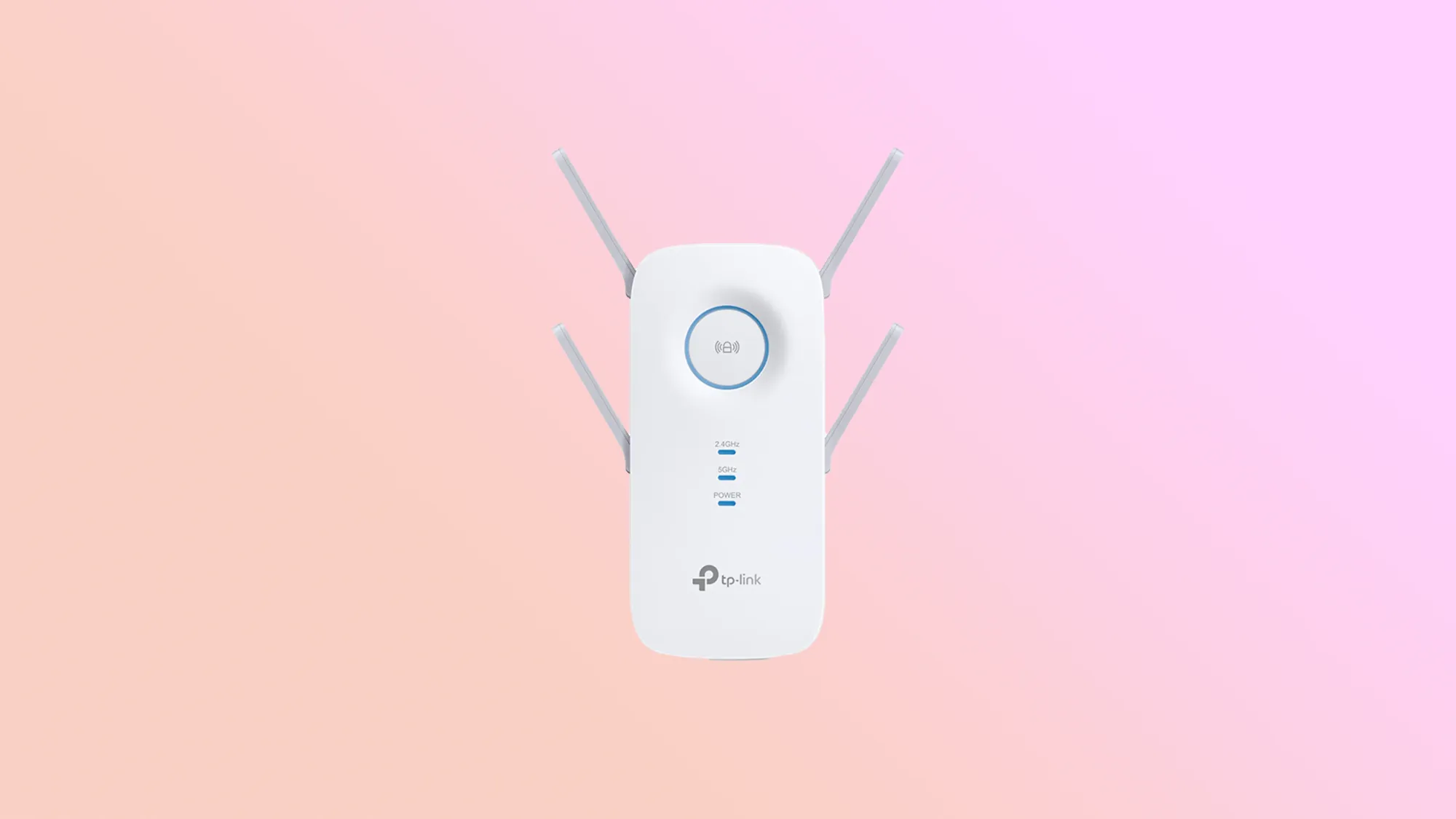
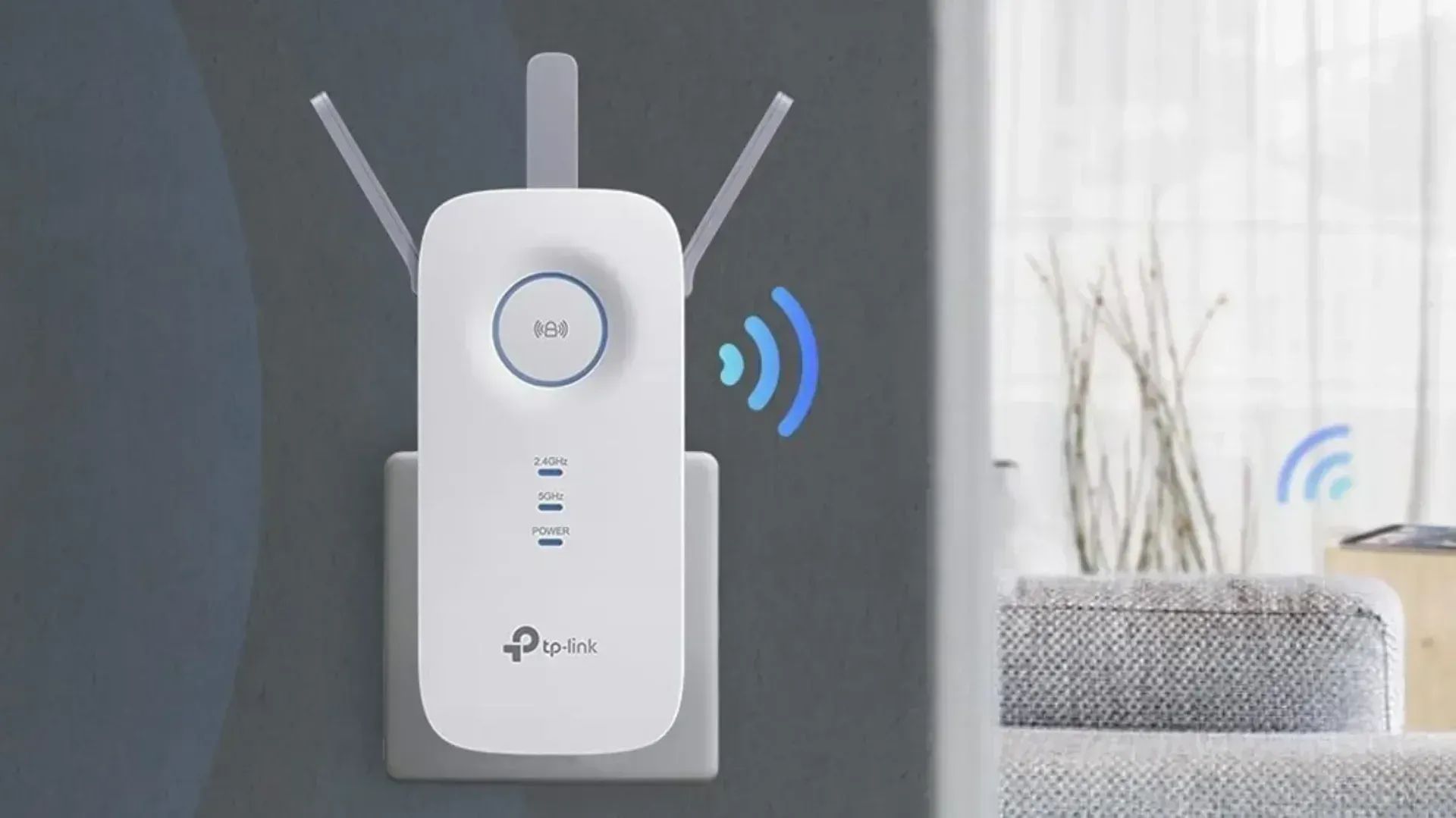
The big blue circle in the middle of the RE650 Wi-Fi extender from TP-Link not only looks good, but helps you identify the ideal position for plugging it in.
When it lights up blue, it has a good connection to your router. When it shines red, however, it’s too far away to work effectively.
It also uses MU-MIMO technology (so long as your router supports it) to deliver super-fast Internet to up to four devices at the same time.
Plus it comes with the ability to act as a wireless access point, connects to TP-Link’s OneMesh system easily and can be controlled via theTP-Link Tether app.
Netgear Nighthawk EX7300 X4 AC2200 Wi-Fi Mesh Extender
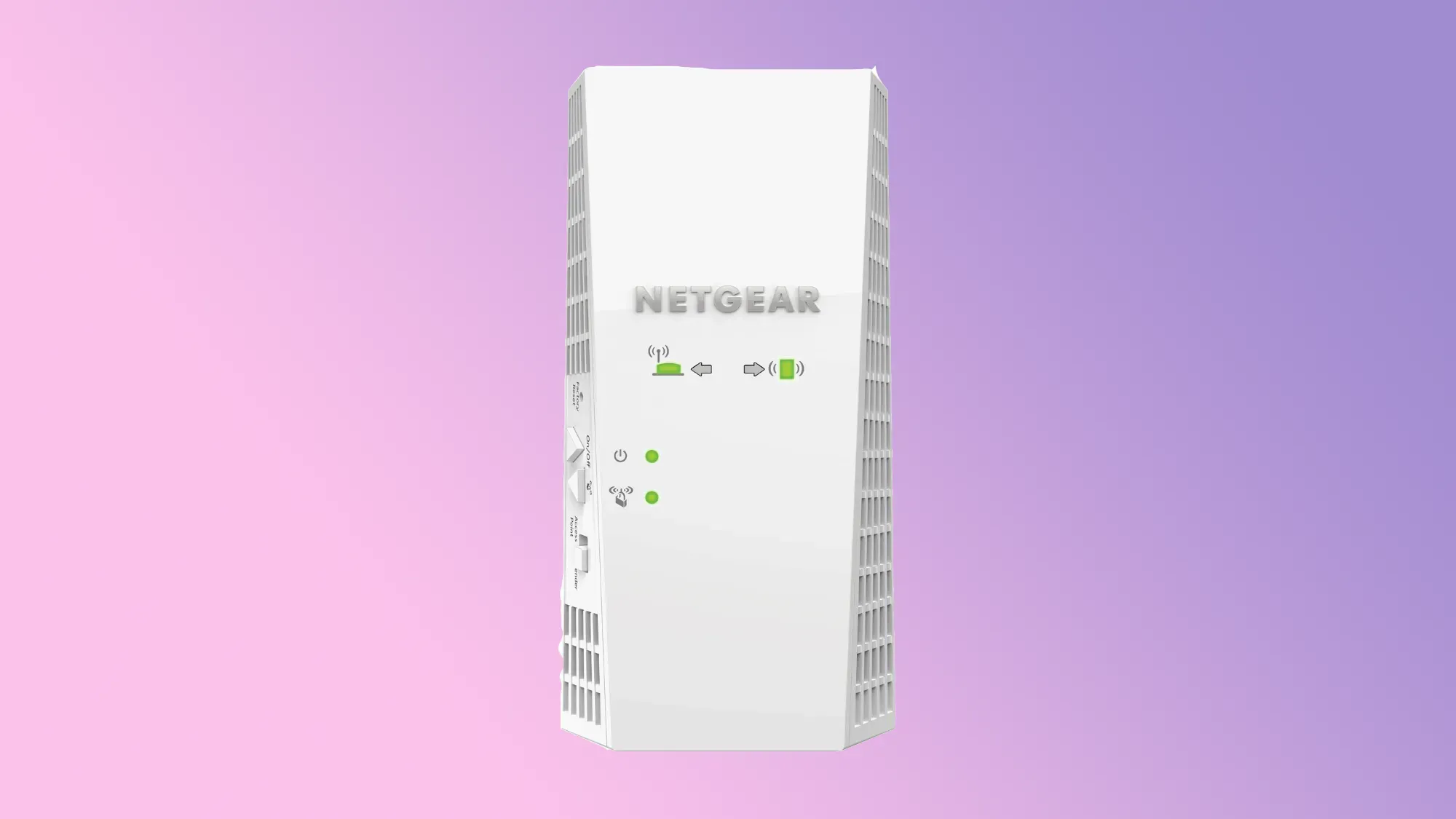
Netgear’s Nighthawk EX7300 wall-plug WiFi extender expands your home Internet effortlessly, letting you move from room to room without suffering any drop in connectivity.
An on-board gigabit ethernet port allows you to connect a cable to one of your devices, be it a game console or a fantastic new TV, so you can have the benefits of a wired connection without the cost of laying cables through your home.
Setup is done with the push of a button, while the Nighthawk app makes customising your Wi-Fi connection just as easy.
How we chose the best Wi-Fi range extenders
Review sites – including this one – are subjective by nature. Everybody has a different opinion of what is best.
So to try and counter the fact that every best guide on the internet has a different opinion of what is best, we approached our list by combining the results of some of the top sites recommending Wi-Fi range extenders on the market today.
To determine this list, we followed the same journey most consumers would follow: we went to Google.
We searched for “Best Wi-Fi range extender” and identified 10 of the top results. We then calculated how often each product was mentioned across those 10 guides.
The more frequently a product is mentioned, the more agreement there is between experts reviewing these products. We set a minimum of three mentions across all 10 guides to be eligible for inclusion here.
Before we created this page, we went through the list to make it relevant for our local audience. We removed products that are either unavailable, or difficult to find in Australia.
We also leveraged our own experience with products to ensure that we wouldn’t be recommending any product that doesn’t deliver.
What to look for when choosing the best Wi-Fi extenders in Australia
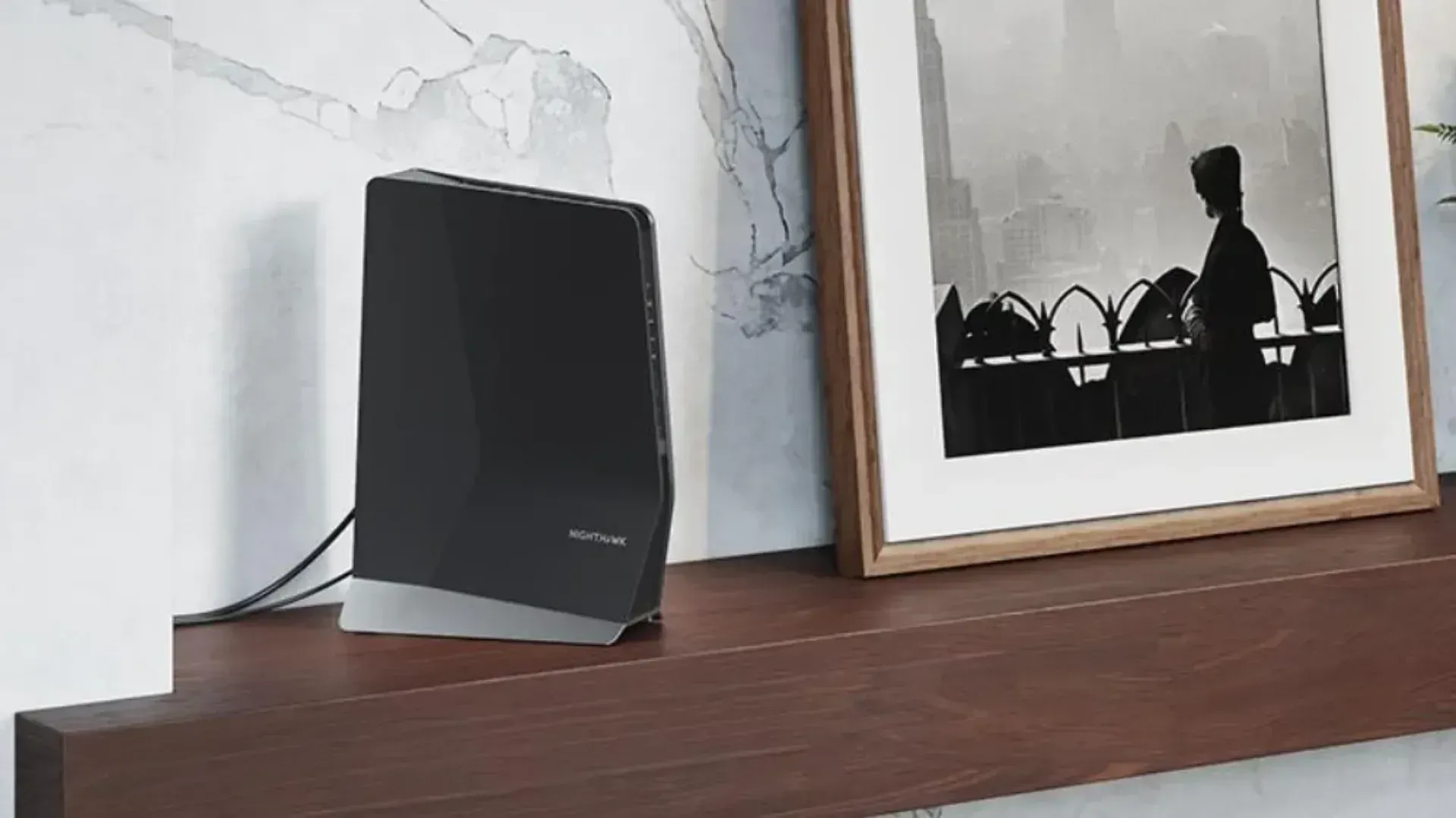
Whether you’re after one of the models listed above or something completely different, the decision factors you need to consider when buying Wi-Fi range extenders are the same.
Design
A Wi-Fi extender is never going to be the kind of device you want to draw attention to as a feature of your home. But you still need to be mindful of the different designs available.
Typically, extenders come in two main flavours: Plug-in and desktop. A Plug-in extender plugs directly into the power point, making it incredibly simple to setup. The catch is that they can often be a bit wide, and will block an adjacent plug.
Desktop extenders, meanwhile, look more like traditional routers, with a longer cable that means they need to be placed on a table or desk. They are typically larger and heavier than plug-in units, but that means they will likely have better internal hardware and antenna placement.
Wi-Fi standard
While the naming convention around Wi-Fi standards is easier today than it was 20 years ago, it can still be confusing.
When you buy a Wi-Fi extender, you want to make sure it’s going to work with your existing router.
Typically, you want your extender to match (or exceed) the capabilities of your router. So for example, buying an 802.11n extender for an 802.11ac router is going to cause speed problems, but buying an 802.11ac extender for an 802.11n router won’t.
That said, if you are considering a Wi-Fi extender and your router is getting old, it may be cheaper and easier to buy a new router entirely.
Placement
With routers as well as extenders, placement is everything. Wi-Fi technology works by sending packets of data using radio waves. Place your routers and extenders in clear, open locations as much as possible.
You’ll also want to place the extender with no obstacles between it and the router that can interrupt the signal. Things like microwaves, baby monitors and fridges are notorious for wreaking havoc with your Wi-Fi, so work around them as much as possible.
The other consideration with extender placement is that it should sit about halfway between your router and the spot you have a weak connection. The extender still needs to connect to your router, after all.
Price
You can pick up budget Wi-Fi extenders for under $50, though models that use better WI-Fi standards and have more antennas will likely cost a bit more.
Top of the line models will set you back $400 and above.
However, it’s definitely worth considering upgrading your whole setup before you spend hundreds on an extender. A mesh Wi-Fi system will deliver extensive coverage and easy setup, and potentially cost much less in the long run.
Latest networking deals