
BTTR is independent. We may earn a commission if you buy through our links. Why trust us?
The Cricut Maker 4 is a remarkably capable crafting machine that's far more approachable than it looks. It's fast, precise and works with an enormous range of materials and tools — the kind of thing that unlocks projects you probably didn't think you could pull off at home. The main catch is that the full Design Space experience is locked behind a paid subscription, which adds real cost to an already premium product. But if you've got a creative itch to scratch, this is one of the best ways to scratch it.
- Surprisingly easy to use, even for complete beginners
- Cuts up to 2x faster than the Maker 3
- Works with 300+ materials and 13 compatible tools
- Can cut, write, draw, foil, engrave, deboss and more
- Comes with sample materials so you can start straight away
- Full Design Space library requires a paid subscription ($139.99/yr)
- Large footprint that needs a dedicated, permanent workspace
- Advanced tools like the engraving and debossing tips sold separately
- No trial period bundled with the machine purchase
Back when Cricut first announced the Maker 4 last year, I lamented that I didn’t think I was quite creative enough to be able to really take advantage of a machine like this one.
Now that I’ve been using it for a couple of months, I can comfortably say that I was wrong. The beauty of the Cricut Maker 4 is that it is impossibly easy to use.
From the software to the hardware itself, Cricut has gone out of its way to make everything as idiot-proof as possible. And as one of those aforementioned idiots, I can tell you – this smart crafting machine is remarkably idiot-proof.
Sure, as a newcomer, you may need to watch plenty of videos to understand exactly what it is you need to do. But with its clever software and clear instructions, I discovered that it is simple to make almost anything you want to set your mind to.
What makes the Cricut Maker 4 stand out?
The Cricut Maker 4 is the company’s flagship cutting machine. It’s the top dog in a lineup of crafting machines for all types of skill levels and hobbies.
For most people, it’s probably overkill. Or at least, a product to work up towards. It’s better suited to people who understand exactly what they are doing, or small business owners crafting for clients.
That said, it also does some things that no other machine can currently tackle, like engraving or embossing wood or metal. You will need additional accessories in order to do that, and I didn’t get to test it out this time around, but if your crafting desires involve more complex materials, then you’ll need the Maker 4.
For me, though, the real selling point is the elegance of the machine. It’s sleekly designed, with convenient storage for the accessories you may use, like pens and weeders (which let you pull out bits of vinyl you don’t need).
It’s pretty big, and I struggled to find a permanent home for the machine during the review period, but that’s very much a me problem.
But the device itself is just so versatile. Over the course of my review, I made custom stickers, and a whole range of branded BTTR T-shirts. My next project will be branded magnets and temporary tattoos.
But with the right accessories, you can customise just about anything. I saw videos of people engraving bread knives, creating custom cake toppers and so much more.
Compared to the Maker 3, the big advantage of the Maker 4 is cutting speed. Cricut says it’s up to twice as fast as the previous generation. I never tested the Maker 3 so couldn’t tell you how accurate that is, but knowing that crafting takes time, I imagine the Maker 3 would have been frustratingly slow.
Cricut Maker 4 specs
| Specification | Detail |
|---|---|
| Dimensions | 56.1 cm x 18 cm x 15.7 cm |
| Weight | 6.98 kg |
| Max cut size (with machine mat) | 29.2 cm x 59.6 cm |
| Max cut size (with Smart Materials) | 29.7 cm x 3.6 m |
| Cut speed | Up to 14.1 ips |
| Compatible materials | 300+ |
| Compatible tools | 13 (including blades, pens, engraving tip, debossing tip, foil transfer kit and more) |
| Connectivity | Bluetooth wireless |
| App compatibility | iOS, Android, macOS, Windows |
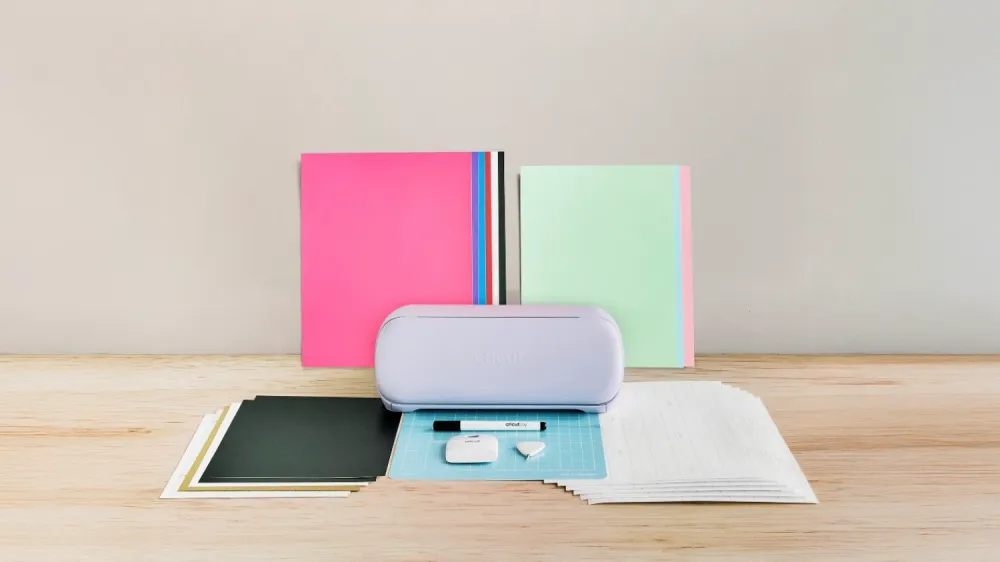
| What's in the box | Cricut Maker 4, Premium Fine-Point Blade + Housing, Light Grip Machine Mat (30.4 cm x 30.4 cm), Fine Point Pen (0.4 mm), Mini Weeder, practice materials |
Design and build quality
There’s not a huge amount of difference in the visual appearance between the Maker 4 and the Maker 3. It still measures 56.1 cm x 18 cm x 15.7 cm) and weighs just under 7 kg.
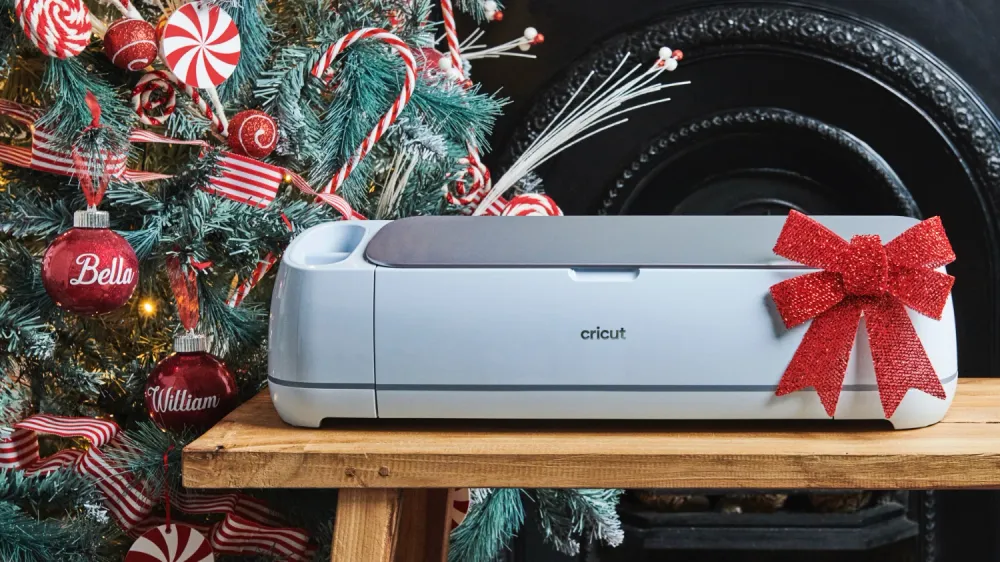
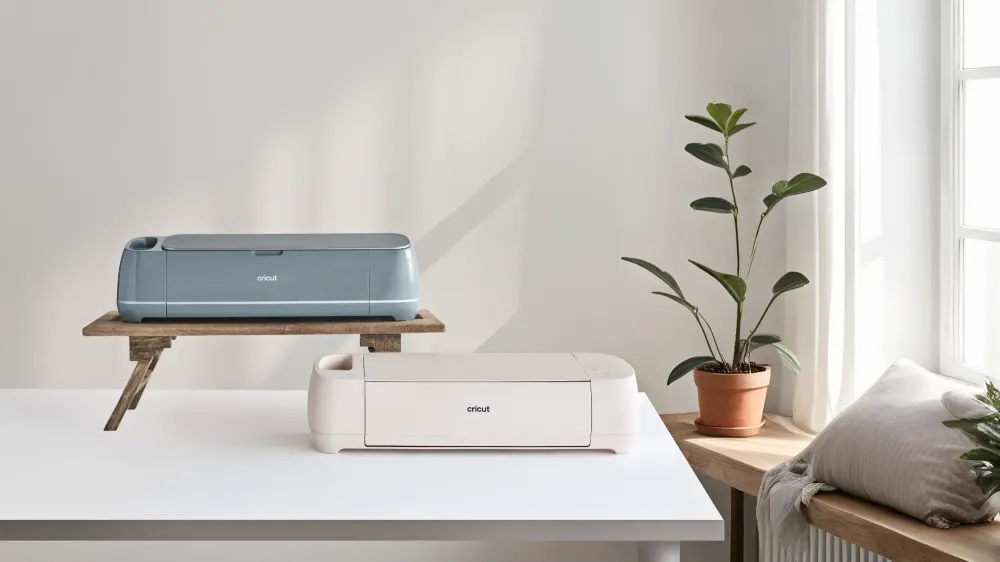
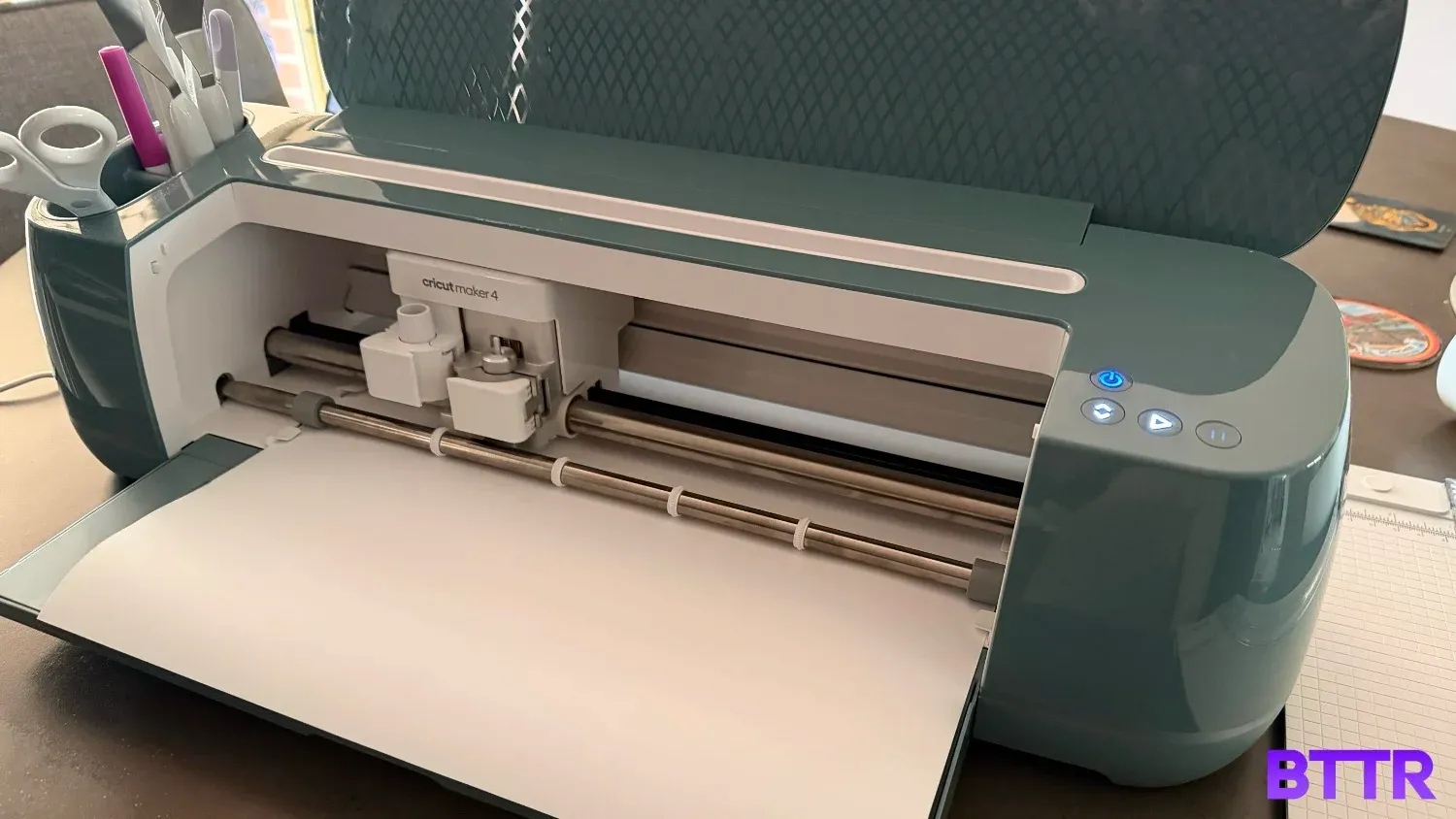
The Maker 4 does come in a new Sage colour, which sits a bit more on the blue spectrum than green. It’s really nice, with a lightly glossy finish that makes you feel like you are creative as you use it.
The top of the Maker 4 has a couple of slots to store tools while you use it, but you’ll actually pop a lot of the bits and pieces in a storage compartment in the flap that folds down when you open it.
It does kind of look like a printer when open (though more stylish than any printer I’ve ever used before). Controls are simple, with only a handful of buttons to control power, loading the machine, starting the project and pausing the cut if required.
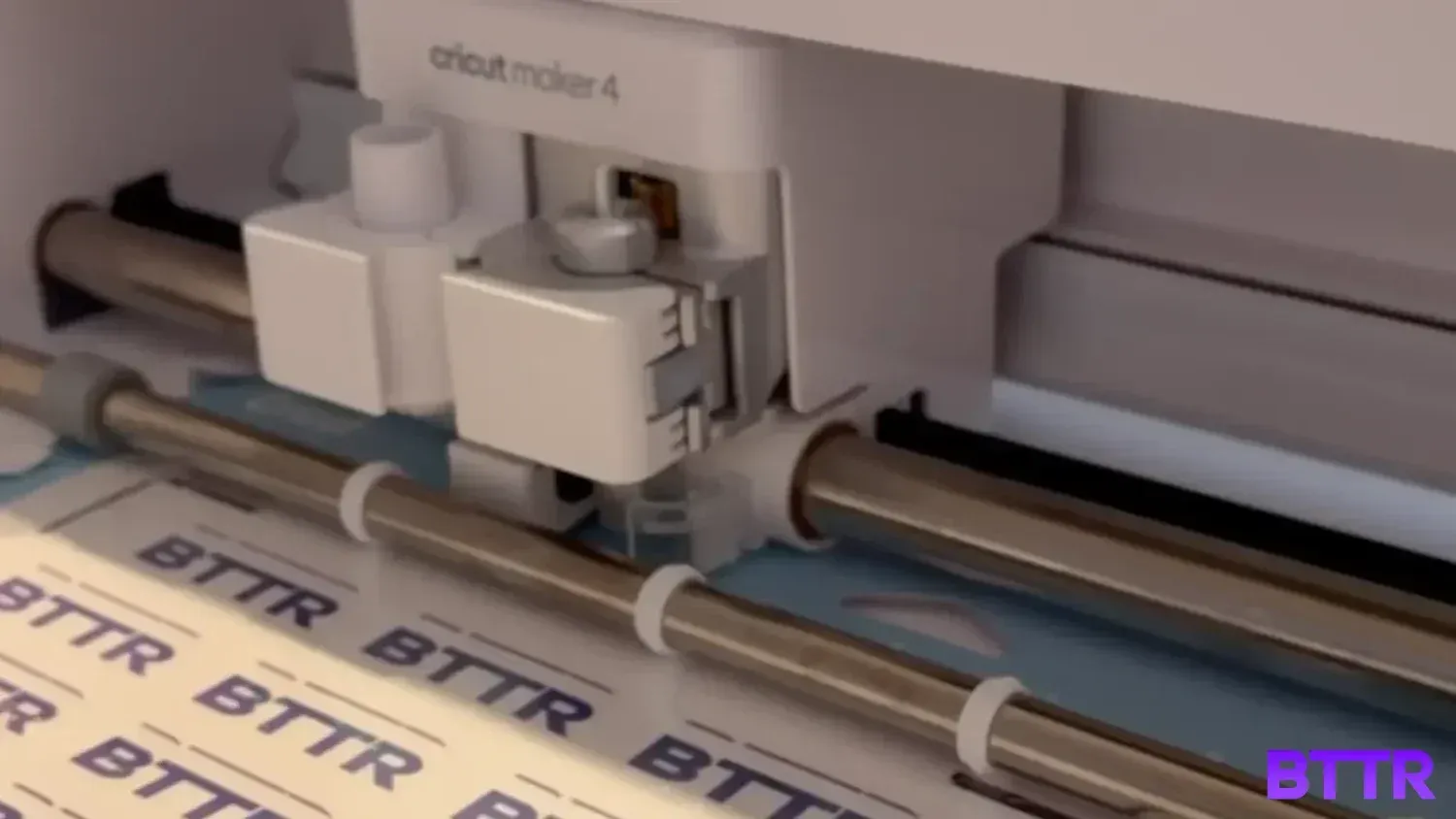
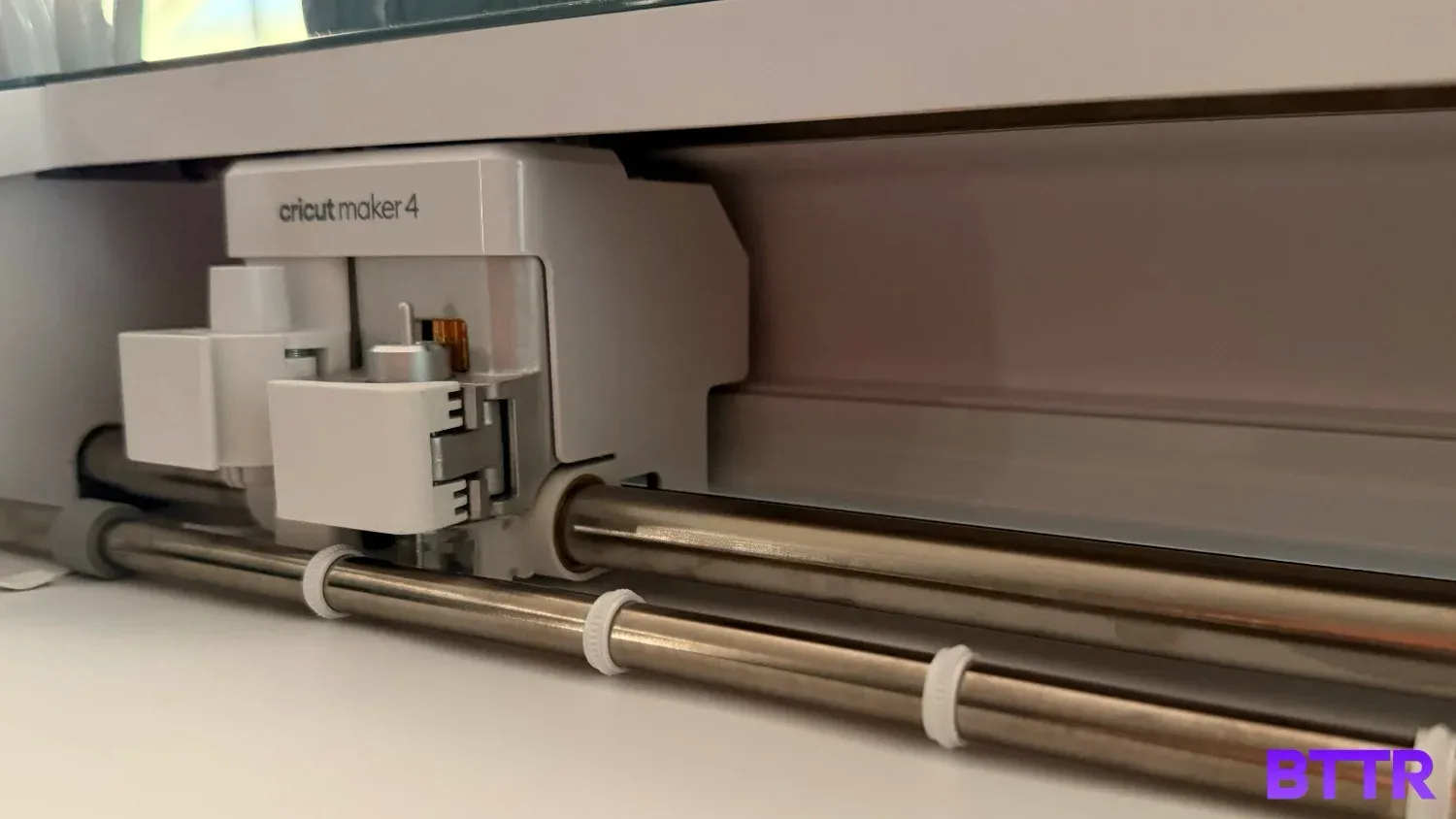
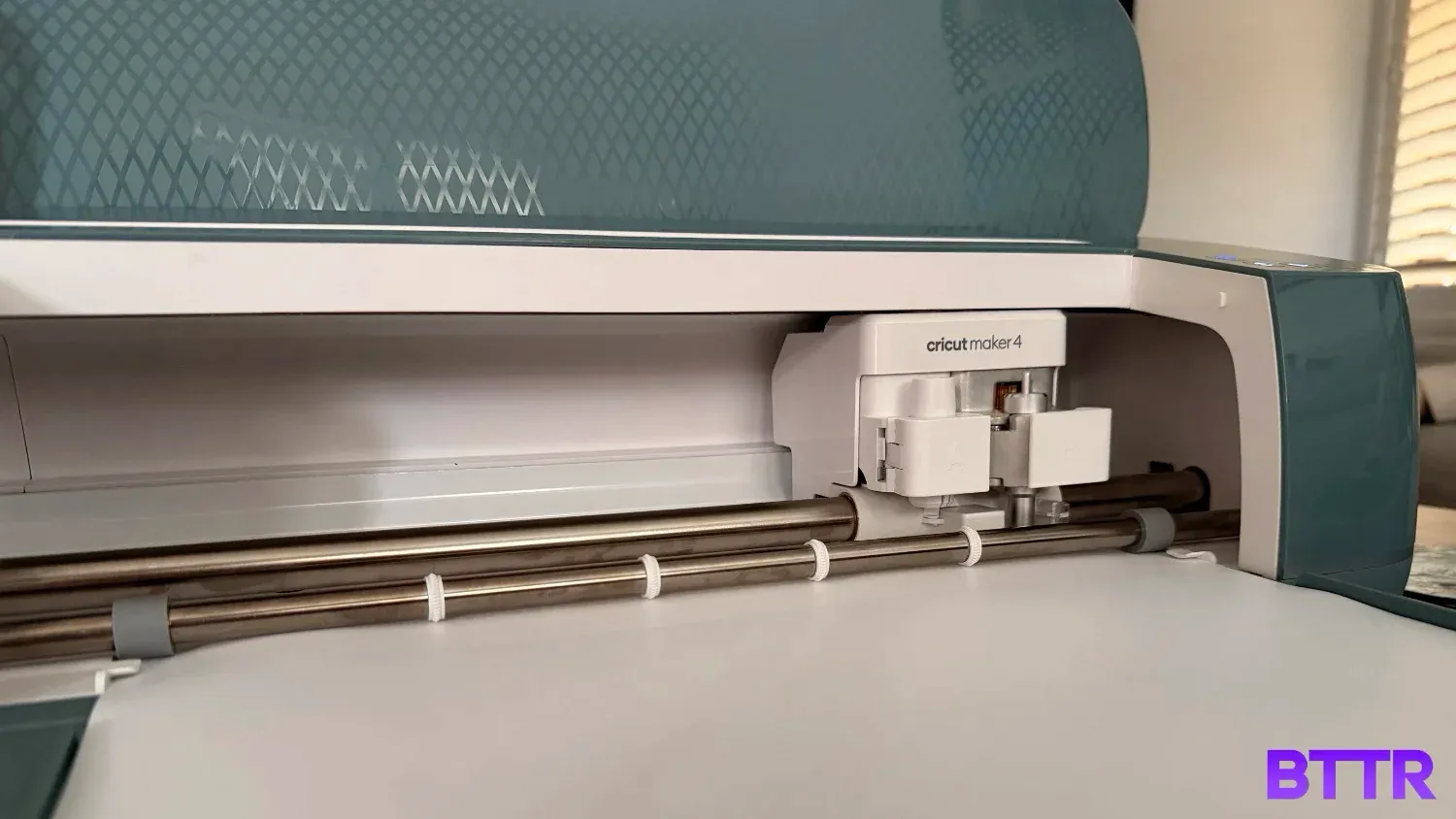
When you open up the Maker 4, there are two slots for attachments. The left is for things like pens and styluses, while the right is for cutting tools.
Switching tools around is super easy, letting you just clip it all in nice and quick.
Cricut has also taken to bundling in a bunch of sample materials in the box, so you can start creating from the moment you take it out of the box.
You’ll still need to go and buy materials for bigger projects, or things like iron on vinyl for T-shirts, but it’s a great way to let you get started and experiment.
Software
One of the things I really need to point out with this review is that as impressive as the hardware is, it’s effectively useless without the software.
The Cricut Design Space app is essential. It’s free to download – I used it on both macOS and iOS, but it’s available on other platforms as well.
The app is the basis of creating a project. It’s like Photoshop or Canva in some ways, letting you use custom fonts and logos and illustrations to create and customise your design.
Where it differs from other design apps is that you need to use it to push your project to the Maker 4 (or whatever Cricut machine you’re using). It offers step-by-step guidance, even telling you to flip your designs for things like T-Shirt vinyl prints, so it comes out right the first time.
The catch here is that the fonts and designs that are included in the core app experience is remarkably narrow. To unlock the full Design Space experience, you need to pay $13.99 a month or $139.99 a year.
That’s a premium price, I don’t think is necessarily worth it in most cases. What’s more, I don’t believe there’s a bundled trial period with the purchase of the cutting machine either – you need to pony up if you want the full app experience.
You can obviously work around this by using a platform like Canva to design everything, download it, and then upload it into your project. But that’s a lot of extra work.
It’s something to be aware of, though, if you’re considering getting any Cricut machine. For the full experience, you’ll need to add $140 a year to the cost of the cutting machine.
Performance
Without having tested the Maker 3, I can’t really offer a point of comparison for the 2x performance speed claims.
What I can tell you is that the Maker 4 is great to watch. It dashes around, lifting and dropping its attachment quickly to precisely cut out or draw your design.
I was really impressed with the smart iron-on vinyl for clothing. I created some pretty intricate designs, including smallish fonts and letters. The Maker made the cuts without breaking a sweat… Unlike me when I had to pick out all the cut pieces of vinyl using the weeding tool.
The cutting part here was pretty quick if I’m honest. The time it took me to design, then weed, then iron on the vinyl was much longer than the actual cutting.
Which is probably a point worth remembering – Crafting with a Cricut is not a quick five-minute experience. It’s a process that takes time, and while the upgraded Maker 4 likely makes that a shorter amount of time, it’s still not instant.
Verdict
The best thing about the Cricut Maker 4 for me was discovering the capacity to create something I never thought I’d be able to achieve.
I made a half a dozen T-shirt designs for BTTR, which I ironed onto nine different cheap shirts from Amazon. It cost me a fraction of the price of getting custom shirts made.
I also created a sheet of BTTR stickers, now stuck on a range of review and personal gear around the home.
If I were getting married again, or hosting a big birthday bash, then access to a product like the Maker 4 would be a game changer for how I would approach the whole event. It unlocks a whole new level of what’s possible for those types of occasions, and all it costs you is material and time.
The Cricut Maker 4 probably isn’t for everybody. But if you’ve got an itch to create, then this is arguably the best way to do it.
Buy the Cricut Maker 4 if
- You want a crafting machine that can handle almost any project – custom apparel, stickers, cards, engraved gifts, leather work and more
- You're a small business owner or regularly make things in volume, and want to cut serious time off production
- You're new to cutting machines but willing to put in the time to learn – the Maker 4 makes it a lot less intimidating than it looks
- You're planning a big event like a wedding or birthday and want full creative control over decorations, signage and personalised items
Skip the Cricut Maker 4 if
- You only need a machine for occasional, simple projects – the smaller Cricut Explore 5 or Joy Xtra will likely cover your needs at a lower price
- You're not willing to factor in the Cricut Access subscription cost, which you'll almost certainly want for the full design library
- You don't have a dedicated space for a machine this size – it's not something you can easily pack away between uses
Latest crafts & sewing deals
Frequently Asked Questions
Do I need a subscription to use the Cricut Maker 4?
No, the Cricut Design Space app is free to download and use, and you can create and cut projects without spending a cent beyond the machine. However, the free tier offers a fairly limited selection of fonts and images. For access to the full design library, premium fonts and exclusive project templates, you'll need a Cricut Access subscription, which costs $13.99 per month or $139.99 per year.
What's the difference between the Cricut Maker 4 and the Maker 3?
The headline upgrade is cutting speed – the Maker 4 is rated at up to twice as fast as the Maker 3 when using a machine mat. Beyond that, the core functionality and compatible tool range are broadly similar. The Maker 4 also comes in a new Sage colourway.
What materials can the Cricut Maker 4 cut?
The Maker 4 is compatible with 300+ materials, from every day crafting staples like vinyl, cardstock and iron-on HTV, through to leather, fabric, chipboard, balsa wood, foam and more. With additional tools, it can also engrave metal and emboss leather.
Does the Cricut Maker 4 need Wi-Fi or a computer?
You'll need a device running the Design Space app — a phone, tablet, or computer — and a high-speed internet connection to use the machine. The Maker 4 connects to your device via Bluetooth, so no USB cable required. Design Space is compatible with iOS, Android, macOS, and Windows.
What comes in the box?
The machine arrives with a Premium Fine-Point Blade and housing, a 30.4 cm x 30.4 cm Light Grip Machine Mat, a Fine Point Pen, a Mini Weeder tool and enough sample materials to get started immediately.
How big is the Cricut Maker 4, and where should I put it?
It measures 56.1 cm x 18 cm x 15.7 cm and weighs just under 7 kg, which is roughly the size of a large printer. It's not really a pack-away device, so you'll want a dedicated spot on a desk or craft table with enough clearance at the front and back for the mat to feed in and out.