
BTTR is independent. We may earn a commission if you buy through our links. Why trust us?
The Galaxy S26 Ultra is a fantastic flagship. The camera is excellent, the performance is rock solid, and the Privacy View screen is both unique and useful. The $2,199 starting price is a serious ask in 2026, and Samsung's choice to leave Qi2 magnets out of the device itself is extremely frustrating. But if you want the best Android phone Samsung makes, this is it.
- Privacy View screen is genuinely impressive and unique
- Exceptional zoom capability across a range of shooting conditions
- Top-tier Snapdragon 8 Elite Gen 5 performance
- S Pen is a handy inclusion even if you rarely use it
- No built-in Qi2 magnets — you need a specific case to get magnetic alignment
- Very expensive, starting at $2,199
- AI features feel underbaked in real-world use
Samsung's Galaxy S Ultra family has been the pinnacle of Samsung’s S series for years. It’s the top of the pops for specs, but over the years, the incremental spec updates have gotten a little stale. While a better processor is always nice, it’s not really exciting, if you know what I mean.
But this year, Samsung has created something genuinely new to talk about, beyond the annual processor and camera upgrades: the AI Privacy View screen.
It's not a gimmick.
It works remarkably well, and is the most exciting new feature to come to not just Galaxy S phones, but smartphones in general for a while now..
You still get the full S Ultra package, including a 200MP camera, the retractable S Pen stylus and the powerful Snapdragon 8 Elite Gen 5 chip. Samsung’s also still pushing its suite of Galaxy AI features that you may or may not care about at all.
What makes the Galaxy S26 Ultra stand out?
Privacy View is the headline feature here. No other phone manufacturer currently offers anything quite like it, and that alone gives Samsung something to point to that its competitors can't match right now.
I expect other brands to start working on similar implementations before too long, but for now this is Samsung's exclusive technology and it is 100% a reason to choose a Samsung phone over the likes of an iPhone 17 Pro or a Pixel 10.
Naturally, there’s more to the Galaxy S26 Ultra than just the privacy screen. It still delivers a powerful, feature-rich flagship with an impressive camera that competes at the very top of the market.
It's not a radical redesign from the S25 Ultra, but it doesn't need to be. The formula works.
Samsung Galaxy S26 Ultra specs
| Category | Specification |
|---|---|
| Colours | Cobalt Violet, Sky Blue, Black, White (Silver Shadow and Pink Gold available exclusively via Samsung.com) |
| Storage & RAM | 256GB / 12GB RAM, 512GB / 12GB RAM, 1TB / 16GB RAM |
| Display |
6.9-inch Dynamic LTPO AMOLED 2X 1440 × 3120 pixels at 505 PPI Adaptive refresh rate 1–120Hz Peak brightness 2,600 nits Corning Gorilla Armor 2 AI Privacy View (Privacy Screen) |
| Processor | Snapdragon 8 Elite Gen 5 for Galaxy |
| Rear cameras |
200MP Wide (f/1.4) — main sensor 50MP Ultrawide 10MP Telephoto 50MP Telephoto (5x optical zoom / 10x optical-quality zoom) 100x AI Space Zoom |
| Front camera | 12MP |
| S Pen | Built-in retractable S Pen |
| Battery & charging |
5,000mAh 60W Super Fast Charging 3.0 (wired) 25W wireless charging (Qi2, requires magnetic case for alignment) |
| Size & weight | 163.6 × 78.1 × 7.9mm / 214g |
| Connectivity | Wi-Fi 7 (2.4GHz + 5GHz + 6GHz), Bluetooth 6.0, NFC, UWB, USB-C |
| Durability | IP68 |
| OS | One UI 8 (Android 16) |
Design and build quality
If you've held an S Ultra before, the S26 Ultra will feel familiar. Samsung has settled into a design language that works, and they're not making dramatic changes this year.
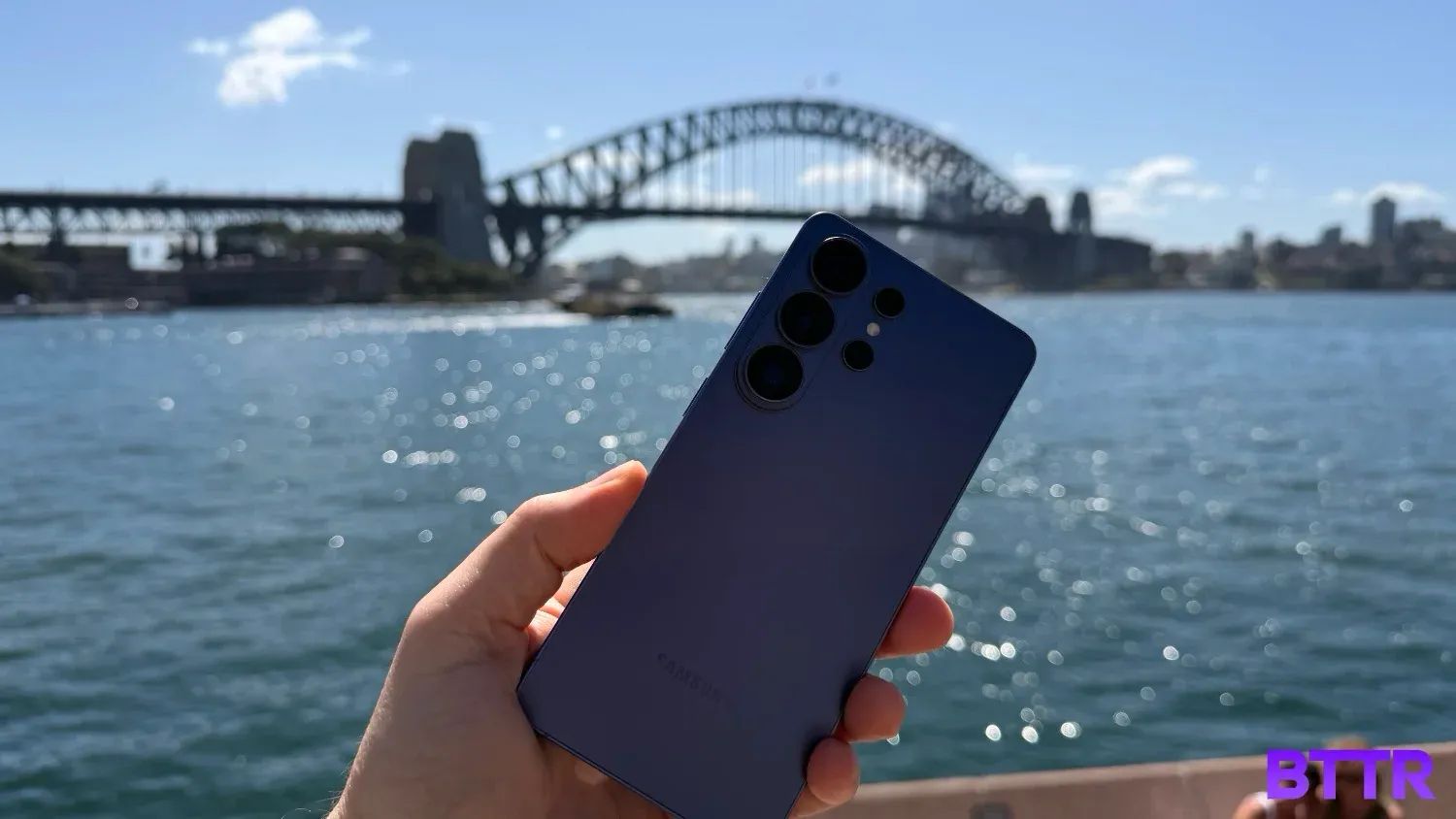
I've been testing the Cobalt Violet colourway, which has a nice metallic finish. It looks good. Nobody's going to pick it up and think it looks cheap. The Armour Aluminium frame gives the phone a premium feel without the fingerprint-magnet tendencies you sometimes get with more polished metals.
It is a big phone, though. I have reasonably large hands and I still can't reach the top-left corner without precariously shifting my grip and hoping for the best. If your hands are on the smaller side, this is a two-handed device for pretty much everything, and you should factor that in before buying.
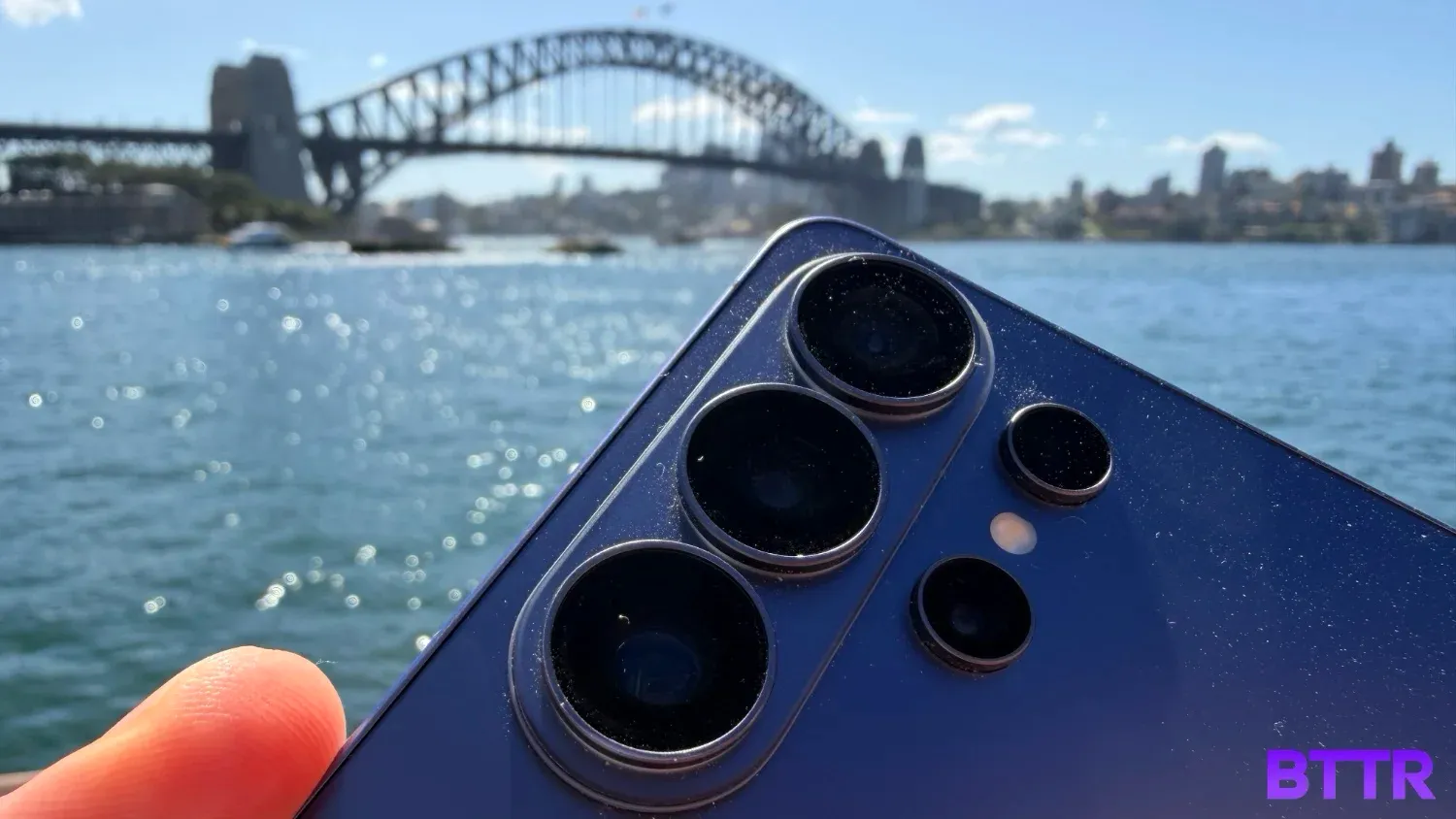
The triple camera array sticks out noticeably from the back panel. It's raised enough that the phone won't sit flat on a table without a case.
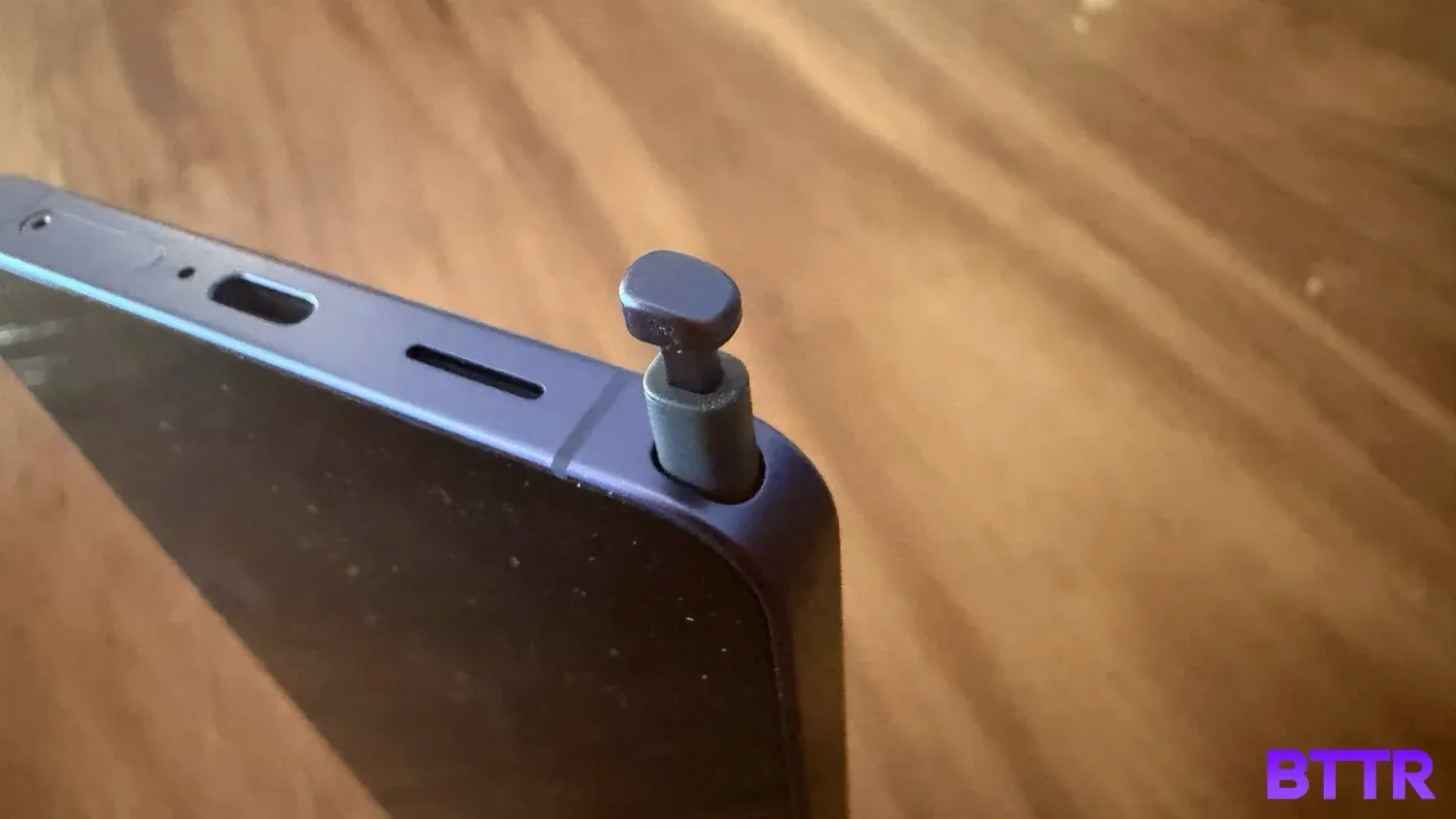
Button layout is simple: volume rocker and power button on the right, nothing on the left. Along the bottom you have USB-C, the SIM card slot, and the retractable S Pen slot. It's a clean arrangement, and the absence of a dedicated AI shortcut button is something I noticed but don't miss.
The S Pen itself is a great inclusion. I don't use it constantly, but there's something reassuring about knowing it's there if you need to take a note, sign a document, or sketch something out. Having it internal on the device keeps it practical, so you don’t have to worry about forgetting it.
It’s not all good news, though. While the S26 Ultra supports 25W wireless charging speeds that meet the Qi2 standard, the phone lacks the magnetic alignment system required for the fast charging. You need to buy a case with the magnets built in to take advantage of the magnetic attachment feature.
On a device that starts at $2,199 in 2026, that's not acceptable. Qi2 and MagSafe have been around for long enough that the technology is mature and well-understood.
For Samsung to still be offloading the magnetic alignment on their flagship phone to an accessory purchase is massively disappointing.
Display performance
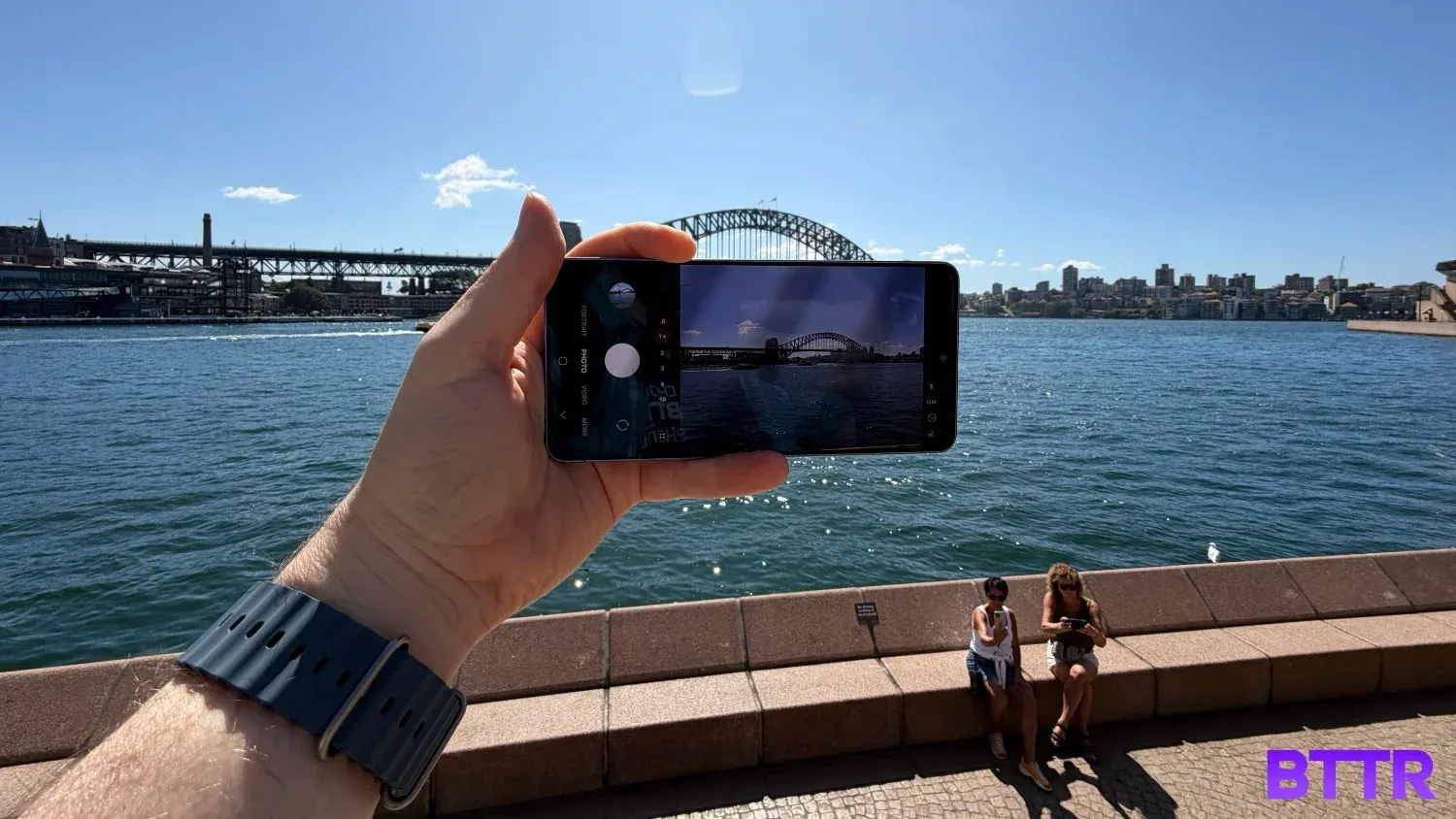
The 6.9-inch Dynamic LTPO AMOLED 2X display is excellent, as you would expect. At 1440×3120 pixels and 505 PPI, it's extremely sharp. The adaptive refresh rate scales from 1Hz all the way to 120Hz depending on what's on screen, making everything feel smooth. At up to 2,600 nits of peak brightness, it's readable in full sun.
But none of that is the headline feature. Privacy View is.
Samsung has engineered the pixels of the display so that when you tilt the phone off-centre, the screen darkens dramatically. Anyone trying to look at your screen from the side isn't going to see much of anything.
Having had Privacy View switched off initially, it's striking to turn it on and notice the difference. With it off, the screen is visible from a wide range of angles, just like any other phone.
Turn it on and it goes dark quickly for anyone not looking at it dead-on. For anyone who does things like mobile banking or sensitive work emails on their phone, this is a massive feature. It is 100% a reason to buy this device, particularly if discretion matters to you.
There are a couple of things to keep in mind, though. Photos don't pop in the same way with Privacy View active. You lose some of the visual impact that a good AMOLED screen normally delivers.
Samsung lets you customise which apps Privacy View applies to, so I'd strongly recommend turning it off for the camera and gallery apps specifically. You want to see your photos at their best, and Privacy View works against that.
The same applies broadly: any time you want the clearest and most accurate representation of what's on screen, there's a trade-off when Privacy View is running.
These are minor caveats for a feature that's both impressive and unique, though. I’m hugely impressed.
Camera performance
The quad-camera system on the S26 Ultra centres on a 200MP main sensor. Alongside it you get a 50MP ultrawide, a 10MP telephoto, and a 50MP telephoto with 5x optical zoom and 10x optical-quality zoom, pushing all the way to 100x via AI-assisted Space Zoom.
The camera is fantastic. Let's just get that out there.


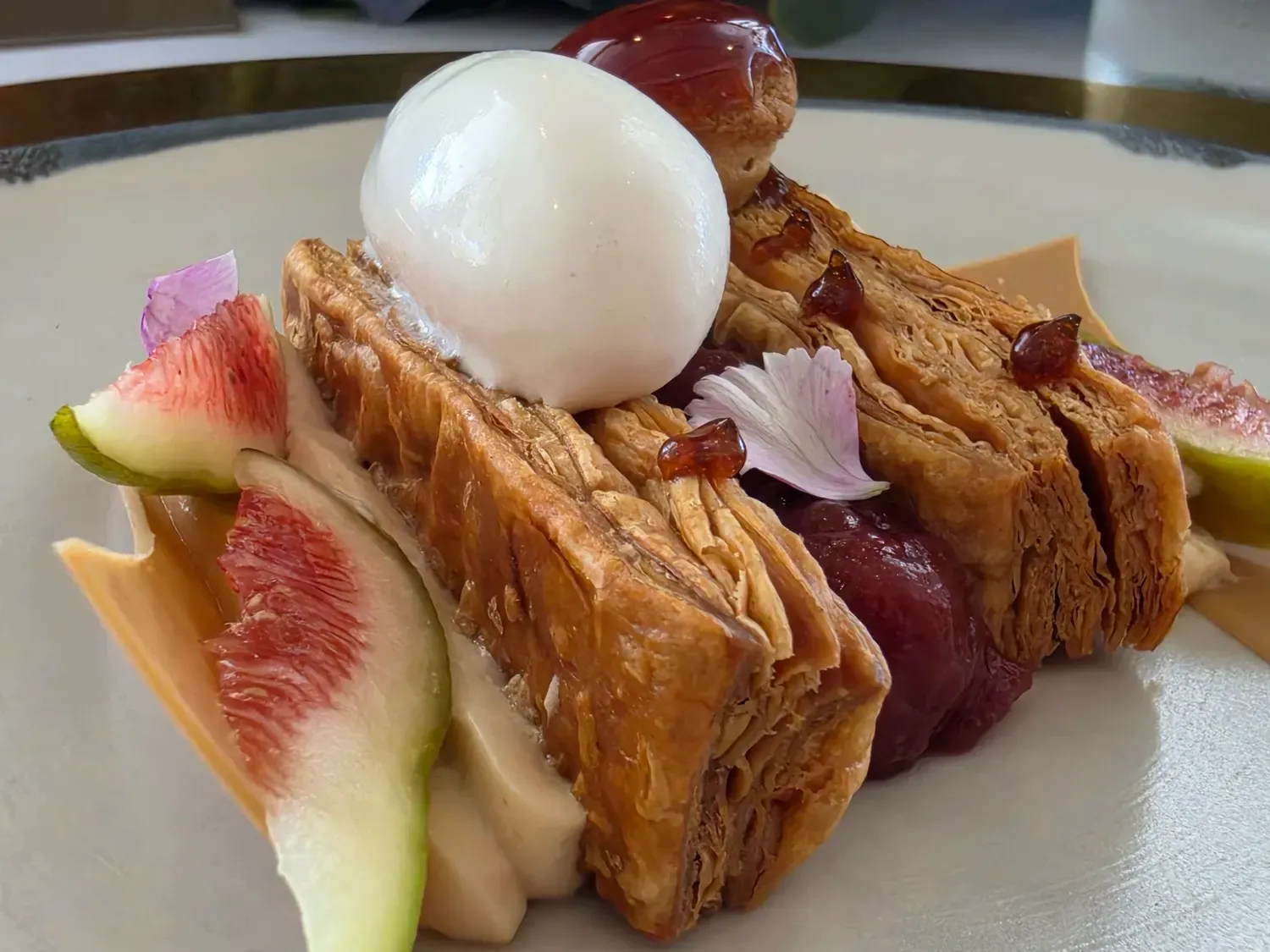


A selection of general photos taken on the S26 Ultra
The feature I was most impressed by is the zoom. I took the phone to the Matildas' Asian Cup final against Japan. I was sitting up in the nosebleeds, and the photos and video I got back looked like I was shooting from the edge of the pitch.
The level of detail the Space Zoom pulls in at range, in a large stadium with good natural light, is genuinely impressive.
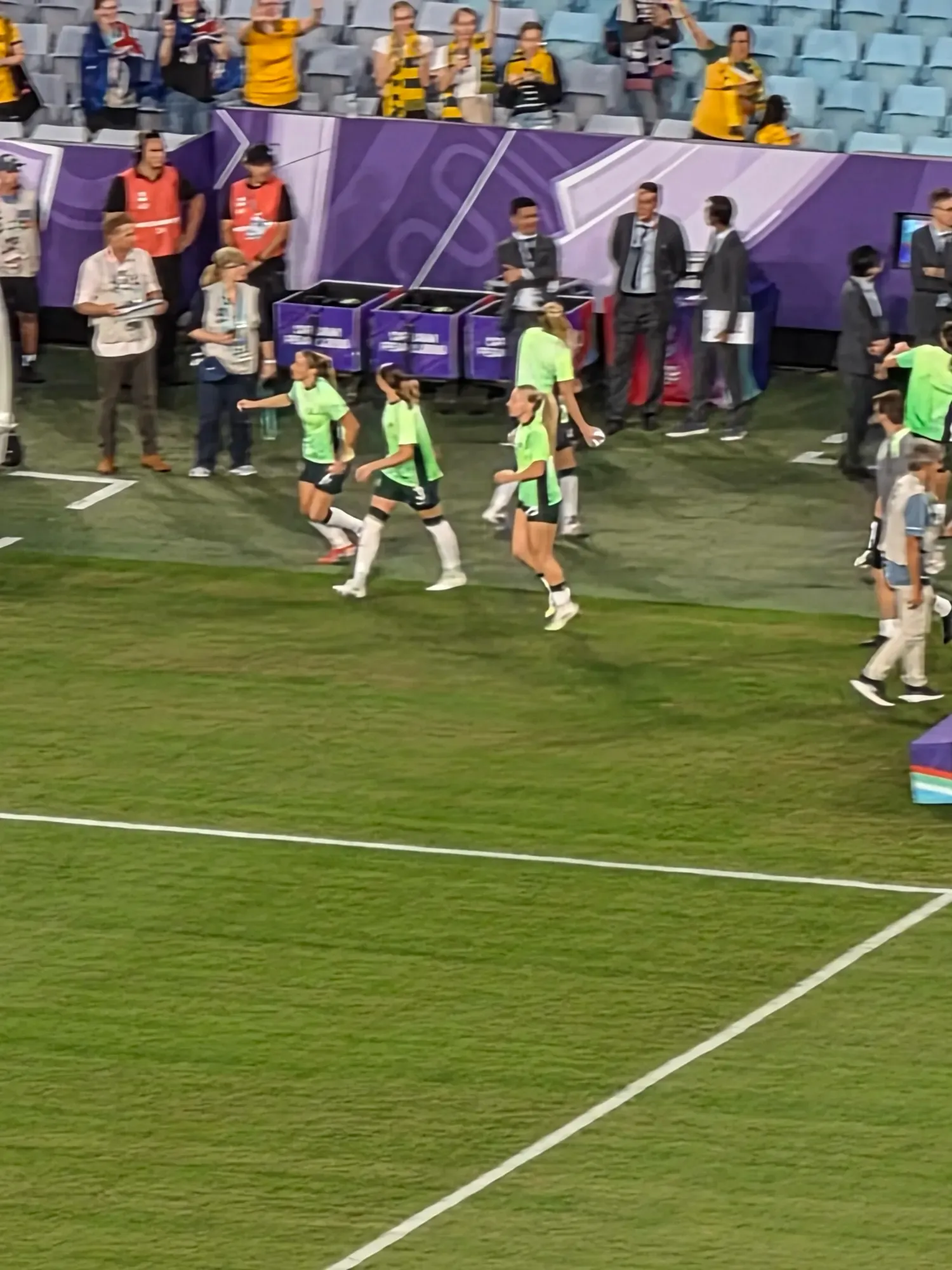


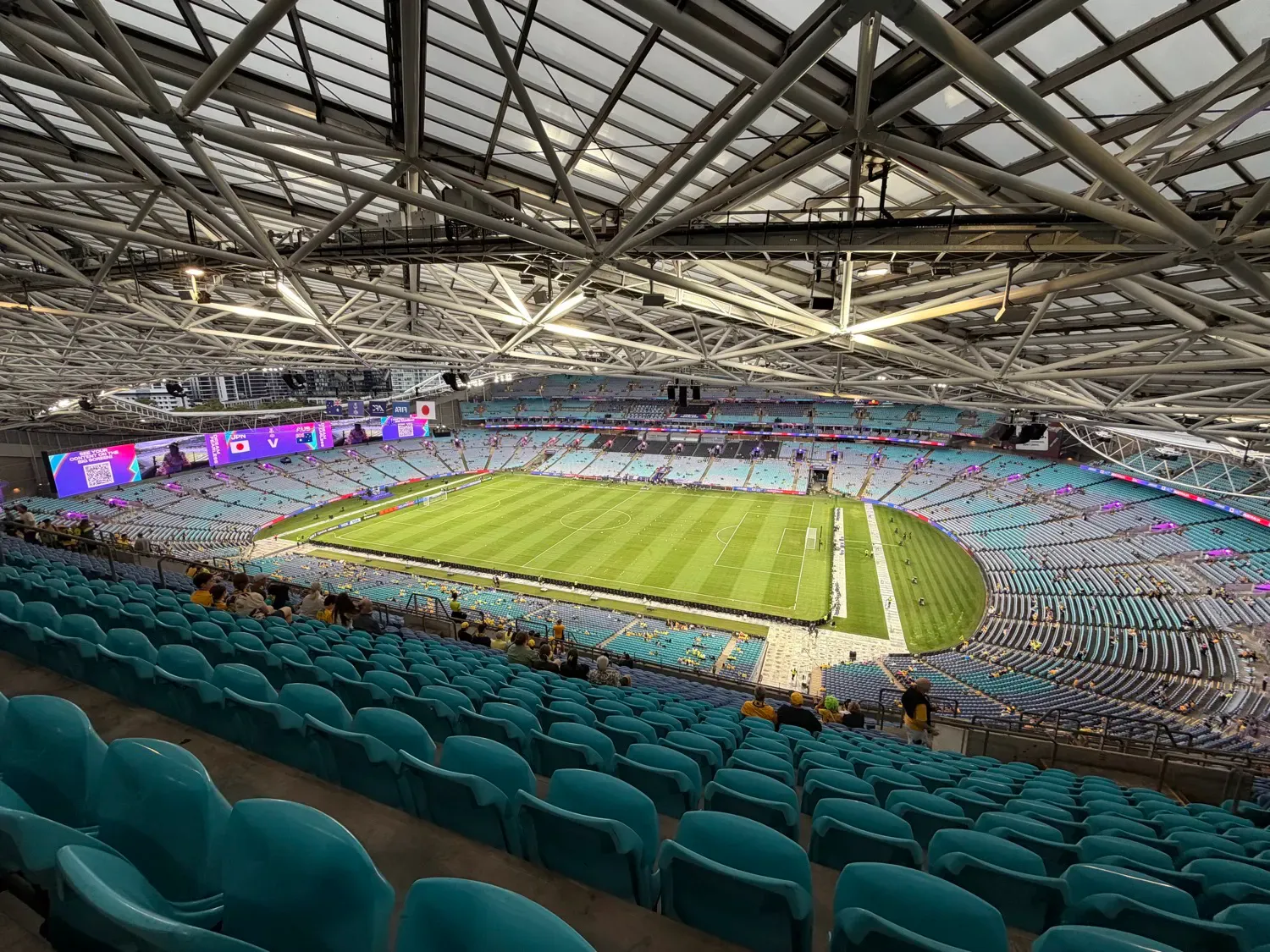
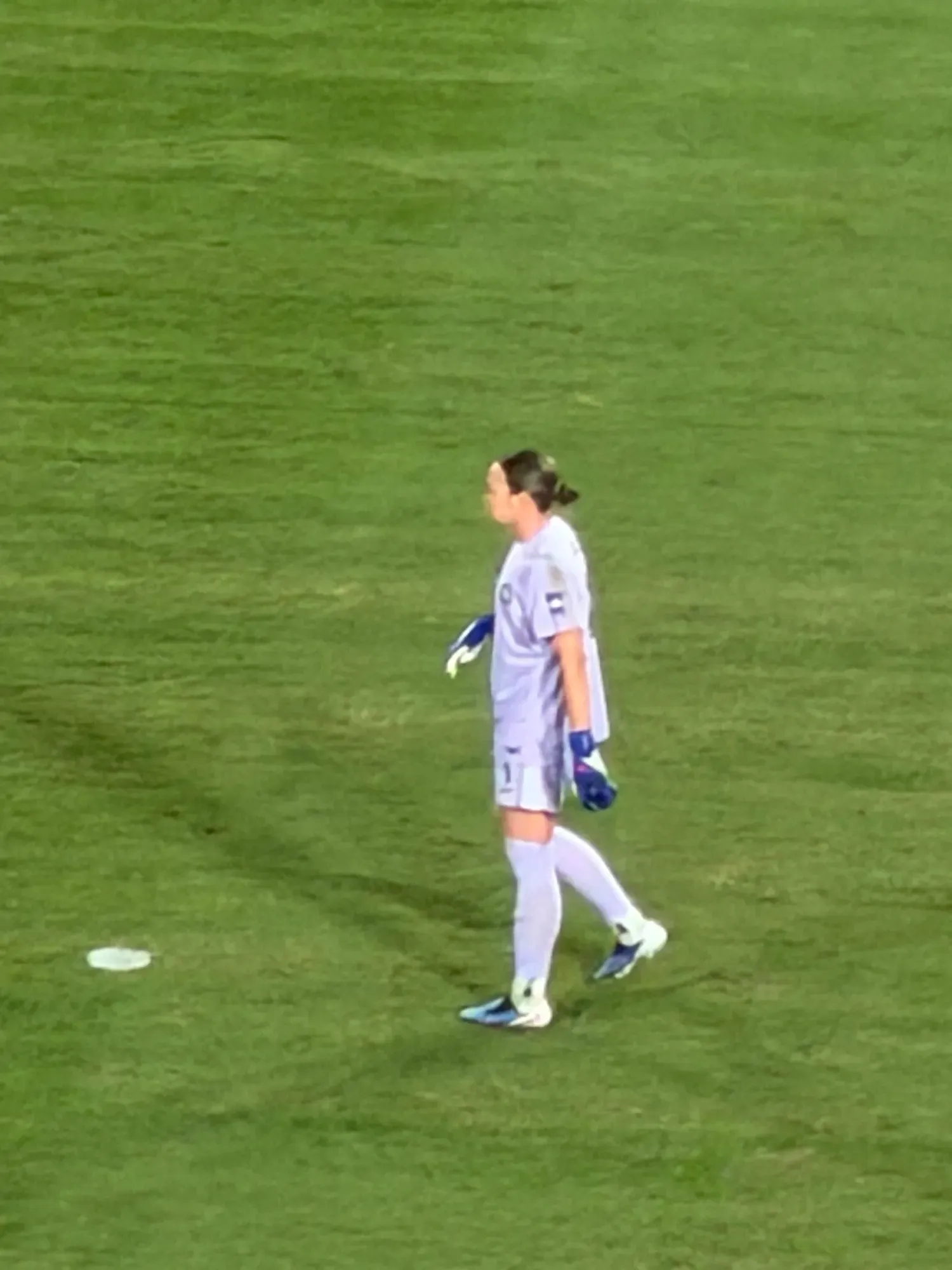
Showcasing the zoom of the S26 Ultra at the Matilda's match
I also had it at the Counting Crows gig at the Enmore Theatre in Newtown. Entirely different conditions this time around – it was an indoor venue, with moody stage lighting, about seven rows back from the front.
Those lighting conditions are exactly where smartphone cameras can struggle. But the S26 Ultra still delivered solid photos and video of Adam Duritz and the band.




Counting Crows performing at the Enmore.
Knowing a phone can handle both of those scenarios gives you a lot of confidence in what you can do with it across different situations.
There's also a feature called Horizon Lock that's well worth highlightingIt’s not really something I think many would use often, but it works similarly to the stabilisation mode you'd find on an action camera.
The horizon stays level in frame even if you tilt or spin the phone. It's particularly useful for walking shots or any situation where you're moving while filming.
For anyone who shoots a lot of video in active scenarios, it's a clever addition.
Performance and software
The Snapdragon 8 Elite Gen 5 is a very powerful processor. The benchmark numbers confirm it.
In Geekbench 6, the S26 Ultra's single-core CPU score of 3,772 is level with the iPhone 17 and very close to the iPhone 17 Pro's 3,802.
Where things get more interesting is multi-core performance, where the S26 Ultra's score of 11,289 is well ahead of the iPhone 17 Pro's 9,840. That's nearly 1,500 points clear, which is not an insignificant gap.
On the GPU side, the S26 Ultra scored 28,250 in the Vulkan test, which is a substantial jump from the 21,864 of the Galaxy Tab S11 Ultra, which gives you a sense of just how much processing power has improved in this generation.
Day-to-day, the phone is fast and smooth. I haven't found a way to push it to a point where it feels sluggish or stressed.
Samsung is leaning hard into Galaxy AI with the S26, particularly agentic AI capabilities powered by Gemini and Perplexity. The pitch includes things like handling complex multi-step tasks through a single voice prompt (booking a taxi, for example) and features like Now Brief and Now Nudge that are meant to surface reminders and suggestions by working through your personal context in the background.
Honestly, in two weeks of testing, none of these features struck me as something to get excited by, let alone buy the phone.
I'm not convinced that agentic AI is a meaningful reason for most people to choose this phone over something else right now, but maybe time will convince me otherwise.
Battery life and connectivity
The 5,000mAh battery is solid for day-to-day use. Across a typical day I've had no battery anxiety — it handles regular use comfortably.
When you do need to top up, 60W Super Fast Charging 3.0 over USB-C gets you back up quickly. Wireless charging at 25W Qi2 speeds is supported, though as mentioned, you'll need a magnetic case to get the alignment benefit.
Wi-Fi 7, Bluetooth 6.0, NFC and UWB are all here, so there are no connectivity gaps worth noting.
Verdict
The Galaxy S26 Ultra is a great phone. The camera delivers across a wide range of shooting conditions, the performance benchmarks are as strong as anything on the Android side, and Privacy View is a feature that nobody else has right now, and it works really well.
The S Pen continues to be a nice bonus, the display is beautiful (when you want it to be), and the overall package is exactly what you'd expect from a Samsung Ultra device.
But $2,199 as a starting price is a significant ask in 2026, particularly given where the cost of living is right now for most Australians. And the competition is the strongest it's been in years.
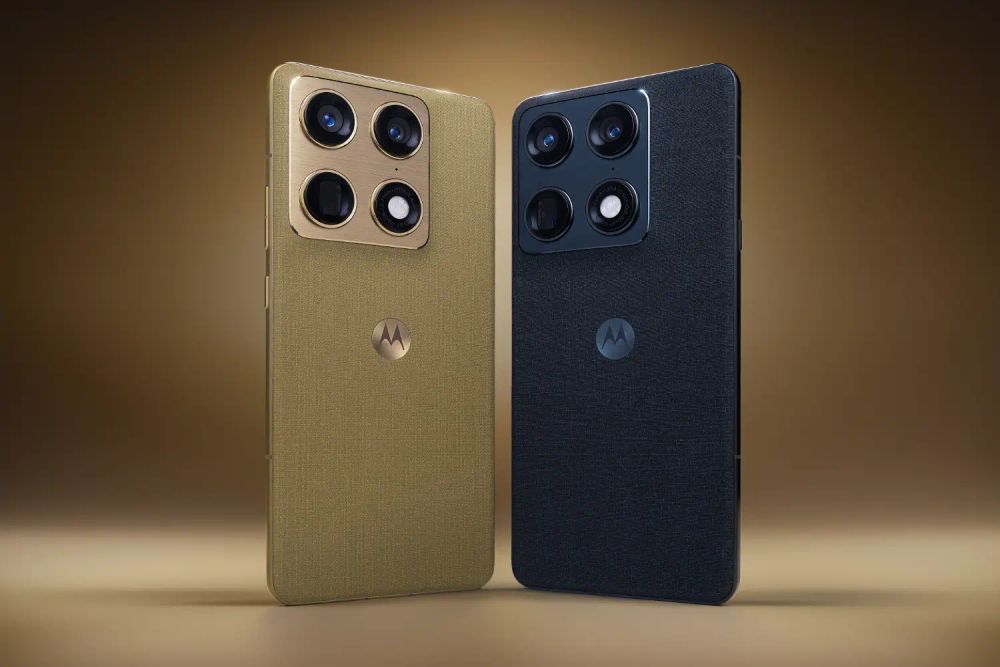
The iPhone 17 Pro is a serious alternative. Motorola has returned to the flagship space with the Signature. Honor and Oppo are putting pressure on the market with premium foldables. This is not the same two-horse race it used to be.
The Qi2 situation is also a genuine frustration. That may not be a deal-breaker for you, but I think it would be for me.
If you're committed to Android, want Samsung's best, and the price is within reach, the S26 Ultra is absolutely worth it. The Privacy View screen alone makes it feel like a step forward.
Just be honest with yourself about whether you need all of what it offers, because the mid-range is better than it's ever been too.
Buy the Samsung Galaxy S26 Ultra if:
- You want a flagship-level camera that can deliver great results at zoom distances most phones can't touch
- On-screen privacy matters to you and you want a feature that actually addresses it in a meaningful way
- You want the most powerful Android flagship on the market right now
Skip the Samsung Galaxy S26 Ultra if:
- The $2,199 starting price is too steep, especially when strong mid-range options are available for half the money
- You were planning to use Qi2 magnetic charging without buying a specific case to enable it
- You don't need Ultra-tier performance and camera capability — the Galaxy S26 and S26+ cover a lot of ground at a lower price
Where to buy
The Samsung Galaxy S26 Ultra is available in Cobalt Violet, Sky Blue, Black and White, with Silver Shadow and Pink Gold exclusive to Samsung.com.
| Storage | RRP (AUD) |
|---|---|
| 256GB | $2,199 |
| 512GB | $2,499 |
| 1TB | $2,949 |
Latest smartphone deals
Frequently asked questions
What is Privacy View on the Samsung Galaxy S26 Ultra?
Privacy View is Samsung's privacy display feature, exclusive to the S26 series. By adjusting how the pixels of the screen emit light, the display darkens when viewed from an angle, making it impossible for anyone looking from the side to see what's on your screen. You can customise which apps it applies to, and Samsung lets you toggle it on and off easily. Note that Privacy View does reduce some of the visual pop you'd normally get from an AMOLED display, so it's worth turning it off for the camera and gallery if you want to see your photos at their best.
Does the Samsung Galaxy S26 Ultra support Qi2 wireless charging?
Yes and no. The S26 Ultra supports 25W wireless charging at Qi2 speeds, but it does not have Qi2 magnets built into the device itself. To get the magnetic alignment that makes Qi2 chargers particularly convenient (snapping onto the phone the way MagSafe does on an iPhone) you'll need a case with the Qi2 magnets built in.
How good is the Samsung Galaxy S26 Ultra camera for zoom photography?
The S26 Ultra's zoom capabilities are impressive. The system includes a 50MP 5x optical telephoto lens with 10x optical-quality zoom, and pushes all the way to 100x via AI-assisted Space Zoom. In real-world use, including stadium sports and indoor concert photography, the results are impressive across a range of conditions and distances.
Does the Galaxy S26 Ultra still include an S Pen?
Yes. The S Pen is still built into the S26 Ultra, sitting in a retractable slot along the bottom edge of the phone. It's available whenever you need it without any extra accessories or attachments to manage.
How does the Samsung Galaxy S26 Ultra compare to the iPhone 17 Pro?
The two phones are closely matched in single-core CPU performance, with the S26 Ultra scoring 3,772 and the iPhone 17 Pro scoring 3,802 in Geekbench 6. The S26 Ultra pulls ahead on multi-core performance (11,289 vs 9,840), which matters for demanding parallel workloads. The S26 Ultra's Privacy View screen and S Pen are features the iPhone 17 Pro doesn't have. The iPhone 17 Pro counters with a tighter software ecosystem, Apple Intelligence integration, and its own strong camera system. Australian pricing is very similar, with both starting at $1,999-$2,199, depending on storage.