

BTTR is independent. We may earn a commission if you buy through our links. Why trust us?
The DJI Osmo Pocket 4 is a compact, easy to use content creation tool that makes a fine replacement for your smartphone phone for recording video. A 1-inch sensor, 4K 240fps slow motion and ActiveTrack tracking that just works make it a serious upgrade over a smartphone rig, even if the menu system can be a little fiddly to navigate. If you're serious about creating video content, this deserves a spot in your kit bag.
- Compact gimbal design is noticeably less bulky than a smartphone rig
- 107GB of built-in storage means you can shoot all day without a microSD card
- ActiveTrack keeps faces in focus even when briefly lost in a crowd
- Fast charging tops up to 80 per cent in around 18 minutes
- Zoom is digital only, capped at a claimed lossless 2x, with no optical option
- Menu system requires digging through secondary menus for features like slow motion
- Some scenes still blow out highlights in difficult lighting despite the 14 stops of dynamic range
- D-Log Pro and other pro colour tools are overkill for casual vloggers
When I first started trying to create video content to accompany my reviews and process here on BTTR, I used the Osmo Mobile and my smartphone. It was a solid combination, but I would always look at other journalists at events using an Osmo Pocket device and wonder if the grass wasn't greener on the other side.
Using your phone is fine, but it increases the size and bulk of your rig. It also limits the versatility a little because the bulk of the phone means you can't always get the angle you want. And the number of times the weight of a heavier review phone has put off the gimbal’s balance is too high to count.
Having spent just over a month with the Osmo Pocket 4, DJI's latest mobile camera, I can honestly say the grass is greener. If you want to be creating content for social media, budgeting for a pocket gimbal camera like this should be high on your to-do list.
It's compact, simple to use and records fantastic video quality.
What makes the DJI Osmo Pocket 4 stand out?
By the time you get to name something "4", there's a good chance you've ironed out a lot of the kinks in previous generations.
The Osmo Pocket 4 from DJI is an impressively specced camera in its own right. It uses a 1-inch CMOS sensor with an f/2.0 aperture to promise better quality recording in low-light situations. It also helps capture crisp footage in all lighting conditions.
While the sensor has had an upgrade, so has the storage. Instead of really needing a MicroSD card to be able to shoot anything, DJI has included 107 GB of built-in storage so you can shoot any time. You can still expand that if you need more, but I found the 107 GB enough to manage without needing an extra microSD card.
The Pocket 4 can shoot 4K video in a horizontal aspect ratio, or 3K if you shoot vertically, and can record slow motion up to 240 fps. You get 14 stops of dynamic range, which means you can get solid footage in even the most difficult lighting conditions and while there's no "optical" zoom, DJI says you can get 2x lossless zoom thanks to the high-resolution recording.
For more professional videographers looking for a compact recording solution, the Pocket 4 supports 10-bit D-Log Pro, allowing you to ensure footage looks consistent across cameras.
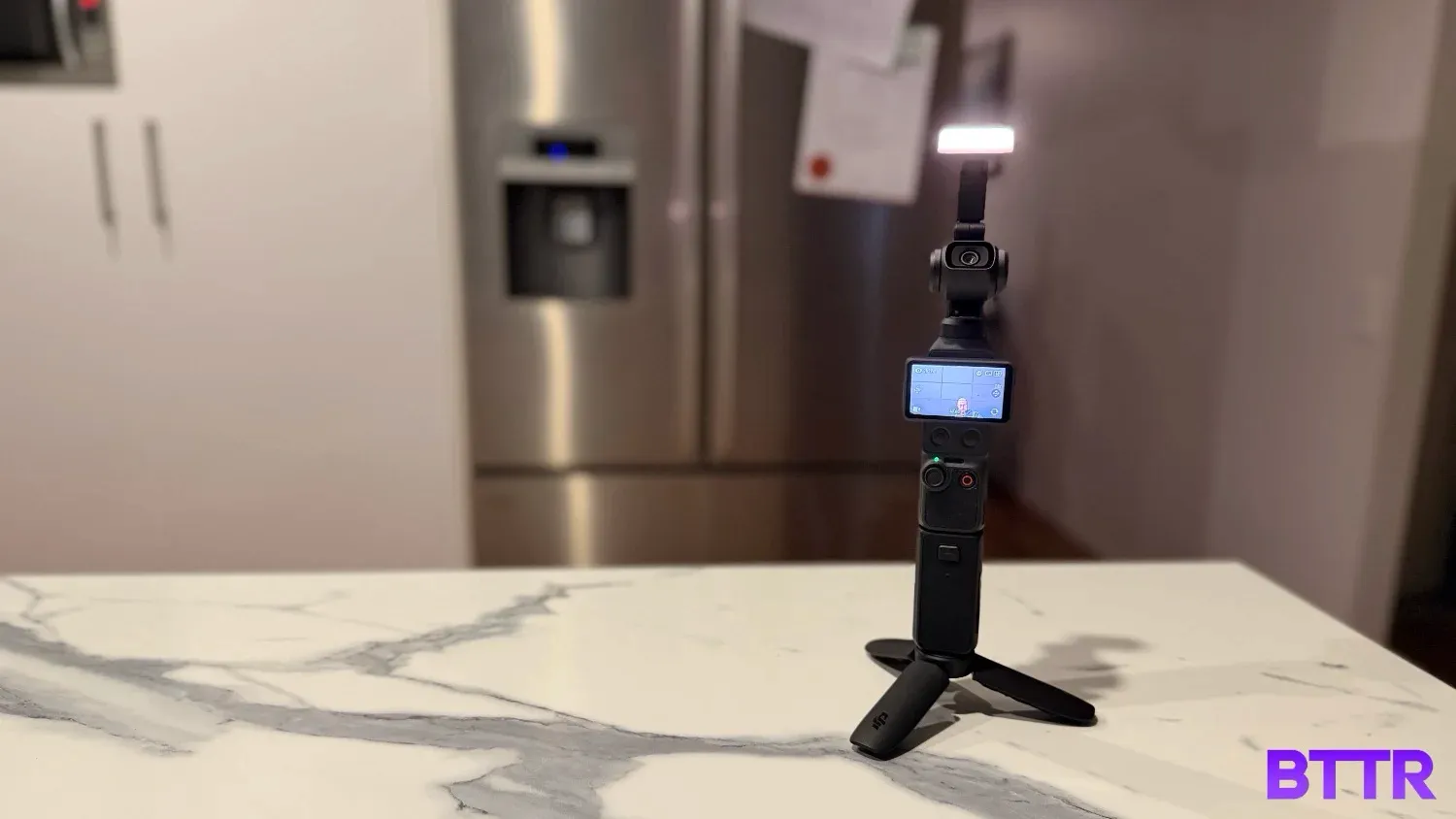
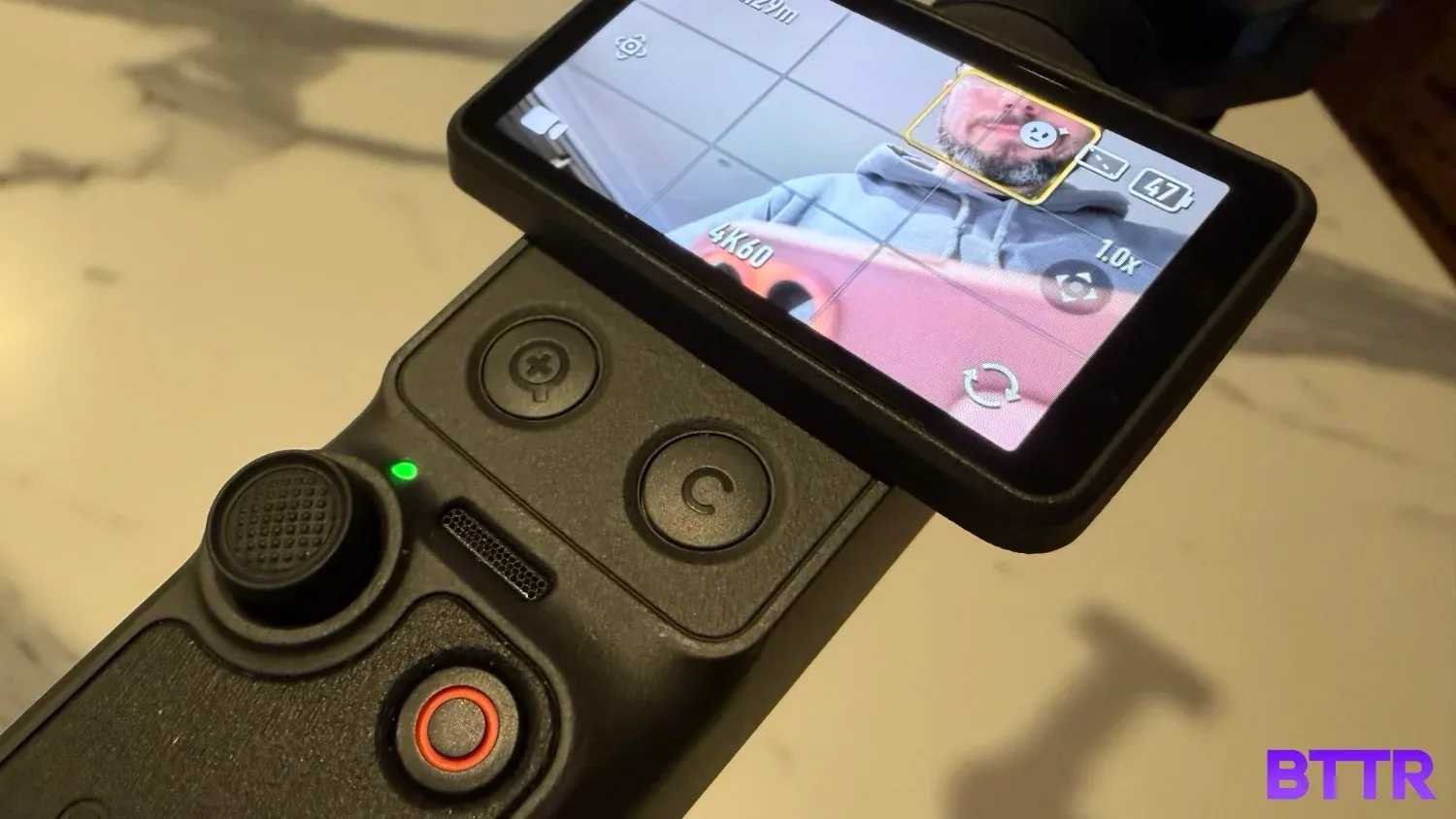
There are lots of other little improvements over the Pocket 3, too. Two new shortcut buttons hide under the 2-inch display, allowing you to quickly zoom in or take a photo (you can customise this if you want), while the gimbal head itself now has a series of pins that allow for the quick connection of a fill light attachment.
It's a very complete offering, particularly for anyone looking to get started in content creation.
DJI Osmo Pocket 4 specs
| Category | Specification |
|---|---|
| Price | From $769 |
| Sensor | 1-inch CMOS, f/2.0 aperture, 20mm equivalent focal length |
| Video | 4K up to 240fps slow motion, 6K/30fps, 3K in vertical orientation |
| Dynamic range | 14 stops, 10-bit D-Log Pro colour profile |
| Photo resolution | 37MP |
| Zoom | 2x lossless digital zoom (no optical zoom) |
| Storage | 107GB built-in, expandable via microSD, up to 800MB/s transfer speed |
| Battery | 1,545mAh — up to 240 minutes recording (1080p, screen/Wi-Fi off), approx. 135 minutes at 4K/60fps |
| Charging | USB-C — 18 minutes to 80 per cent, approx. 32 minutes full charge |
| Weight | 190.5g |
| Dimensions | 144.2 × 44.4 × 33.5 mm |
| Colours | Black |
| Microphone compatibility | DJI Mic 2, Mic 3 and Mic Mini transmitters (wireless pairing) |
Design and build quality
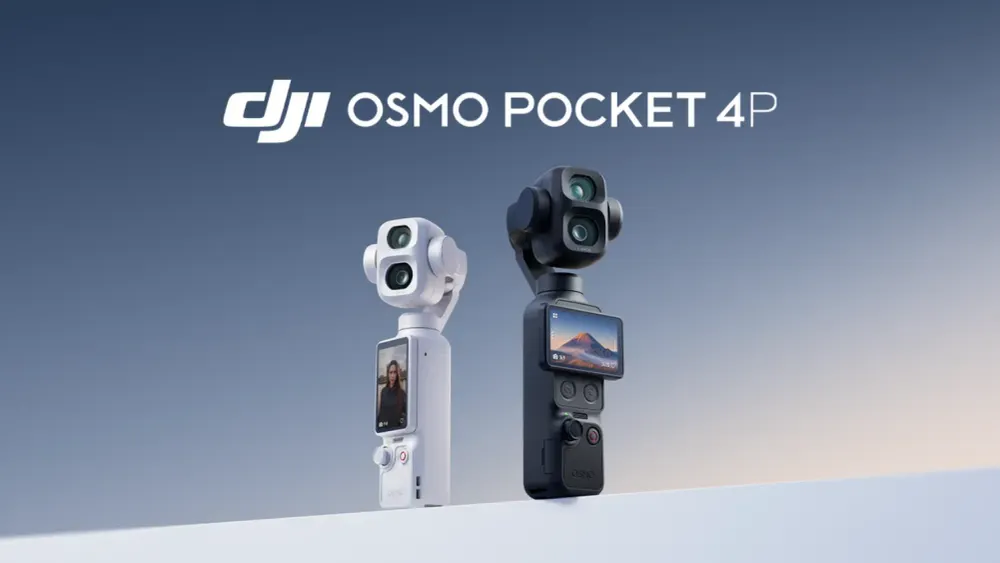
The Pocket 4's design is immediately familiar to previous generations of the product. It's a 4K camera in a 3-axis gimbal mounted on a thin pole that's easy to hold single-handedly.
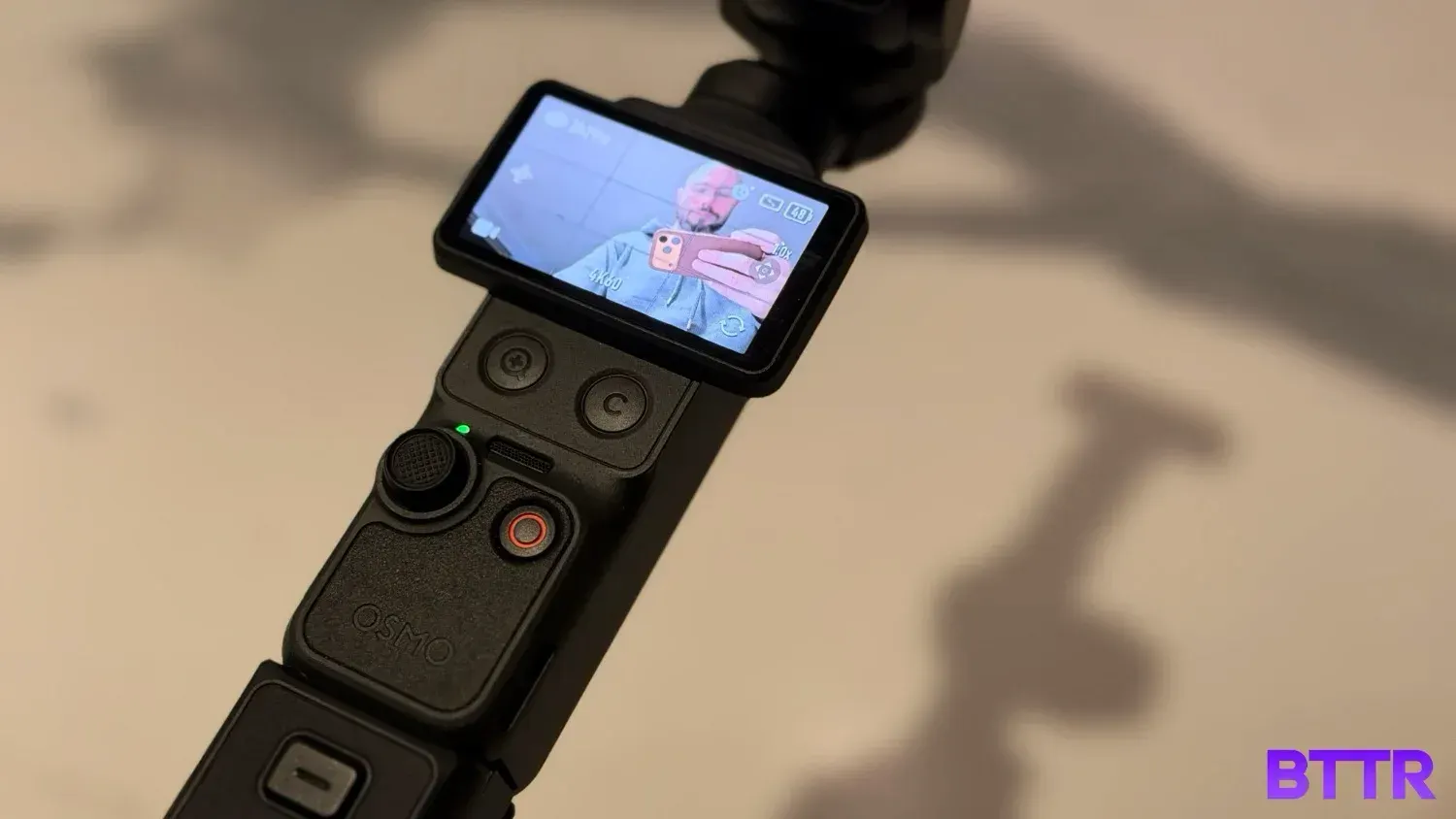
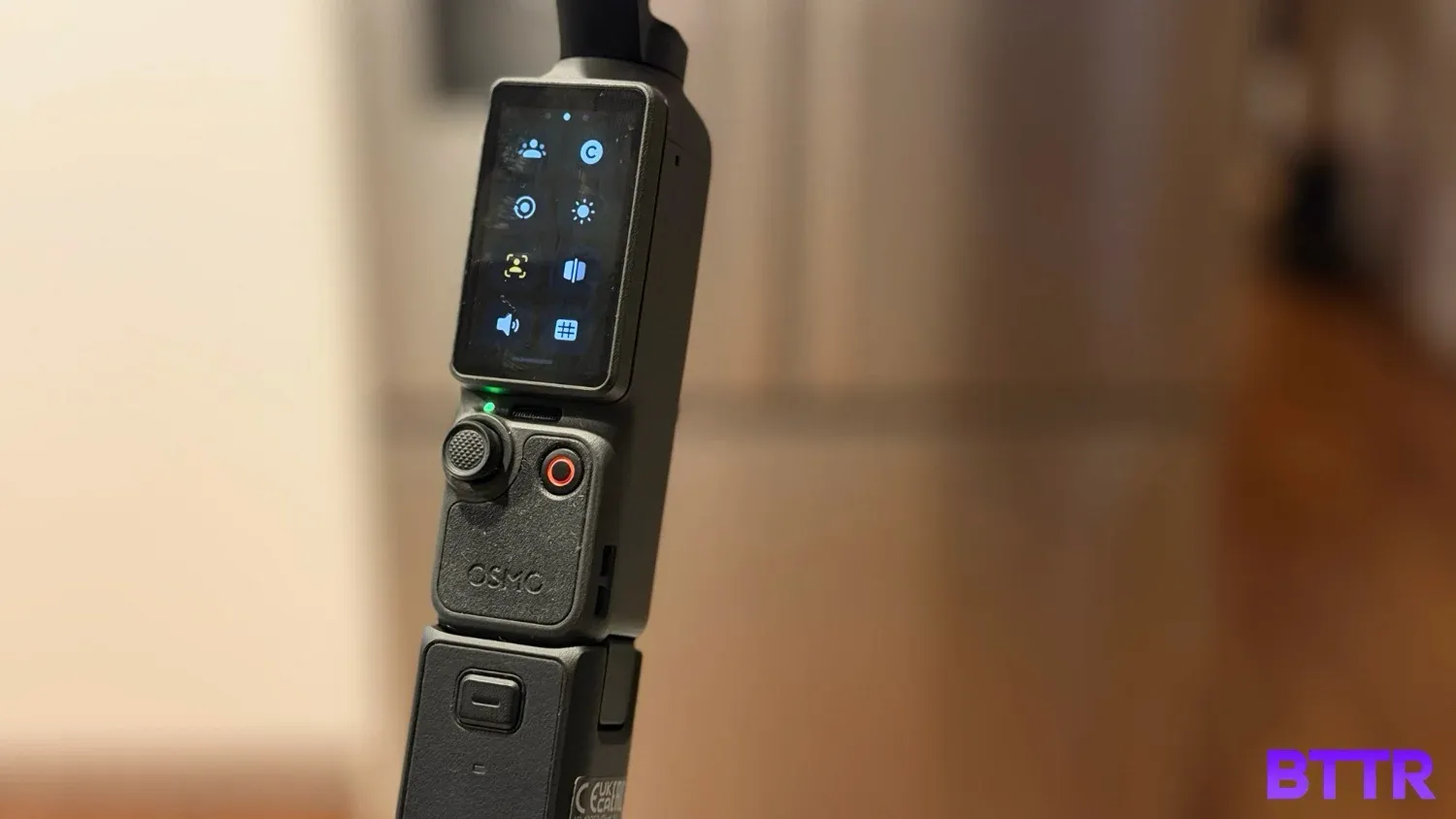
A small, 2-inch OLED touchscreen display rotates 90 degrees, automatically switching the camera on when you pivot it. The touchscreen is large enough to see what you're shooting and solid for framing shots, but controlling the depth of menus can be a little challenging.
Below the screen, there's a record button and an analogue control stick. And new to the Pocket 4 are two additional buttons that lie hidden under the rotating screen, only accessible in horizontal view. By default, the left button zooms to 2x and back, while the right button can be customised.
There's a covered microSD card slot on the left side of the body, though with 107 GB of internal memory, you don't necessarily need to use that. A USB-C port sits in the underside of the body, which lets you attach accessories like additional battery packs and a tripod attachment. Those attachments are designed to clip in to the body securely, too.
One of the things I didn't expect to find, but was pleasantly surprised by, was a fill light attachment that magnetically clips onto the side of the gimbal. It lets you adjust the brightness and the warmth via a pair of buttons on the light, and you can manually adjust the angle the light shines. It uses the Pocket 4's power, connecting via some exposed pins on the gimbal head.
Video performance
But it's inside the camera that the real magic happens. The 1-inch CMOS sensor makes it easy to shoot high quality 4K footage at night, while the 14 stops of dynamic range allow even better performance in difficult, high contrast shooting environments.
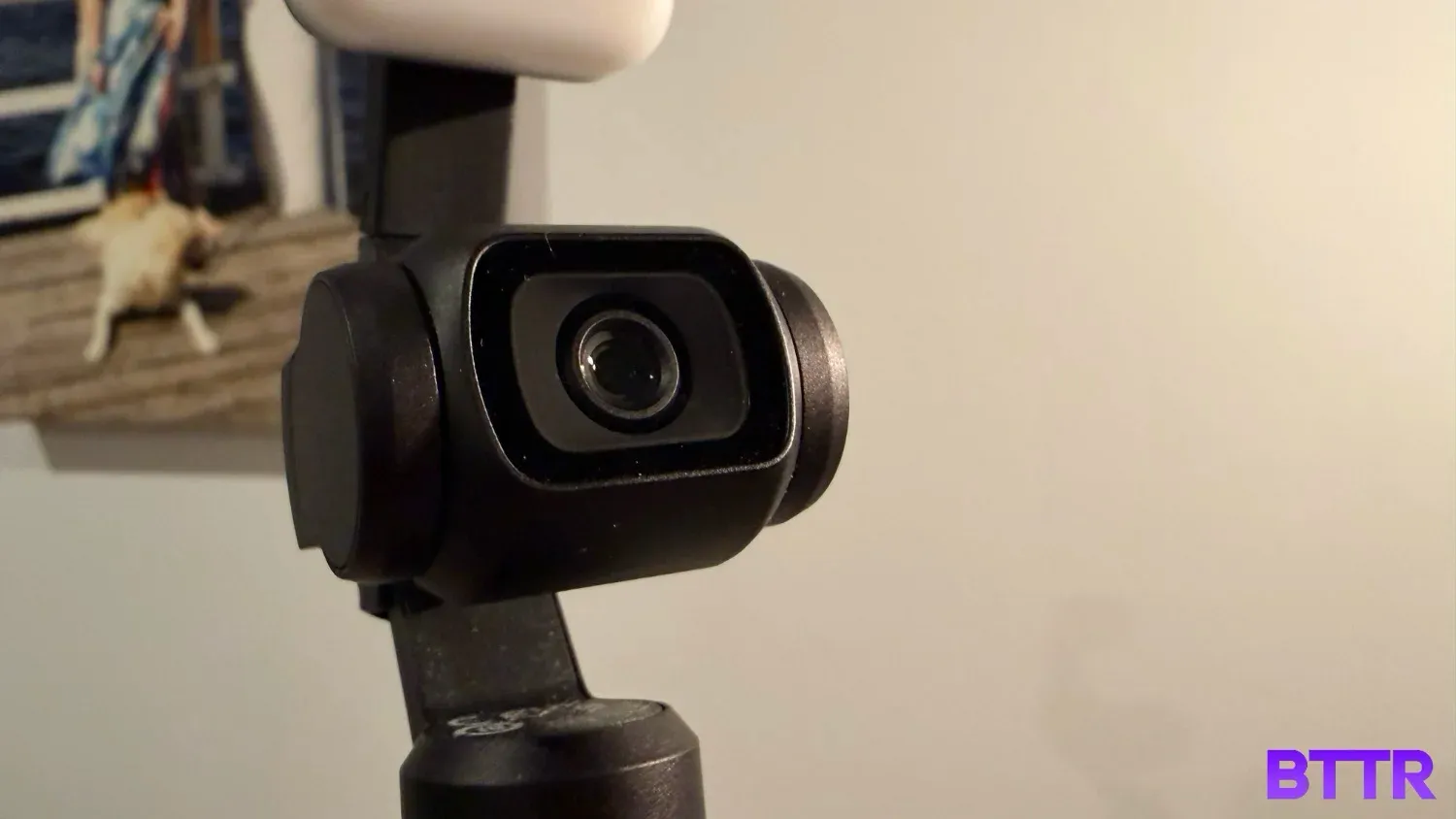
Compared to shooting from my iPhone 17 Pro, I found that the Pocket 4's video was crisper and smoother at 1x zoom. Where a smartphone may have an edge is in the zoom, the Pocket 4's zoom is digital only, and while DJI claims lossless 2x, it's still not an optical zoom.
As much as the Pocket 4 supports 14 stops of dynamic range, I did still find that some situations of shooting in difficult lighting, saw the sky blow out while the camera focused on capturing the detail and colour in the foreground. It's largely on par, or even a bit better, than using a smartphone though, so it's nothing to be disappointed by.
There are a number of filters you can use while recording, either to beautify your blemishes (a setting common in smartphones, which I detest, so didn't use it) or by adding one of six different film-inspired filters, which can help you create a more cinematic feel to your recordings.
Once you've filmed with one of these filters though, you can't remove it, so it's almost certainly better to film in the standard mode and edit in your filters later. But it's a nice inclusion for a bit of fun.
Also a bit of fun is the 4K 240 fps slow motion recording. It's a bit of a hassle to get to in the settings (more on that in a bit), but for anyone wanting to record high quality slow motion, this is solid.
For those with more cinematography experience, or creators looking to take their editing game to the next level, the inclusion of D-Log Pro Mode will be a big selling point, allowing for consistent results across cameras. But for my unboxing videos and personal vlogging, it was complete overkill.
What gives the Pocket 4 a big advantage over a smartphone is the ActiveTrack support. DJI has updated its tracking software, and performance here is remarkably strong. It can automatically detect faces and keep them in focus, even when that person is temporarily lost while walking through a crowd, for example.
If you want to focus on an object rather than a person, you can easily do that too with a touch of the OLED.
The Pocket 4 can also easily pair with DJI's wireless microphones. I set it up to connect to the Mic Mini 2, and every time I switched both on, it automatically paired and was ready to go.
There are a few other modes, like still photos, panorama and timelapse, all of which work as advertised. But the killer is in the regular 4K video recording.
Battery life, software, and connectivity
Probably the biggest issue with the Pocket 4 is that the menu system isn't necessarily clear and straightforward using the touchscreen.
Swipe from any of the four sides of the touchscreen to launch a different menu. That could be switching resolutions, viewing the full menu, or viewing your library of clips.
But other features, say jumping into slow motion, for example, require a secondary menu selection, and control from there. It's not impossible to navigate around, but it does feel a bit convoluted and confusing.
Fortunately, if you are just looking to use default settings, you don't need to worry too much about it.
Packed inside the Pocket 4 is a 1,545 mAh battery, which DJI claims will give you about 240 minutes (or 4 hours) of recording time. You can also get an optional battery handle accessory that adds another 150 minutes of run time for $99, which isn't bad value in my opinion.
Even better than the battery life is the fast charging, 18 minutes on the charger will fill a flat battery to 80 per cent, which can get you back to recording nice and quickly.
The Pocket 4 lets you quickly and easily copy your recordings to your phone using the DJI MIMO app. It creates a direct Wi-Fi connection, and copies at up to 800 MB/s, and just seems to work. It's definitely convenient for shifting clips from the camera to your phone for editing.
Verdict
I really loved using the DJI Pocket 4 for creating video. It's really simple to use, records high-quality video in both landscape and portrait settings, and has a whole heap of depth in the settings for those who need more than just a basic camera on a gimbal.
For me, I also loved that it was a lot more compact than the Osmo Mobile. While I still think that's a great option for starting out, if you are serious about video, then a dedicated camera like this is arguably a better investment.
It does get a little confusing with the menus, and the touchscreen is quite small.
But overall, this is a brilliant companion for anybody looking to create video content.
Buy the DJI Osmo Pocket 4 if
- You're ditching your phone for video content. The compact gimbal setup is lighter and less bulky than mounting a phone, and skips the balance issues that come with a heavier handset.
- You want to shoot without worrying about storage. 107 GB of built-in memory at 800 MB/s transfer means you can go a full day without reaching for a microSD card.
- You need reliable subject tracking. ActiveTrack held focus on faces even when someone briefly disappeared into a crowd.
- You want pro-level colour grading options on a pocketable camera. D-Log Pro and 14 stops of dynamic range give you more to work with in the edit if you need it.
Skip the DJI Osmo Pocket 4 if
- You need real optical zoom. The Pocket 4's zoom is digital only, so anyone wanting genuine optical reach for tighter shots will need to look elsewhere.
- You find fiddly touchscreen menus frustrating. Getting to features like slow motion means digging through secondary menus, which isn't always intuitive.
- You're shooting casual content and won't touch D-Log Pro. The colour grading tools are built for more serious editing workflows, and most everyday vloggers won't need them.
Latest action camera deals
Frequently Asked Questions
Does the DJI Osmo Pocket 4 have optical zoom?
No. The Pocket 4's zoom is digital only, with DJI claiming lossless quality up to 2x. If tight close-ups without quality loss matter to you, you'll be relying on getting physically closer rather than zooming in.
How long does the Osmo Pocket 4's battery last?
DJI rates the 1,545mAh battery at up to 240 minutes of recording, though that figure is measured with the screen and Wi-Fi off. In heavier 4K use, it'll run down faster. An optional battery handle accessory adds around 150 minutes of runtime for $99.
Do I need a microSD card to use the Osmo Pocket 4?
Not necessarily. It comes with 107 GB of built-in storage, which was enough for a month of testing without needing to add a card. There's still a microSD slot if you want to expand it.
What microphones work with the Osmo Pocket 4?
It pairs wirelessly with DJI's Mic range. I tested it with the Mic Mini 2, and it connected automatically every time both devices were switched on.
How fast does the Osmo Pocket 4 charge?
Quick. It goes from flat to 80 per cent in around 18 minutes over USB-C.
Is the Osmo Pocket 4 hard to use?
Not for basic shooting on default settings. Where it gets fiddly is digging into secondary menus for features like slow motion, which isn't always intuitive to navigate.