

BTTR is independent. We may earn a commission if you buy through our links. Why trust us?
A decade ago, robot vacuums were a bit of a joke.
They bumped around rooms more or less at random, got stuck under couches, and left obvious strips of un-vacuumed carpet behind them.
The ones sold today build detailed floor plans of your home, dodge pet mess, and empty their own dustbins for weeks at a time without you touching them.
I've watched robot vacuums go from a novelty gadget to genuinely capable appliances over the past few years, and the jump in performance has been huge.
Almost all of that improvement comes down to three things: how the robot sees where it's going, how hard it actually sucks, and how much of the dirty work its dock can take off your hands.
How a robot actually "sees" your home
The earliest robot vacuums used what's politely called "random bounce" navigation.
It would drive forward, hit something, turn at a semi-random angle, and repeat.
It was as inefficient as it sounds. That's why those early robots took forever to clean a room and still missed patches of floor.
Today, robot vacuums use one of two fundamentally different technologies to see your home. It either measures distance with light, or it recognises landmarks with a camera.
LiDAR navigation
Most current mid-range and premium robots use LiDAR, short for Light Detection and Ranging.
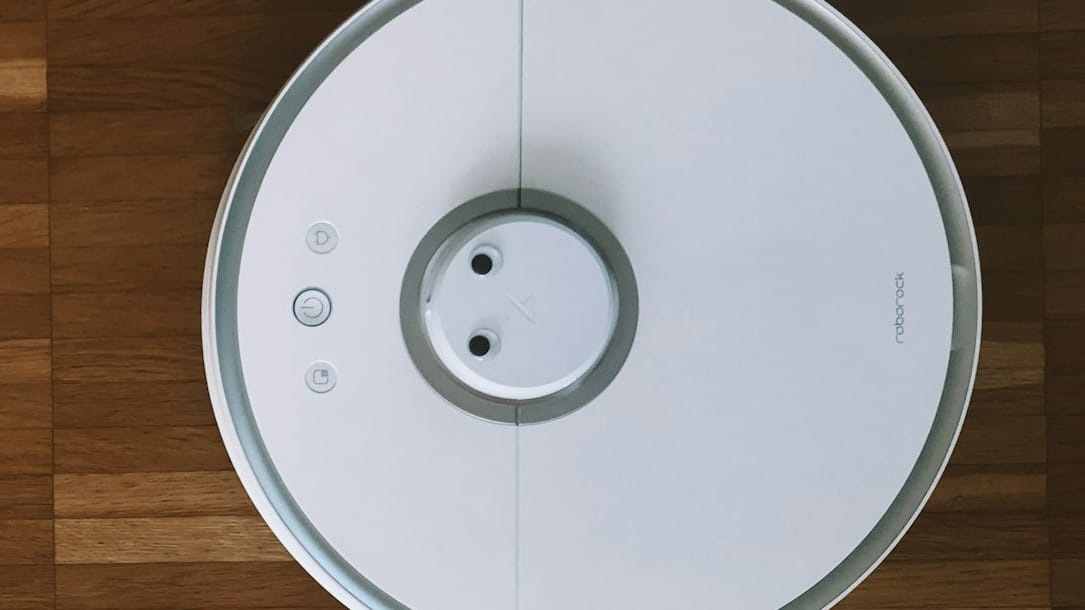
Picture a tiny lighthouse spinning on top of the robot. A small laser sensor fires out pulses and measures distances to walls and furniture by timing how long it takes the light to bounce back.
That timing measurement is called “time-of-flight”. It's the same underlying principle phone makers use for autofocus sensors, just scaled up and spun in a circle, so the robot gets a 360-degree reading many times a second.
Stitch thousands of those distance readings together, and you get a precise, real-time map of your home, accurate to a few millimetres. Because it's using laser light rather than a camera, it works just as well in a pitch-dark room at 2am as it does at midday.
Older robot vacuum designs used a visible spinning turret on top of the robot, the little bump you'd recognise on most mid-range models.
But some newer models, like Roborock's Saros 20, ditch that turret entirely in favour of a solid-state LiDAR unit that sits flush with the body. That’s part of the reason it can slide under a sofa or bed frame, just under 8 cm off the ground.
That flush LiDAR is usually paired with other sensors rather than working alone. Roborock's system, called StarSight, combines the LiDAR with a 3D time-of-flight sensor and a lateral laser it calls VertiBeam, which is what lets the robot spot a phone charger cable lying flat on the floor.
The company says the Saros 20 can now recognise more than 300 types of household obstacle, up from around 108 on the previous-generation Saros 10R.
Object detection is one of the key differentiators between flagship and mid-range devices right now. A robot that only maps walls and furniture will still confidently drive straight into a sock or a stray charging cable because those objects sit too low and too thin for basic LiDAR to register reliably.
The obstacle-recognition layer sitting on top of the map is what actually stops it happening.
Camera-based navigation
Some budget and mid-tier robots use camera-based navigation instead, usually called vSLAM, short for “visual simultaneous localisation and mapping”.
An upward or forward-facing camera picks out landmarks such as ceiling features and furniture edges, and software stitches those together into a map by tracking how those landmarks shift position as the robot moves.
It's a clever bit of engineering born out of cost. A basic camera sensor is a fraction of the price of a spinning laser unit, which is precisely why it's stayed the default for entry-level robots for so long.
It works well in a bright home with plenty of visual detail to latch onto. But it can lose its way in a dim room, at night, or in a plain, sparsely furnished space with nothing distinctive for the camera to track. This is when you'll see a vSLAM robot double back over the same patch of floor or miss a corner entirely.
iRobot's Roomba range is the clearest example of this trade-off playing out over time. Its i-series, j-series and Combo Essential models still run on vSLAM, badged iAdapt 3.0.
But its newer Roomba 105 Combo has switched to LiDAR imaging outright, which tells you where even a brand built on camera navigation sees the technology heading.
What a good map actually gets you
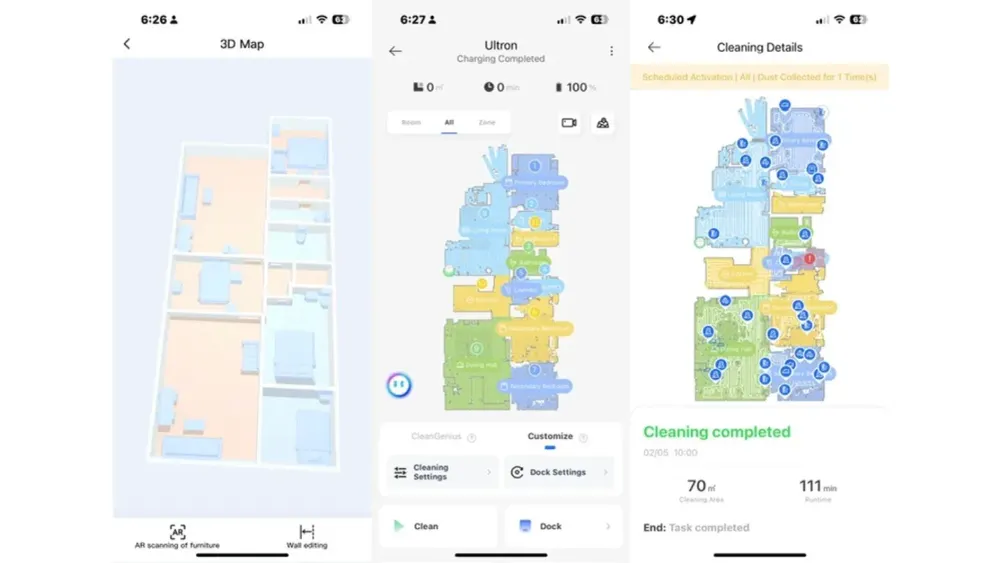
Once a robot has mapped your home properly, its app usually lets you draw room boundaries and clean each one on its own schedule.
That means vacuuming the kitchen after dinner, or the living room first thing in the morning. The kids’ rooms while they’re at school. Whatever works for your needs.
You can also set no-go zones around cables and pet bowls, and no-mop zones separately from no-vacuum zones.
The better systems go a step further and actually use the map, not just store it. Ecovacs' AI Smart Hosting mode, for instance, looks at room type, floor material and dirtiness level and automatically generates suction, water flow and route settings for each area, rather than you setting one fixed mode for the whole house.
That means the hallway with the muddy dog prints gets a different cleaning setting to the lounge room carpet, without you manually setting it.
Suction power: what those Pa numbers actually tell you
Every manufacturer wants to talk about Pascals, or Pa, the unit used to measure suction pressure.
The marketed figures have climbed at a ridiculous pace. When I reviewed the Deebot N8 a few years back, it maxed out at 2,300Pa.
Roborock's current flagship, the Saros 20, is rated at 36,000Pa. Its slightly older sibling, the Saros 10R sold in Australia, sits at 20,000Pa. Ecovacs' current flagship, the Deebot X11 OmniCyclone, is rated at 19,500Pa.
But the suction is only part of the story. The Saros 20 doesn't clean carpet twice as well as the Saros 10R, just because the figure is roughly double.
Pa is measured as static suction pressure through a sealed tube in a lab, with no brush roll, no airflow restriction, and no dirt.
You should treat these specs the same way you'd treat a car's advertised top speed. It’s technically measured under specific conditions, and only loosely connected to what you'll actually notice on your floors.
So what actually determines whether a robot cleans your floors well? It's a combination of factors, conveniently listed below.
Brush roll design
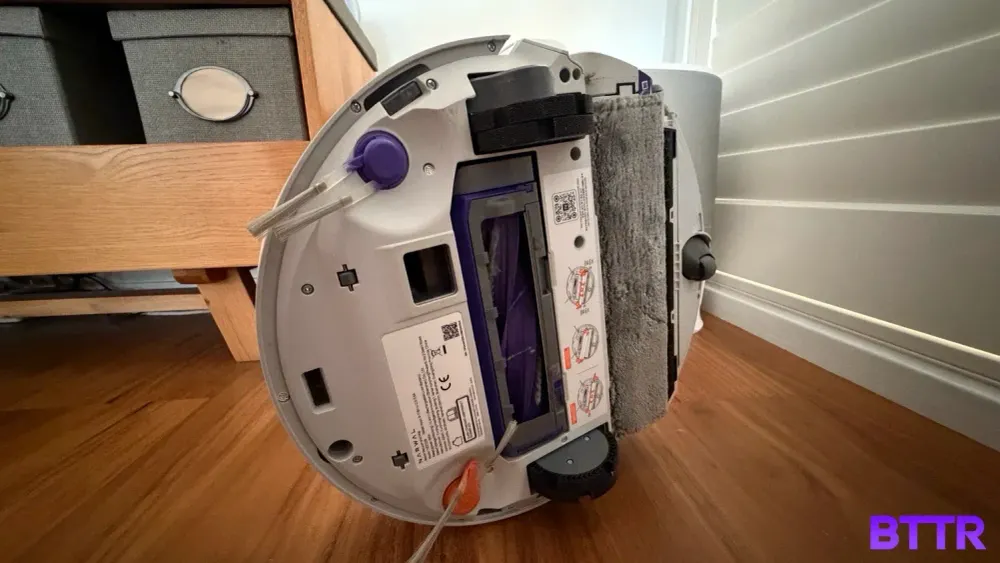
A rubber, mostly bristle-free roller, often marketed as "anti-tangle" or something similar, picks up hair and pet fur with far less wrapping and jamming than a traditional bristled brush.
Roborock calls its version DuoDivide, a dual-brush design built specifically to stop long hair wrapping around the roller's centre spindle.
Dreame takes a more literal approach with what it calls TriCut, a roller brush with a triple-blade arrangement that physically cuts hair as it wraps in, feeding it straight into the dustbin.
If you've got long hair or pets in the house, keeping on top of it is more important than a high Pa spec.
Edge and corner cleaning
Side brushes, plus software that specifically hugs skirting boards and corners, determine how much of a room's edges actually get cleaned.
Narwal and Eufy tackle this the same physical way, just under different names. Narwal's EdgeReach extends a track-style mop to within about 5 mm of a wall on its Flow model, while Eufy's CornerRover extends the side brush itself out along baseboards and into corners on its E-series.
Either way, the point is a moving part that physically reaches toward a detected edge, rather than a brush relying on its fixed spin radius to get there.
Automatic carpet boost
The better robots can feel when they've rolled from hard floor onto carpet and bump the suction and brush height up automatically, saving battery on the hard floor while still getting a proper clean on the carpet.
Cheaper models just run one fixed suction level regardless of what's underneath them, which either wastes battery on hard floor or under-cleans the carpet.
Carpet height clearance and chassis lift
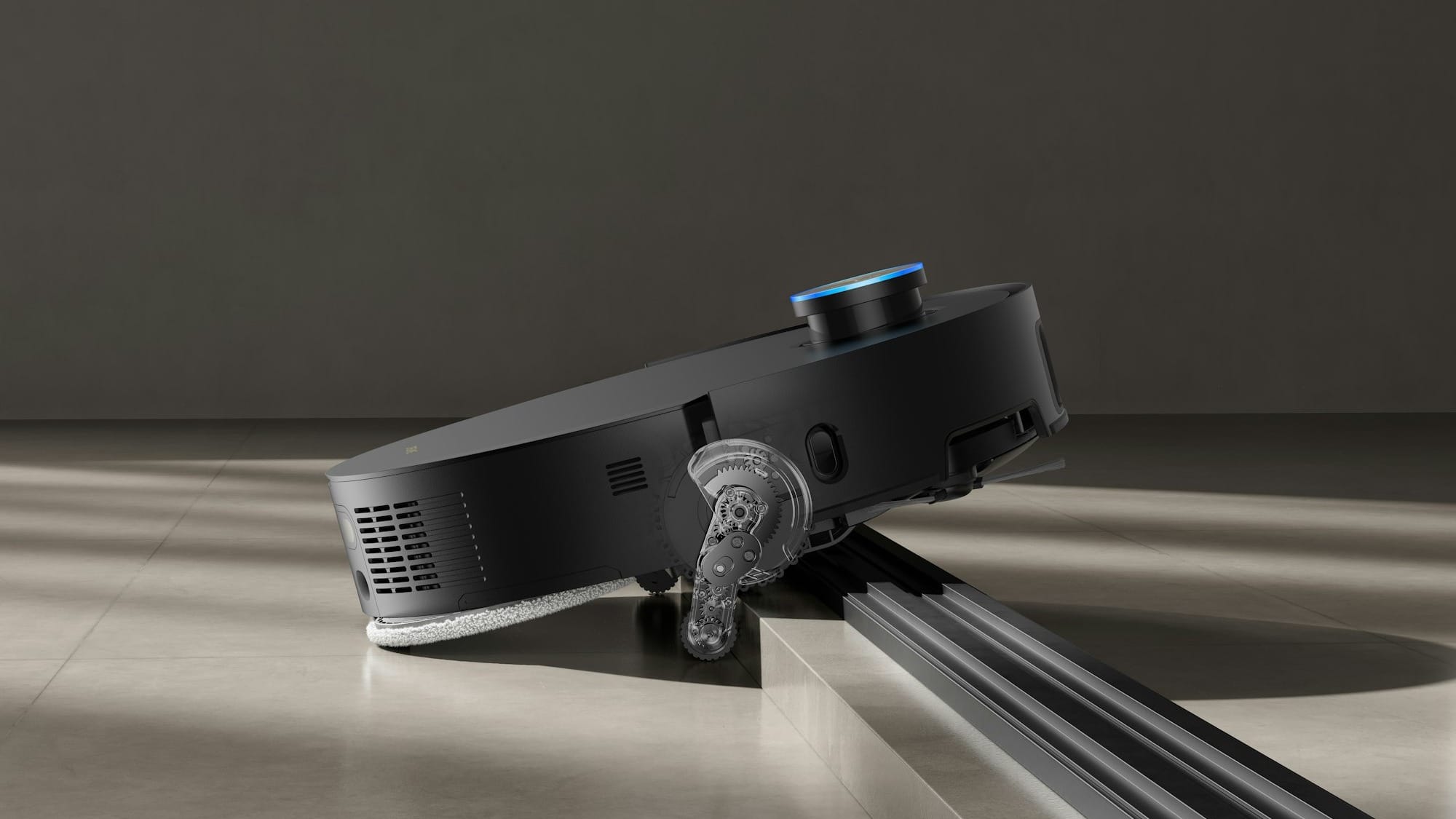
Every robot has a maximum pile height it can physically climb onto and clean, usually listed in millimetres. But there's more than one way to physically get a robot up and over a lip or a thick rug.
The simplest approach just raises the whole chassis evenly on its wheels. Narwal uses a version of this on its Flow model, extending the main wheels to lift the robot's front end and nose it over a barrier, rated for single thresholds up to 30 mm.
Roborock's AdaptiLift system, now in its third generation on the Saros 20, works similarly but adds a front wheel lift that raises the nose first, letting the main wheels grip and pull the rest of the body over. It clears two-tiered thresholds, two steps combined, up to about 9 cm.
Dreame takes a more mechanically involved approach with ProLeap on the X50 Ultra. Rather than lifting the entire chassis at once, retractable actuator legs push out and shove one side of the robot up and over a lip, letting the robot momentarily straddle the threshold before the other side gains traction and walks itself the rest of the way across. It's rated for two-tiered thresholds up to 6 cm.
MOVA pushes the same actuator-leg idea further on the Z60 Ultra Roller with what it calls StepMaster 2.0, paired with a LiftPro chassis. Independent testing clocked it clearing a 45 mm single threshold and an 80 mm two-tiered one.
If your home has a step between rooms, a thick doormat, or door tracks between tile and carpet, this is what decides whether your robot cleans the whole floor plan or quietly gives up at the same place every time.
Docks: where the real money goes
The base station is what turns a $400 robot into an $1,800 one.
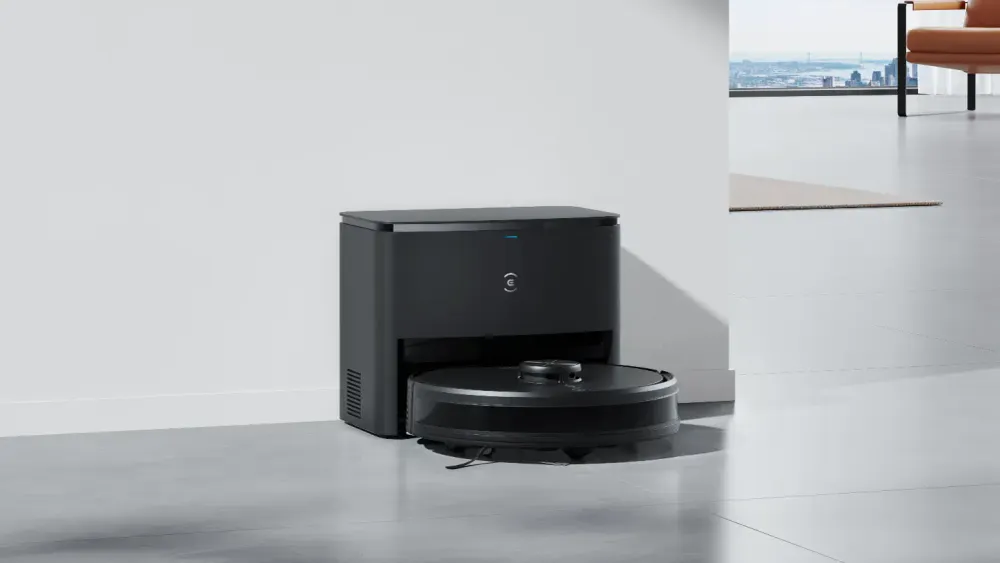
A self-emptying dock sucks the robot's small internal dustbin out into a larger bag or bin in the station after every run. You're emptying the station every few weeks instead of the robot itself after every single clean.
There are two competing approaches to how that larger bin actually holds the dust, and they trade off against each other in a way worth understanding before you buy.
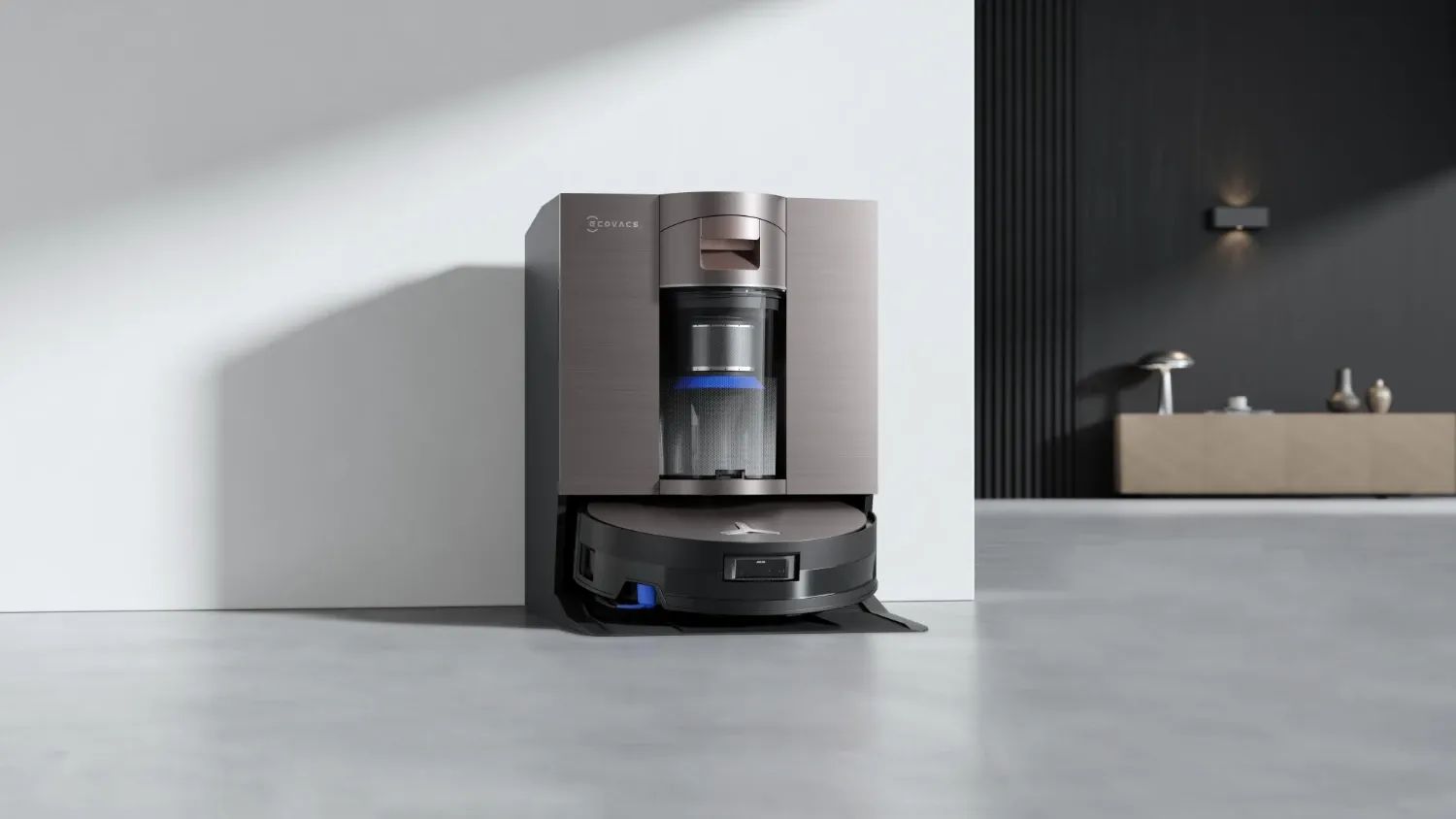
Bagged vs bagless collection
Most docks empty into a disposable dust bag inside the station, good for around 60 to 65 days before it needs replacing.
The bag keeps dust completely sealed away from you, which is great if anyone in the house has allergies, but it does mean you're buying replacement bags every few months.
Ecovacs took a different route on its current flagship, the Deebot X11 OmniCyclone. Its OmniCyclone station uses cyclonic separation, which is essentially a scaled-down version of the technology in a bagless upright vacuum, to spin dust into a reusable 1.6-litre bin instead of a disposable bag.
Ecovacs claims it can go up to 48 days between empties with no ongoing bag cost.
Bagless saves you a recurring expense. But you're the one opening that bin and giving it the occasional proper clean, rather than just pulling out a sealed bag and binning it.
Mop washing and drying
On the mop-combo models, a self-washing, self-drying dock goes further, washing the mop pad in hot water, wringing it out, and drying it automatically between runs.
The water temperature matters here. Dreame's Aqua10 Ultra Roller claims the boldest number in the category, washing its mop at up to 100 °C, which is hot enough to break down grease rather than just rinse it around.
Ecovacs runs its X11 OmniCyclone's wash cycle at 75 °C, still well above what you'd get from a cold-water rinse.
A damp mop pad left sitting in a robot for a day or two turns into a hygiene issue. If the dock actually dries the pad properly at the end of the cycle, it helps prevent bacteria growth and unpleasant odours filling your home.
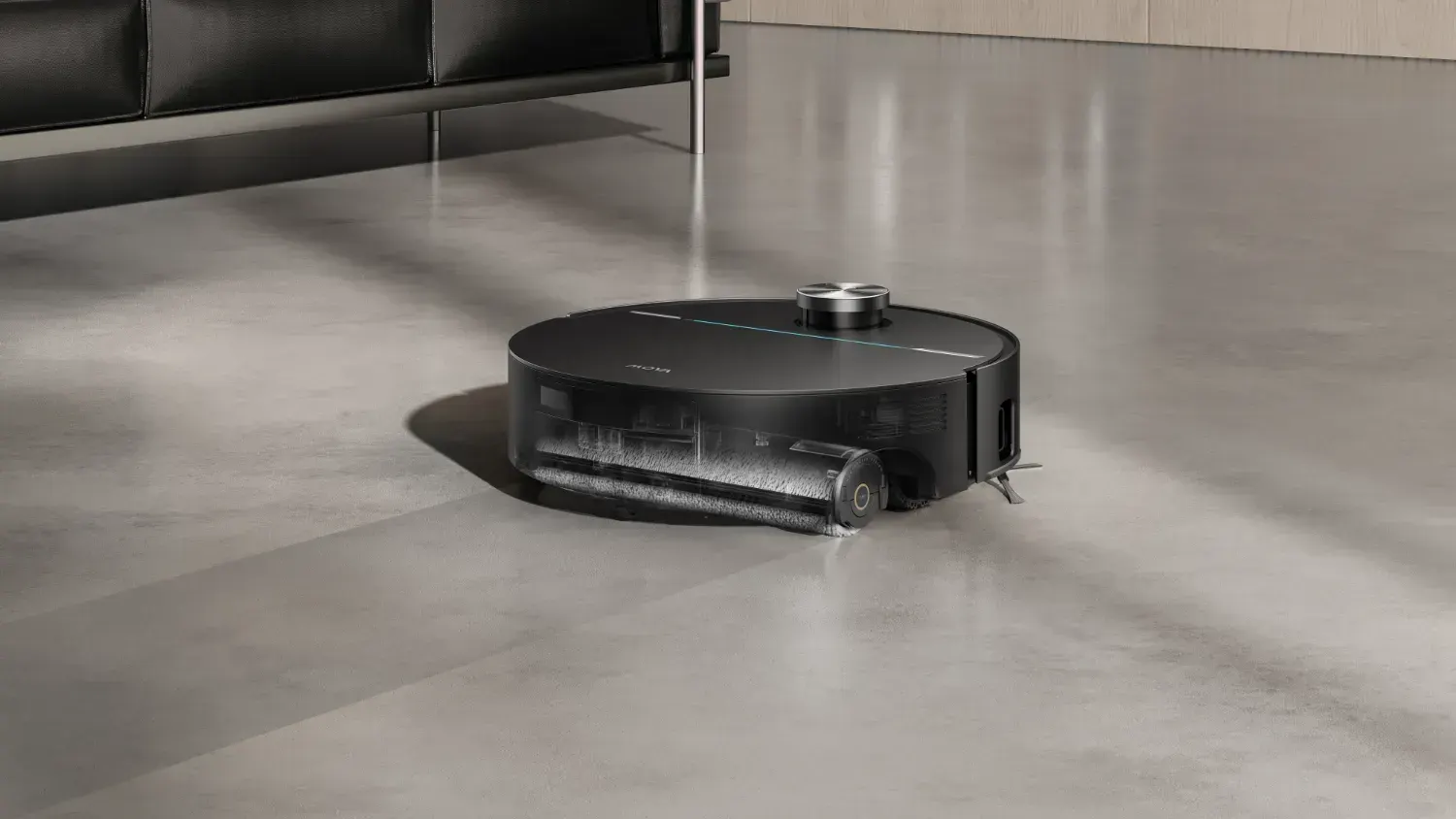
Robot mopping, and is it worth it?
For many years, robot mopping was little more than a wet cloth smearing mess along your floors. But recently, it has become a real differentiator between models, thanks to the introduction of a more roller-style mop.
Vibrating pads vs spinning pads vs the roller mop
Budget and older mop-combo robots use a flat pad that vibrates rapidly against the floor, fed by a small onboard water reservoir.
It's fine for daily maintenance on sealed hardwood, tile, or laminate floors, picking up light dust and food residue between more thorough manual mops.
It's also the weakest of the three approaches for cleaning stubborn marks, since it's little more than dragging a damp cloth around under the robot's own weight.
The mid-tier step up is a spinning pad, or a pair of them, rotating against the floor at speed with a continuous feed of clean water.
That constant scrubbing motion is a real improvement over a dragged pad, and it's been the default on premium robots for the last couple of years.
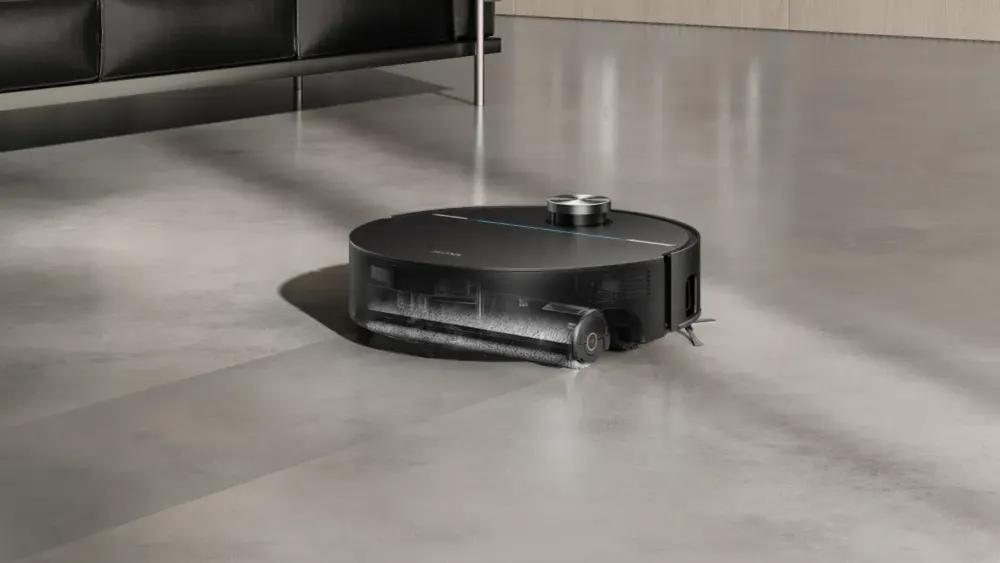
But the biggest development is the roller mop. Instead of a pad, the robot drags a spinning cylindrical roller across the floor, continuously fed with clean water, while a squeegee blade scrapes the dirty water off the roller into a separate onboard waste tank.
That means you’re not cleaning the floor with a dirty mop pad. It’s always fresh water being applied to the floor as it mops.
In some instances, like Narwal's Flow, the vacuum will feed warm water at around 45 °C into the roller as it cleans, which gives it the benefit of heat to deal with grease and sticky residue that a cold-water system struggles with.
Keeping mop mode off your rugs
A constant water feed means robot mopping and carpet generally don't mix well. Most manufacturers explicitly tell you not to run mop mode over rugs or carpet, since a soaked pad dragged across fibres can leave a rug damp for hours.
The better robots physically lift the mop pad several millimetres clear of the floor the moment they detect carpet, sometimes alongside a small clearance system that also helps the robot itself cross the threshold.
Some robots go a step further and remove the mop pad from the equation entirely. Models like Roborock's Qrevo Edge 2 Pro can return to the dock partway through a run, physically detach the mop pads and leave them there, then carry on vacuum-only across the carpet before reattaching them once it's back on the hard floor.
A few roller-mop models take a different physical approach again: rather than lifting the roller clear or detaching it, a shield or guard deploys underneath to physically cover it.
MOVA calls its version AutoShield, retracting the roller and dropping a moisture-blocking shield over it the moment it senses carpet, so there's a physical barrier between the wet roller and the pile rather than just a gap.
Roborock's newer roller-mop model, the Qrevo Curv 2 Flow, does something similar, lifting the roller by up to 15 mm and deploying a built-in water-blocking guard underneath it for the same physical separation.
Cheaper models might just avoid carpeted areas entirely during mop mode, which sounds safer but can leave gaps in your cleaning coverage. If your home mixes hard floor and rugs in the same open-plan space, check the model's mop-lifting mechanism specifically before you buy.
Where robot vacuums still struggle
Thick, high-pile rugs. Either the robot can't physically climb onto them, or it lacks the suction and brush clearance to clean them properly once it's there.
Cables and cords. Still the single biggest cause of a robot getting tangled and giving up mid-run. No current navigation system is 100% reliable at spotting and avoiding a loose charging cable, even with the obstacle libraries some flagships now carry.
Stairs. No consumer robot vacuum climbs or descends stairs (yet), though there have been some cool concepts at trade shows like IFA and CES. In a multi-level home, you either need a separate robot per level with physical barriers at the top of stairwells, or manually carry the vacuum upstairs yourself.
Dim rooms for camera-based models. vSLAM robots can lose their bearings in low light, an issue LiDAR-based robots don't have.
Cluttered floors. Toys, shoes, and general mess left on the ground remain a common cause of an incomplete run or a stuck robot, no matter how good the navigation is.
Should you actually get a robot vacuum
A robot vacuum makes the most sense as a maintenance tool, something that keeps floors from building up dust and pet hair between the proper cleans, rather than a full replacement for a decent vacuum.
That's especially true if you've got thick carpet or pet hair concentrated in a few specific spots.
If your home is mostly hard floor or low-pile carpet, has a reasonably open layout, and isn't constantly covered in loose stuff on the ground, a robot with proper LiDAR navigation and a self-emptying dock will make general home cleaning significantly easier.
If you've got thick shag rugs, several levels connected by stairs, or a home where cables and clutter change daily, the benefit drops. It’s still helpful, but may require a lot more effort to keep your home maintained before the robot does its thing.
Either way, it's worth shopping around before you commit. Prices on both robot and stick vacuums move constantly, and the flagship model from six months ago is often heavily discounted once its replacement lands.
Latest vacuum deals