

BTTR is independent. We may earn a commission if you buy through our links.
Why trust us? | How we test
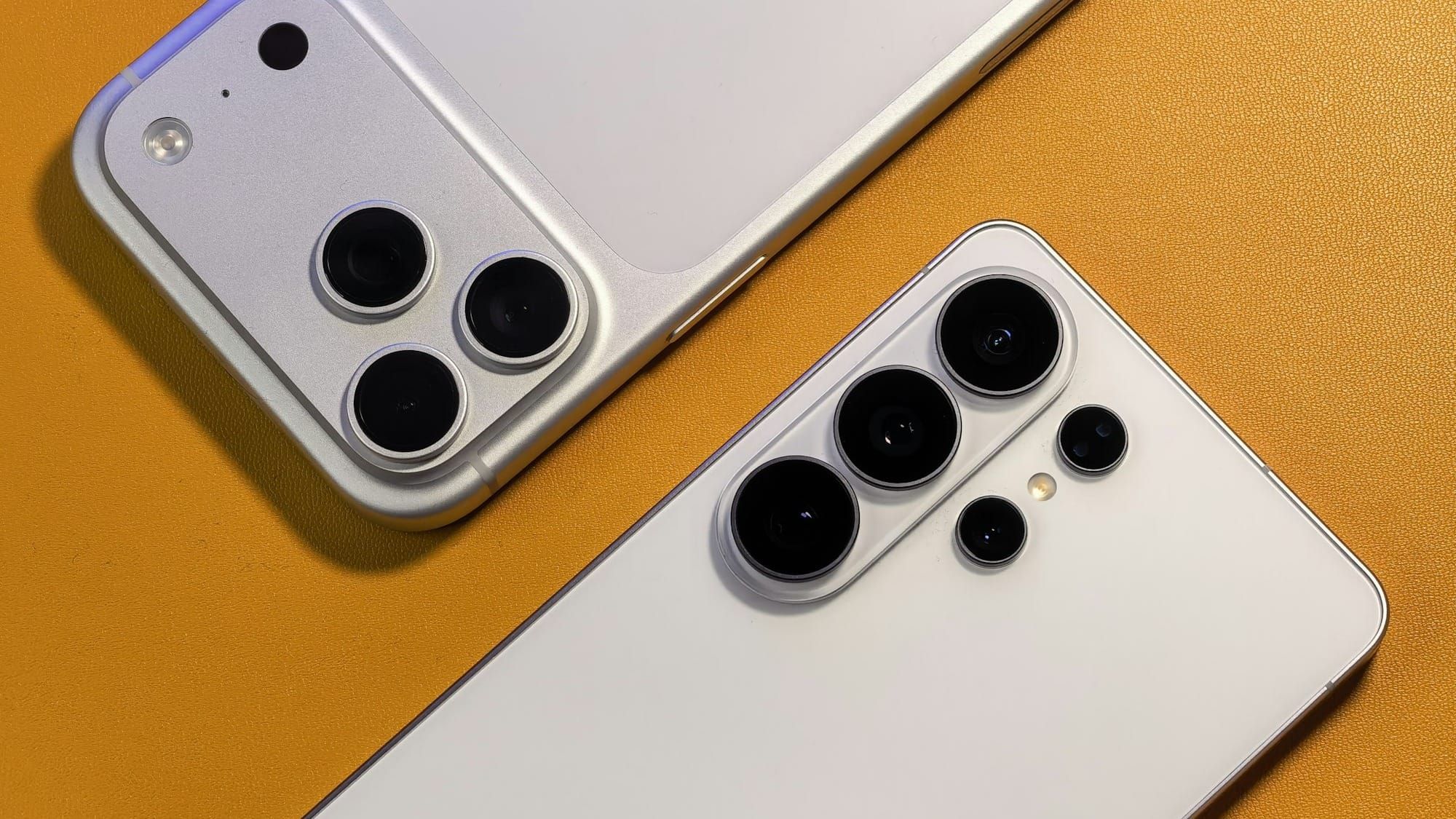
The first factor when choosing a smartphone is what operating system you want to use. And most of the time, you stick with what you know: iOS if you’re in the Apple ecosystem, or Android if you’re not.
While there are plenty of arguments over which is “better”, both platforms have their strengths and weaknesses. Sometimes they’re the same thing, just viewed at from a different perspective.
So let's break down what the practical differences between Android and iOS are, and why now might be the ideal time to consider switching it up.
Ecosystem lock-in is the most important factor
The decision that matters most when determining iOS vs Android isn't really about the phone in your hand. It's about everything around it.
Apple's ecosystem is built around a specific set of features, collectively branded “Continuity”.
Continuity includes features like AirDrop for file transfer, Handoff for moving a task between devices mid-stream, Universal Clipboard for copying text or images on one device and pasting on another, and iMessage tying conversations together across every Apple device you own.
None of this requires any manual setup. It simply works the moment you're signed in to the same Apple ID across devices.
If you already own a Mac, iPad, or Apple Watch, this is a large part of the iPhone's appeal.
Switching to Android means losing Handoff, Universal Clipboard, and Continuity Camera, and it means iMessage conversations fragment into standard SMS or RCS rather than staying in one unified thread. That can be an extremely frustrating experience.
While Apple's ecosystem offers real benefits over Android, Google has been closing the gap fast. Quick Share, Android's own file-sharing tool, now talks directly to AirDrop instead of routing around it.
Google confirmed in May 2026 that Quick Share works natively with AirDrop on a growing list of phones, starting with Pixel and expanding to Samsung, OPPO, OnePlus and HONOR flagships.
If your phone isn't on that list, there's a fallback. Quick Share can generate a QR code that lets any Android phone send files to an iPhone through the cloud, with no app required on either end.
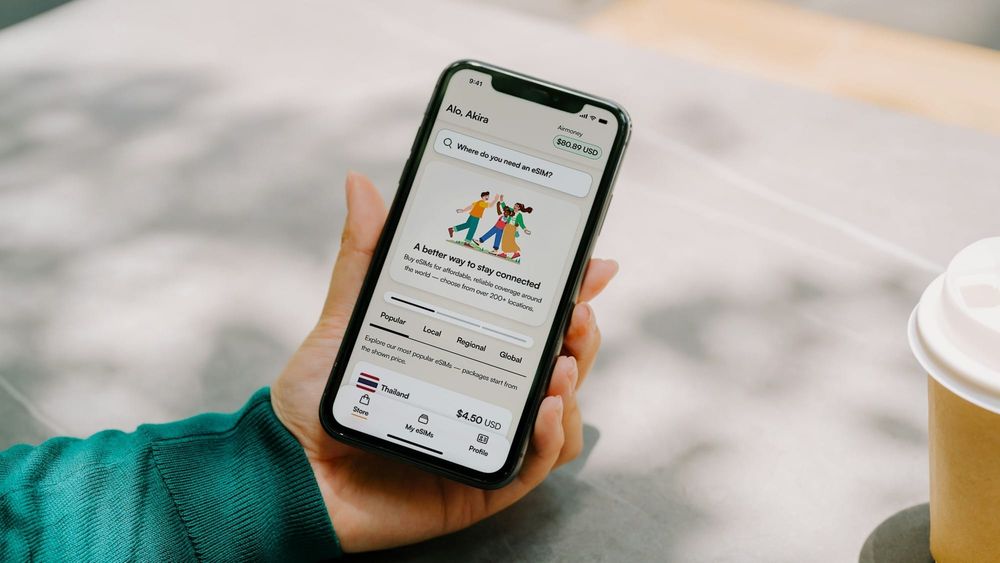
Google didn't stop at file transfers, either. It's overhauled how you move from an iPhone to a new Android phone, so your passwords, photos, messages, apps, contacts, home screen layout and even your eSIM can migrate wirelessly instead of you rebuilding your phone from scratch.
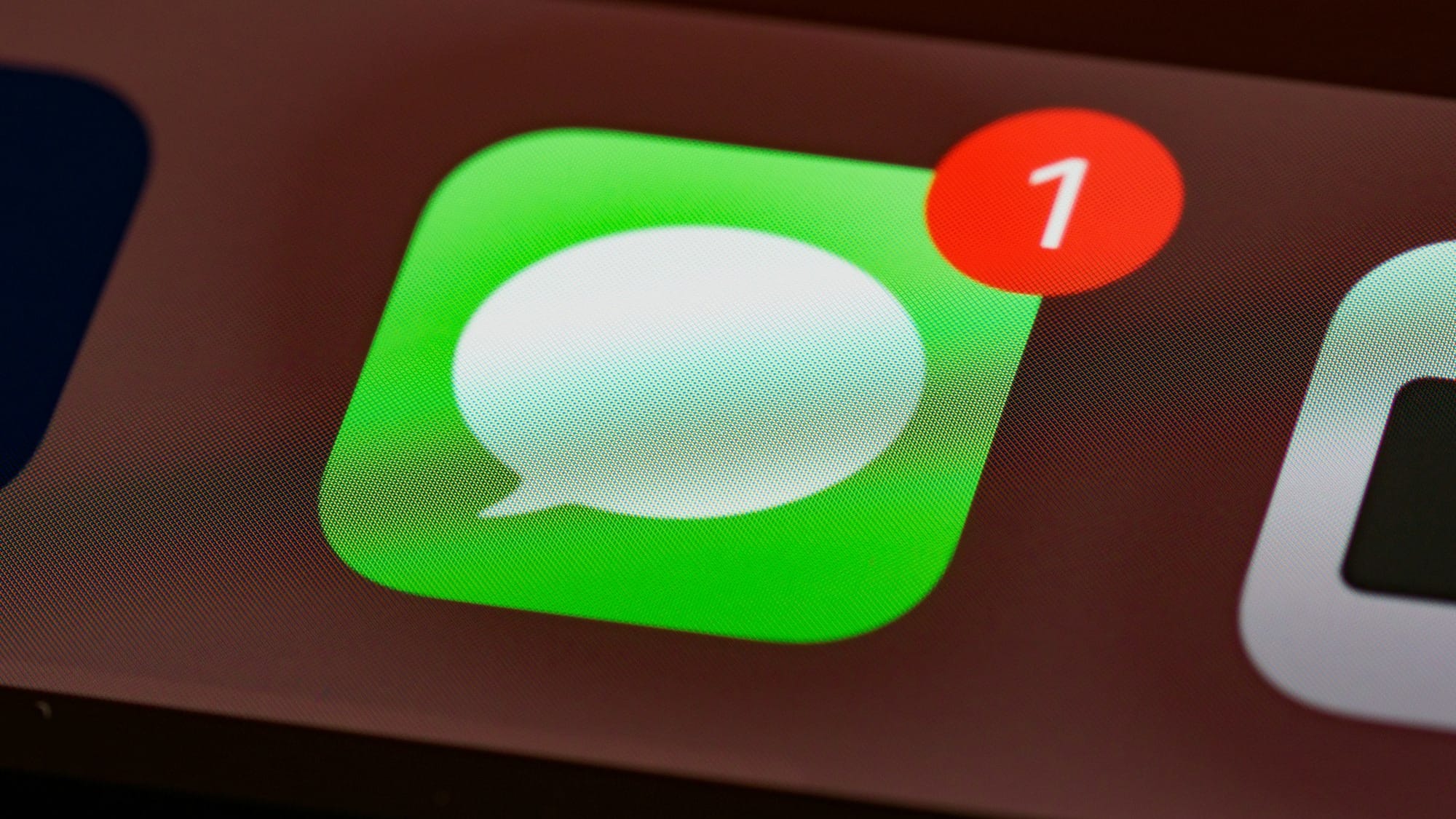
Blue vs green bubbles
Apple and Google have since rolled out end-to-end encryption for RCS messages between iPhone and Android, so a cross-platform chat can finally be as private as an iMessage or WhatsApp thread.
Australians sadly still can't use any of it, though. Telstra, Optus, and Vodafone haven't switched RCS on for iPhones, so a message between an iPhone and an Android phone on an Australian network still falls back to plain SMS or MMS, without the read receipts, high-res media or encryption.
That's not an Apple or Google problem. It's a local carrier one, and until one of the big three flips the switch, texting between platforms won't feel any different here than it did five years ago.
Neither of these changes close the ecosystem gap completely. Handoff and Universal Clipboard remain Apple-exclusive. But that growing cross compatibility is definitely making switching out of Apple’s ecosystem a bit easier.
If you're not locked into anything on either side yet, know that the walls between the two platforms are lower than they were even two years ago.
Smartwatches are still a hard boundary
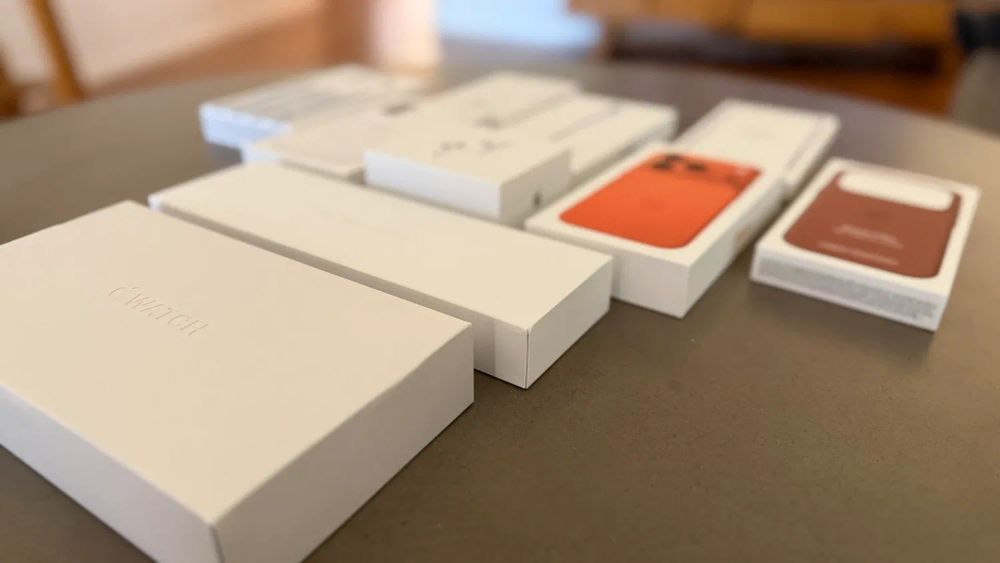
An Apple Watch only pairs with an iPhone. Buy one, and you're committing to iOS for as long as you want to keep wearing it.
Android's answer is Wear OS, used by brands like Samsung's Galaxy Watch and Google's Pixel Watch. It works with any Android phone, though Samsung's version pairs best with a Samsung phone specifically.
If a smartwatch matters to you, work out which one you want before you pick the phone. It could be the deciding factor, more than the phone itself.
What if you're buying for a kid, not yourself?
Apple's Family Sharing and Google's Family Link both let a parent manage screen time, app downloads and location for a kid's phone.
However, neither is available to the other platform, so whichever ecosystem you're already on for your phone is the path of least resistance for a kid's first device, too.
Update timelines differ more than you might expect
Apple controls both the hardware and software for iPhones, which gives it more granular control over how long it can support a device.
While it doesn't publish a “fixed” guaranteed number of years, its real-world support track record runs to roughly five to seven years of major iOS updates, depending on the model.
Historically, Android was comparatively weaker in this regard, but it has closed the gap significantly in recent years. Since the launch of the Pixel 8, Google's own phones carry a formal seven-year commitment for both major OS updates and security patches, matching or exceeding Apple's typical real-world window.
Samsung matched this with the Galaxy S24 series in 2024, extending seven years of updates to its flagship Galaxy S, Galaxy Z (foldable), and Galaxy Tab S lines.
That said, this long-support commitment doesn't extend evenly across all Android devices. Plenty of budget and mid-range Android phones from other brands are still shipping with as little as one to two years of major OS and security updates.
Depending on how long you want to keep using your phone, this makes an enormous difference on whether you should buy the phone.
If you're the type to hold on to a phone for four or five years, checking the specific Android model's promised update window has become essential, since "Android" alone is not a reliable statement of longevity.
Customisation vs consistency
Android lets you change default apps, install a different launcher, side-load apps from outside the Play Store, and generally reshape how the phone looks and behaves.
iOS has loosened up over recent versions, letting you customise home screen widgets and change some default apps, but the core experience stays closer to what Apple decided it should be.
Neither of these are objectively better. If you like tinkering, or you want a specific third-party keyboard, launcher, or file manager, Android gives you considerably more room to move.
If you'd rather the phone just work the same predictable way every time without much thought, iOS's consistency is a selling point, not a limitation.
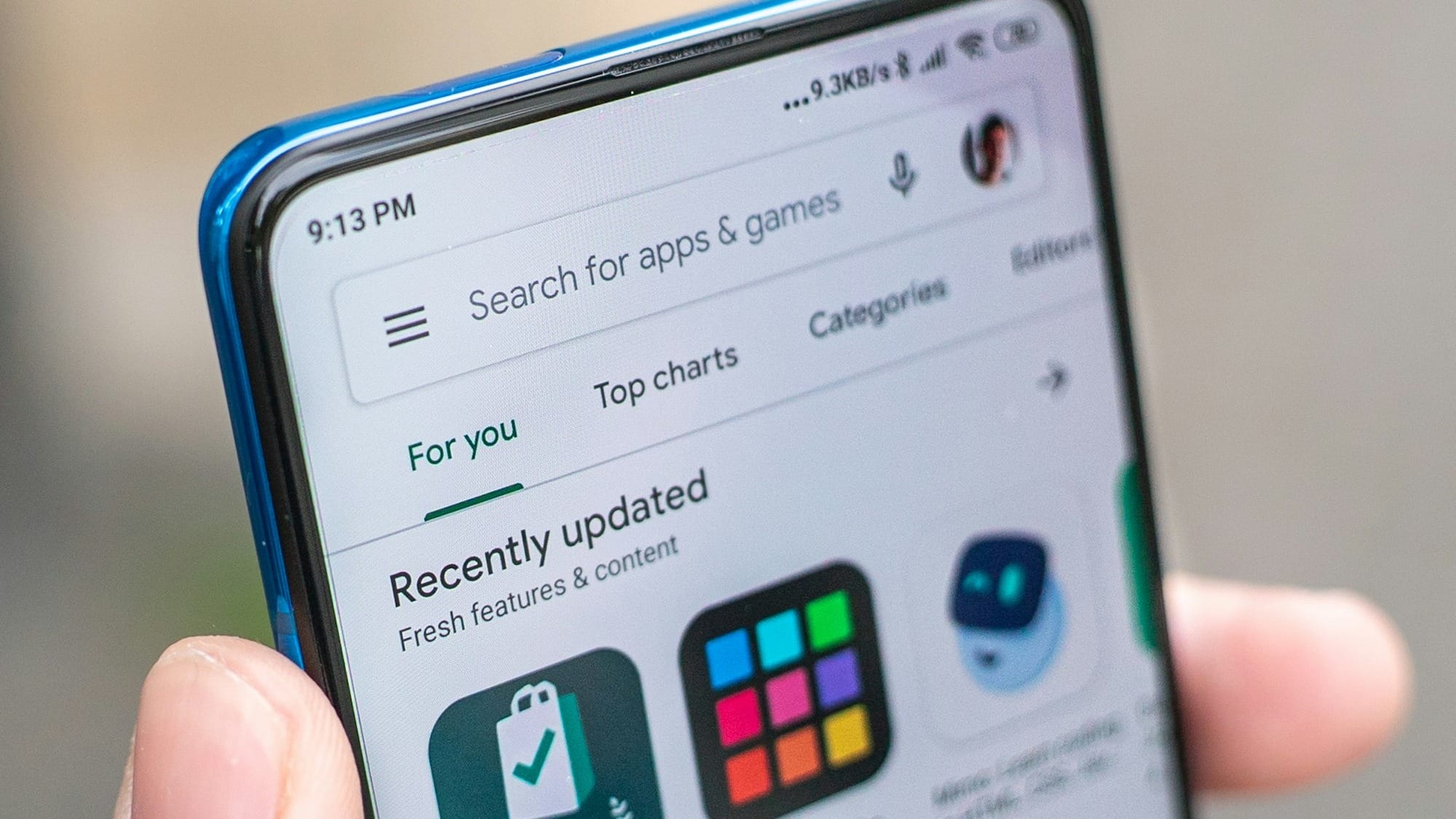
Important app availability rarely differs anymore
For nearly every mainstream app, from banking to social media, productivity to streaming, you can usually grab the app you want on both Apple and Android app stores.
However, it does still become a differentiating factor for certain niche software products, some professional creative tools, and certain games, plus accessories that ship with iPhone-only companion apps.
If there's a specific app or accessory you already rely on, it's worth a quick direct check rather than assuming both platforms treat it equally.
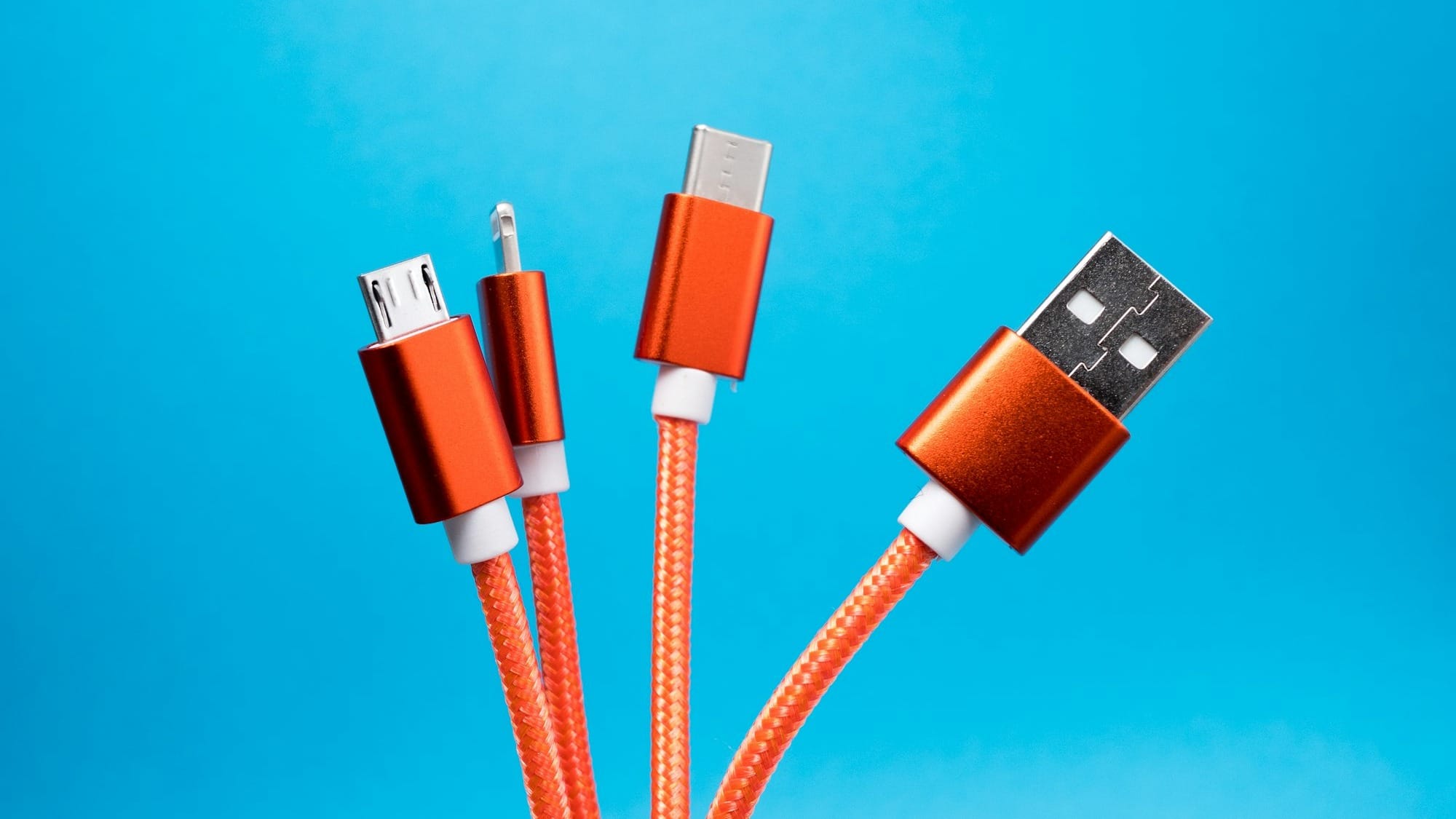
Charging and accessories aren't the divide they used to be
One of the most annoying parts of switching used to be the cable. Apple ran its Lightning connector, while Android had already standardised on USB-C.
That's gone. Every iPhone since the iPhone 15 in 2023 ships with USB-C, so the same cable and charger now work across both platforms.
It's a small thing, but it removes one of the last physical reasons to feel locked into a brand's accessory ecosystem. Buy a decent USB-C charger, and it'll work with your next phone, regardless of which side you land on.
The difference does remain with wireless charging, though. Apple’s MagSafe standard has been a common inclusion since the iPhone 12. Apple even contributed to the Qi standard, bringing the benefits of magnetic alignment to the Qi2 standard.
But the vast majority of Android devices still don’t support Qi2 natively. If you want magnetic wireless Qi2 charging, you need an iPhone, or to check the specs on the Android phone you want to buy.
Second-hand value and repairability
iPhones generally hold resale value better than most Android phones, which is important if you plan to sell or trade-in your device every couple of years.
JB Hi-Fi runs a trade-in program through Assurant, and Officeworks runs its own through Moorup. Both will quote you instantly, and the gap between what they offer for a two-year-old iPhone versus a two-year-old Android flagship is usually noticeable.
Using Officeworks’ platform, a 128 GB iPhone 15 will see a $450 trade in value. A Samsung Galaxy S24 128 GB offers $360. Both are about two years old (almost three for the iPhone), and were selected as being in good condition and working.
If your old phone isn't worth trading in at all, Mobile Muster, the industry-funded recycling scheme, will take it instead of it sitting in a drawer.
Repairability has shifted on both sides recently, with right-to-repair pressure pushing more manufacturers toward supplying parts and repair manuals.
That said, availability and cost of genuine parts still varies by brand and specific model, rather than splitting cleanly along OS lines.
Which should you choose?
If you're already inside the Apple ecosystem with a Mac or an iPad, the friction of leaving usually isn't worth it. It’s getting easier as Android manufacturers (and the EU) find ways to tear down Apple’s walled-garden approach.
If you're not locked into anything, and you want more flexibility over how the phone works and what you can install, Android is a clear choice.
But in the end, neither platform is objectively better than the other. It's about which set of trade-offs suits how you use your devices day to day.
Expect the gap between the platforms to keep narrowing. Android will keep adding Apple-esque features and easier switching tools, and Apple will keep RCS moving forward globally even while Australian carriers drag their feet on turning it on.
Neither side is going to hand over its walled garden, but the walls are getting lower every year.
Latest smartphone deals