

BTTR is independent. We may earn a commission if you buy through our links. Why trust us?
TVs have gotten a lot bigger in the past few years, but nothing beats a projector for delivering screen inches.
But the right choice for your room comes down to more than just the biggest screen.
Plenty of people buy a projector expecting a cinema-scale picture, then find it looks washed out the first time they try to use it on a Sunday afternoon with the blinds open.
Others buy the biggest TV they can justify, without realising a projector would have delivered a much bigger picture for less money.
The key factor you need to look at for helping you make this decision is brightness.
To understand how to pick the right option for your room’s ambient lighting, there are two units of measurement to pay attention to: nits and ANSI lumens.
I’m going to try to explain the difference and what each one means.
Nits and lumens aren't measuring the same thing
When you’re choosing between a TV and a projector, a lot of the specs directly line up. Screen size and resolution, for example, are measured in the same way for both technologies.
But brightness is technically measured in different ways, because of how each product’s technology works.
A TV panel makes its own light. What reaches the eye travels straight from the screen, with nothing in between.
A projector doesn't emit light toward the eye at all. It emits light toward a screen, and what you see is whatever bounces back off that surface.
How bright that looks depends on the projector, but also on the screen size, the screen material and the surrounding room.
What a nit measures
A nit is a unit of luminance, how much light a surface gives off per square metre. It's the unit TV panels are rated in because a TV panel is the light source itself.
Most mainstream LCD and QLED TVs sit somewhere in the 350 to 600 nit range for everyday SDR content.
Flagship OLEDs have closed a lot of the brightness gap in the past two years. Samsung's 2026 flagship OLED, the S95H, measures a peak brightness of around 2,700 nits. But that’s peak brightness. It’s a measure of the maximum brightness a screen can produce on part of a display for a limited window of time.
Full-screen brightness is arguably the number that matters more for most people. It measures how bright the entire TV can get when displaying a fully white image.
Typically, it’s a lower number than peak brightness, but it’s a more useful reflection of a TV’s capabilities when you watch a movie in the middle of the day.
What an ANSI lumen measures
A projector's brightness spec measures total light output leaving the lens, not what actually reaches the eye once that light has travelled across a room and bounced off a screen.
The reliable version of that spec is the ANSI lumen, a standard from the American National Standards Institute. It's measured by projecting a pure white image and averaging brightness readings taken at nine points across the image, arranged in a grid.
That averaging stops a manufacturer quoting the single brightest spot on the screen and calling it the spec.
If a projector's box just says "lumens" with no ANSI (or the newer, near-identical ISO 21118) in front of it, treat the number with suspicion.
Unrated lumen figures commonly run two to three times higher than what the projector delivers on screen in practice.
How to compare nits and lumens
ANSI lumens measure the brightness of light that leaves the projector. But what matters is how that looks on the wall, and that depends on screen size because the same light spread over a bigger area gets dimmer.
The industry measures this with the foot-lambert (ft-L), a unit of the light bouncing off the screen back toward the viewer.
| What you need | Formula |
|---|---|
| Screen brightness (foot-lamberts) | Projector lumens ÷ screen area in square feet × screen gain |
| Nits, to compare against a TV spec | Foot-lamberts × 3.426 |
A 100-inch 16:9 screen works out to roughly 29.7 square feet. A 150-inch screen is about 66.8 square feet, more than double.
The Society of Motion Picture and Television Engineers sets the reference target for a dark room at 16 ft-L, with an acceptable range of 12 to 22. For a room with some ambient light in the evening, most projector installers aim closer to 30 ft-L.
For daytime use with the blinds open, that climbs to 50 to 60 ft-L.
Here's what that means in lumens, at a standard 1.0 gain screen:
| Screen size | Dark room (16 ft-L) | Evening, some ambient light (30 ft-L) | Daytime, blinds open (55 ft-L) |
|---|---|---|---|
| 100" | ~475 lumens | ~890 lumens | ~1,635 lumens |
| 120" | ~685 lumens | ~1,280 lumens | ~2,350 lumens |
| 135" | ~865 lumens | ~1,625 lumens | ~2,975 lumens |
| 150" | ~1,070 lumens | ~2,005 lumens | ~3,675 lumens |
Let’s run a real projector through that table to see what it means in the real world. Hisense's PX3, an ultra short throw laser projector, is rated at 2,800 ANSI lumens.
At its full 150-inch size, that works out to roughly 42 ft-L, comfortably brighter than a dark room needs and well into daytime territory. Shrink it down to 100 inches, and it's pushing over 90 ft-L, more brightness than any room realistically requires.
One thing worth flagging directly: some guides quote a flat conversion like "one nit equals 3.426 lumens," treating the two units as interchangeable. They're not.
Nits measure luminance and lumens measure total light output, and converting between them requires knowing the area the light is spread across. The 3.426 figure converts foot-lamberts to nits, not lumens to nits directly.
Preparing your room
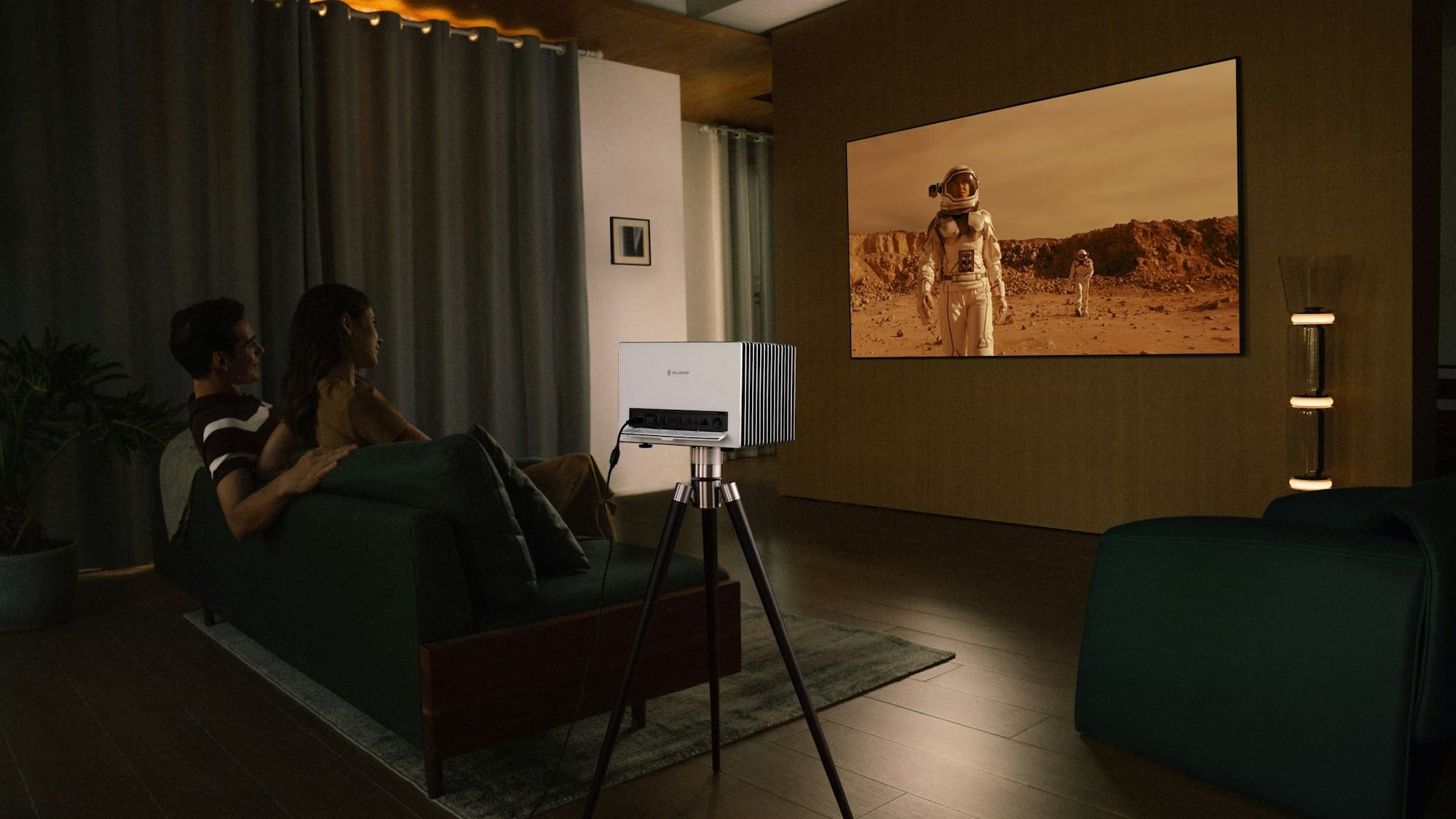
Once you know the lumens number your room and screen size require, you need to consider the rest of your room.
Window orientation and blockout curtains matter. A north-facing living room with sheer curtains is a different lighting problem to a south-facing media room with proper blockout blinds.
Wall and ceiling colours matter too. Pale walls scatter light bouncing off the screen back into the room, which drops effective contrast even when the projector itself is bright enough.
A dark, matte wall behind and around the screen can help perceived contrast more than most people expect.
Consider an Ambient Light Rejecting screens
An Ambient Light Rejecting (ALR) screen uses a micro-structured surface that reflects light coming from the projector's angle straight back toward the viewer, while absorbing or deflecting light hitting it from other angles, like a window or a downlight.
They help significantly in rooms with unavoidable ambient light. But they don't fix a projector that's underpowered for the room in the first place.
Pairing an ALR screen with a projector that's already short on lumens for the screen size just makes an already-dim picture look slightly less dim, not bright.
Anti-glare coatings are changing the equation for TVs too
Ambient light doesn't only work against projectors. A glossy TV panel in a bright room throws back sharp, mirror-like reflections of windows, lamps, and anything else nearby, which can be just as distracting as a washed-out projected image.
Samsung's OLED Glare-Free technology, introduced on the S95D and carried through to the S95F and S95H, uses a matte hard-coating layer that scatters reflected light into a soft, shapeless glow instead of a sharp mirror image.
LG runs a similar, less aggressive anti-reflection coating on its G-series OLEDs, aimed at the same problem.
A TV with one of these coatings can offer better picture quality in a brighter room than you might expect based solely on its raw nits figure.
When to choose a TV over a projector
Daytime and sport
Because a TV's brightness comes from the panel itself, it doesn't fight ambient light the way a projected image does.
That means modern HDR panels are just as bright in the middle of the day as they are at night. If you watch a lot of daytime sport or breakfast TV, a television is going to be much more reliable than a projector.
Gaming
While projectors are much more competitive for the demands of modern-day gaming, TVs still have an edge.
The biggest factor for choosing a TV over a projector today is input lag, or how quickly a controller input is displayed on screen.
Samsung's QD-OLED TVs have measured input lag in the 9 to 10 millisecond range at 4K/60Hz for several generations running, dropping closer to 5 milliseconds at 4K/120Hz.
Independent testing of the Hisense PX3 shows input lag at roughly 17 to 25 milliseconds at 4K/60Hz on its fast gaming mode.
Those numbers indicate that gaming on a projector is certainly not going to be a bad experience, though a TV is arguably the better choice if performance is critical.
Size and cost
TVs still get expensive past 85 inches, just not as quickly as they used to. TCL's budget 98-inch QLED, the P7K, sells for under $3,500 at The Good Guys.
Step up to the C8L, TCL's 2026 model 98-inch QD-Mini LED, and it's closer to $7,000.
A flagship 83-inch OLED from either Samsung or LG will run you just shy of $10K RRP.
So you can go big on a budget QLED panel, and it is cheaper than it's ever been. But going big for OLED-level black levels is still expensive.
Working out which of those two things actually matters for a room is the more useful question than "TV versus projector for size."
That's also true before comparing formats at all. Our TV size guide covers how to work out the right screen size for a room's viewing distance, which applies whether the screen turns out to be a TV or a projected image.
When to choose a projector over a TV
Scale for the money
Hisense’s PX3 costs $3,999 RRP. Samsung’s 83-inch S95H premium OLED costs $9,995 RRP.
Side by side, the projector delivers a screen up to 150 inches for well under half the price of a TV that tops out at 83 inches.
Sure, there are plenty of other factors to consider, but with that arithmetic, considering a projector makes a lot of sense for big screens.
Small rooms and rentals
An ultra short throw projector doesn't need a ceiling mount or a fixed screen bolted to a wall.
It sits on a console like a soundbar, throws its image from centimetres away, and doesn't dominate the room visually when switched off.
That makes it the perfect choice for rentals or rooms that serve other purposes during the day.
Running costs: lamps, lasers and power bills
Lamp-based projectors are still common at the budget and mid-tier, and require you to factor in ongoing costs TVs don't have.
Epson's ELPLP89 lamp, which is used across several of its home theatre models, is rated for 3,500 hours in standard mode or 5,000 hours in ECO mode.
A genuine replacement part runs about $196 from an Australian supplier.
At two hours a night, that means you need to budget a lamp change roughly every four to seven years.
Laser models have mostly solved this, though. The Hisense PX3's laser light source is rated for 25,000 hours, which at two hours a day works out to somewhere north of thirty years, effectively outlasting the rest of the surrounding electronics.
Power draw comes down to the underlying technology as much as the format. OLED TVs use self-emissive pixels, so power usage scales with picture brightness. In other words, a dark movie sips power, a bright sports broadcast uses a lot more.
Samsung's 83-inch S95H carries an official Australian Energy Rating estimate of 905 kWh a year, working out to roughly 248 watts across a typical 10-hour viewing day.
LED and QLED TVs run a backlight more consistently regardless of content, so tend to sit closer to a flat number. Hisense's 85-inch Q6S, a similarly large standard QLED, carries an official rating of 499 kWh a year, roughly 400 kWh less than the S95H despite the comparable screen size.
Technology plays a part in the power consumption of projectors as well. Epson rates the EH-TW9400 at a flat 298 watts whenever the lamp is lit.
Hisense rates its laser-based PX3 at 250 watts, only a little under the lamp projector and landing almost exactly on the S95H's average draw.
Based on the manufacturers' own numbers, technology matters more than product category here. The standard QLED sips the least power of the four, the lamp-based projector draws the most, and the laser projector and the flagship OLED end up in roughly the same place.
Which one should you choose?
It all comes down to your room, really.
If the room gets a lot of daylight, raw brightness will not be the limiting factor. Push a projector's output above 90 ft-L, as the PX3 does at 100 inches, and the picture is bright enough to see even in daylight.
But while the brightness may be enough, contrast will suffer in those bright environments.
A projector's black level is just ambient light bouncing off the screen. That means the image still looks flatter than a TV's blacks, even once it's technically bright enough.
That contrast gap means a TV is the safer call for a brightly sunlit room. The TV size guide is the next step for working out what size.
But if your room is a rental, a share house, or something that serves other purposes during the day, an ultra short-throw projector's lack of permanent installation is a practical advantage.
If the priority is the biggest screen a normal budget can buy, and the room can go dark, the maths above isn't close. A $2,800 to $3,500 laser UST projector will out-size a TV costing two to three times as much.
If competitive gaming is the priority, a flagship gaming TV still holds a real, measurable edge on input lag, even though that gap has narrowed a lot over the past two years.
Expect the gap between the two formats to keep narrowing either way. Laser projectors have dropped sharply in price over the past two years, and 98-inch-plus TVs from budget brands are becoming a normal purchase rather than a novelty.
Whichever way this lands, shop around for the best price on the right one for the room, rather than the one that happened to be on special this week.
Latest TV & display deals